How to keep AI-made ads on brand
Keep AI ads on brand by giving every agent the same logo, colors, voice and real product photos. How Sume's Brand OS does it once for the whole team.
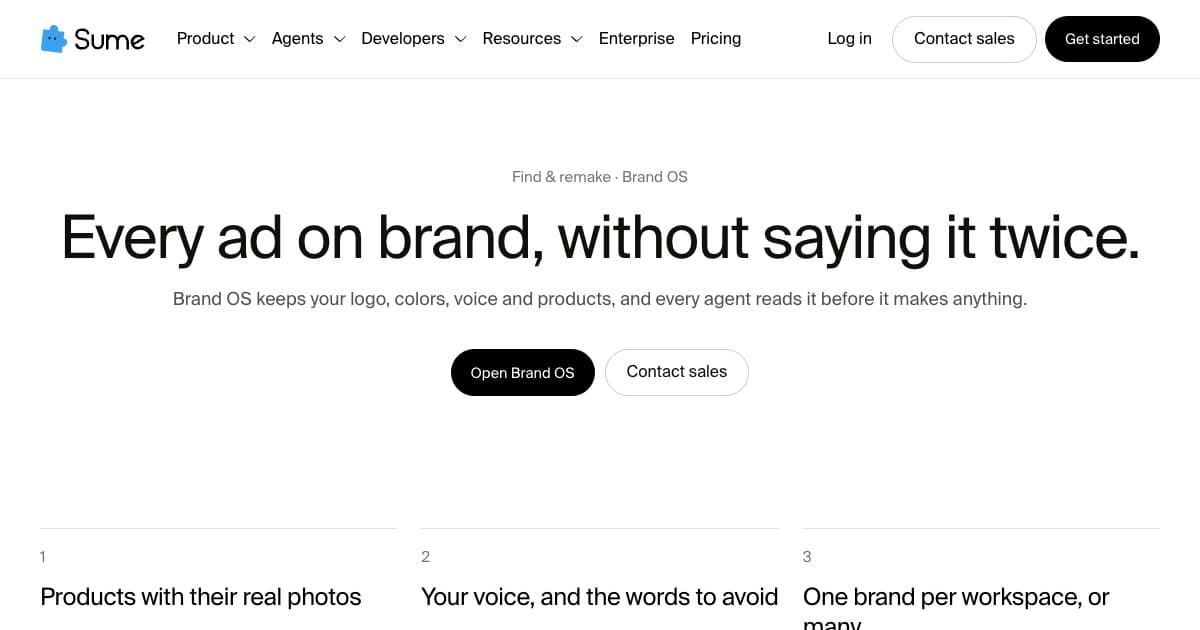
To keep AI-made ads on brand, give every tool the same source of truth before it makes anything: your logo, your colors, your voice and the words to avoid, and your products with their real photos. Repeating that in each prompt is where brands drift.
Sume keeps it in one place. Brand OS holds your logo, colors, voice and products, and every agent reads it before it makes anything (Brand OS).

What goes into Brand OS?
- Products with their real photos, so a remake shows the real item
- Your voice, and the words to avoid
- Your logo and colors for captions, titles and end cards
- One brand per workspace, or many for an agency
Where does it show up?
In every step: Remixy uses your products when it remakes a reference, Edity styles captions in your colors, and Posty writes captions in your voice. Sume checks each result against your ask before anything is posted.
Sources
Related posts
More in Use cases
- How to see the ads your competitors are running now
See competitors' live ads in Meta's Ad Library and TikTok's Creative Center, or have Sume's Scrapy search them by brand and keep the ones that perform.
- AI album cover generator: square art at 3000×3000
Generate square album art, then upscale: Apple recommends at least 3000×3000. On Sume, generate 2400×2400 and upscale it 1.25× to reach 3000×3000.
- AI avatar for online course videos: build and update lessons
Use an AI avatar as your online course instructor: one reusable avatar, a short talking video per section, captions, and one Timeline join per lesson.
- Talking avatar for PowerPoint presentations, slide by slide
Make a talking avatar presenter for PowerPoint: one Sume clip per slide, up to 60 seconds each, in 16:9 or 4:3 to match the slide, inserted as MP4.
Written by Sume