
Add print bleed to an AI image: mirror padding in Pillow
An AI image has no bleed, so a trimmed print can show a white edge. Extend the edges by mirroring with NumPy and Pillow, to the bleed your printer specifies.
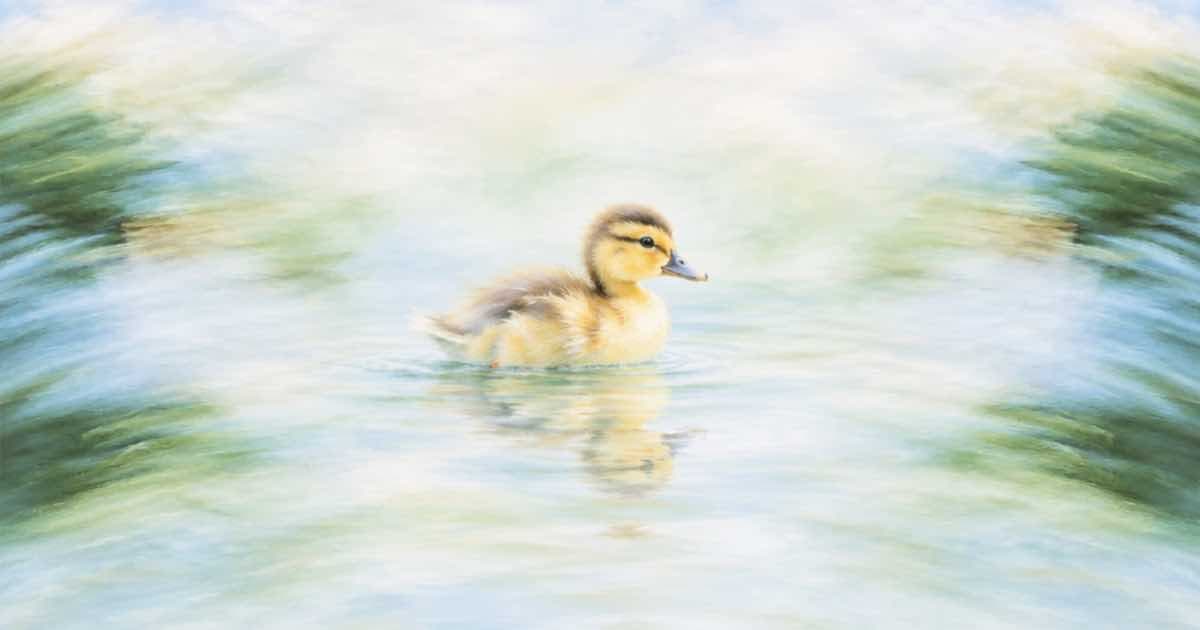
To add bleed to a generated image, reflect its edge pixels outward by the bleed width, converted to pixels at your print resolution, and save the larger file. Mirror padding keeps texture continuous at the new edge, so a slightly off trim cuts through artwork, not a white strip. How much bleed to add is your printer's spec; read it from their file requirements instead of assuming a number.
Image models return a finished picture, not a print file. Nothing in a Sume Image API response includes bleed or crop marks, so the extension is a post-processing step you own.
How do I convert bleed to pixels?
Bleed is a physical length, and pixels depend on the resolution the printer wants. Multiply the length in inches by the dpi.
| Bleed | Pixels per side at 300 dpi | Formula |
|---|---|---|
| 0.125 in | 38 | 0.125 x 300, rounded |
| 0.25 in | 75 | 0.25 x 300 |
| 3 mm | 35 | 3 / 25.4 x 300, rounded |
What is the code?
np.pad with mode="reflect" mirrors the edges without repeating the border pixel. Set bleed_px from your printer's requirement.
import sys
import numpy as np
from PIL import Image

def add_bleed(path, out, bleed_px):
    img = Image.open(path).convert("RGB")
    a = np.asarray(img)
    p = bleed_px
    padded = np.pad(a, ((p, p), (p, p), (0, 0)), mode="reflect")
    Image.fromarray(padded).save(out, dpi=(300, 300))
    return padded.shape[1], padded.shape[0]

if __name__ == "__main__":
    w, h = add_bleed(sys.argv[1], "with-bleed.png", int(sys.argv[2]))
    print(f"saved {w}x{h}")
Does the source image have enough pixels?
Work out the final size first: trim size plus bleed on both sides, in inches, times dpi. Then pick a resolution tier that covers it. The Sume catalog documents resolution tiers of 512, 1K, 2K and 4K for models that support them, and custom image_size on ChatGPT Image 2.5 within its stated limits. If the pixels fall short, upscale as a separate step instead of stretching the request. See the print-file requirements post for what to ask a printer.
When does mirror padding look wrong?
Mirroring duplicates content, so a face, text or a logo near the edge appears twice across the trim line. Keep important elements inside the safe area when you write the prompt, or crop the generated image slightly before padding. For flat or textured backgrounds, mirroring is nearly invisible.
Sources
Related posts
More in Use cases
- Privacy policy update explainer: a 40-second avatar video
Explain a privacy policy change in 40 seconds with a Sume avatar: three scenes, captions on, legal review before render. Cost by tier and a script checklist.
- Pumpkin patch last-weekend promo clip with a carving-night hook
Use the NRF carving stat to make a 10-second last-weekend promo for a pumpkin patch: two Wan 3.0 shots and a Timeline join, about $0.73 at 480p on Sume.
- Quinceañera invitation teaser: portrait and venue as references
A 10-second quinceañera invitation teaser from up to 10 reference images with Gemini Omni Flash 1.1, with the date added as a plate instead of generated text.
- Re-voice a recording: Sume STT then TTS as two jobs
Transcribe a recording with Sume STT, fix the text, then speak it with Sume TTS. Two jobs, two prices, and where the human edit goes.
Written by Sume