
AI jigsaw puzzle image via API: 4:3 art and quality checks on Sume
Puzzle art needs detail everywhere. Generate at 4:3 on Sume, ask for dense scenes, check resolution and upscale before printing. From $0.025.
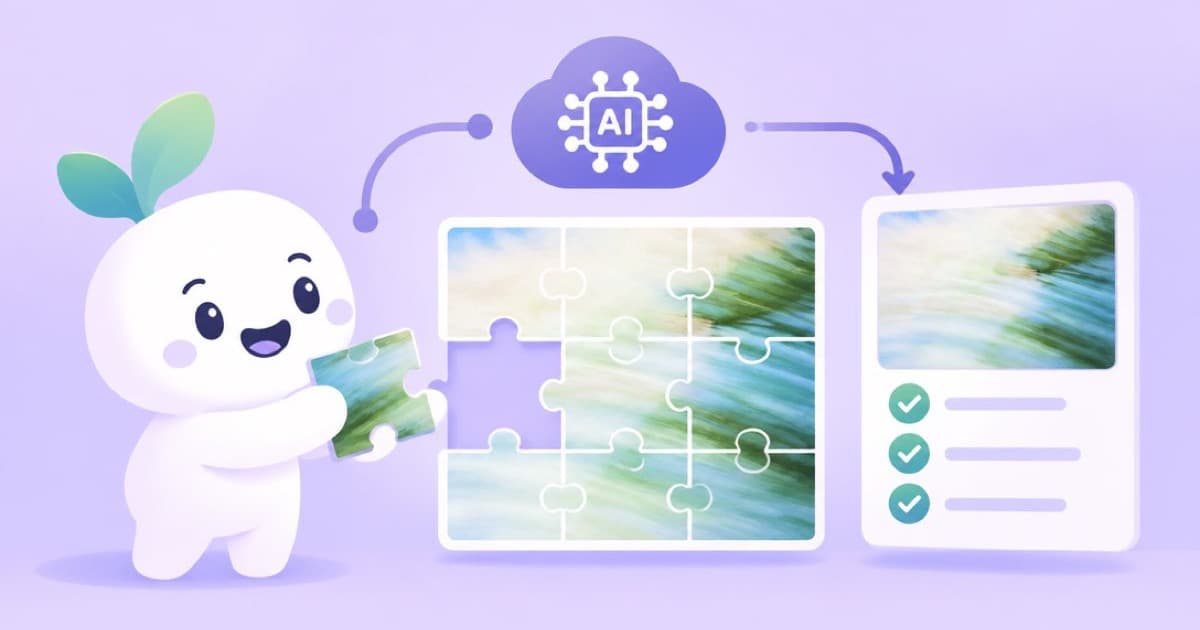
A jigsaw puzzle image should be busy: lots of distinct small areas, no large flat sky, and a common landscape ratio such as 4:3, which every catalog row lists, read 2026-10-03. Generate with the Sume image API, pick a draw, then upscale it before you send it to a printer. Nano Banana 2 and Pro list a 4K tier, and Sume also has an image upscale API.
Print sizes and piece counts are the printer's call; ask the printer for its minimum resolution, and do not assume a number.
Prompt for density
- Name 8 to 12 distinct objects in the scene (a market stall, kites, a bicycle, a cat) so no region is empty.
- Ask for varied color across the frame to avoid large regions of a single hue.
- Avoid text and thin straight lines, which make pieces hard to tell apart.
Resolution routes
| Route | How | Per image |
|---|---|---|
| Native 4K tier | Nano Banana Pro, resolution: "4K" | $0.1875 at 1K; 4K costs more |
| Native 4K tier, cheaper | Nano Banana 2, resolution: "4K" | $0.10 at 1K; 4K costs more |
| Draft cheap, then upscale | Qwen Image then the upscale API | $0.025 plus the upscale price |
A 4:3 request
Request four options and choose. A call that is still running after the 30-second wait returns 202 with a job envelope instead of 200, so check the status code before reading data; see Jobs and results.
import os
import requests

resp = requests.post(
    "https://api.sume.com/v1/images",
    headers={"Authorization": f"Bearer {os.environ['SUME_API_KEY']}"},
    json={
        "model": "google/nano-banana-pro",
        "prompt": "crowded seaside market scene, many distinct objects, vibrant varied colors, no text",
        "aspect_ratio": "4:3",
        "resolution": "2K",
        "n": 2,
    },
    timeout=60,
)
resp.raise_for_status()
if resp.status_code == 202:
    print("still running:", resp.json()["data"]["status_url"])
else:
    for image in resp.json()["data"]:
        print(image["url"])
Before you print
Zoom to 100 percent and look for smeared small objects, since fine detail is where generated art breaks. Check the pixel dimensions against the printer's requirement and upscale if short. Keep the original generation and the final file together.
Sources
Related posts
More in Use cases
- AI Mastodon header 1500x500 and 400x400 avatar under 2 MB
Mastodon downscales headers to 1500x500 and avatars to 400x400, 2 MB max. Make both with the Sume image API: a 3:1 header, a square avatar, a crop script.
- AI meme image generator API: make the picture, then set the caption
For a meme, generate the image without words and add the caption in code, or quote it for GPT Image 2.5 and check the spelling. A Sume request.
- AI moodboard from one reference image via API: four variations a call
Make a moodboard from a single reference: the n parameter returns up to 4 images per call on 17 Sume rows; Grok Imagine returns 1. Cost per board and a script.
- AI mug wrap art for print on demand: wide ratios on Sume
A mug wrap is much wider than tall. See which Sume image models take 2:1, 3:1 and 21:9, what each costs per image, and how to check the art against a template.
Written by Sume