
AI moodboard from one reference image via API: four variations a call
Make a moodboard from a single reference: the n parameter returns up to 4 images per call on 17 Sume rows; Grok Imagine returns 1. Cost per board and a script.
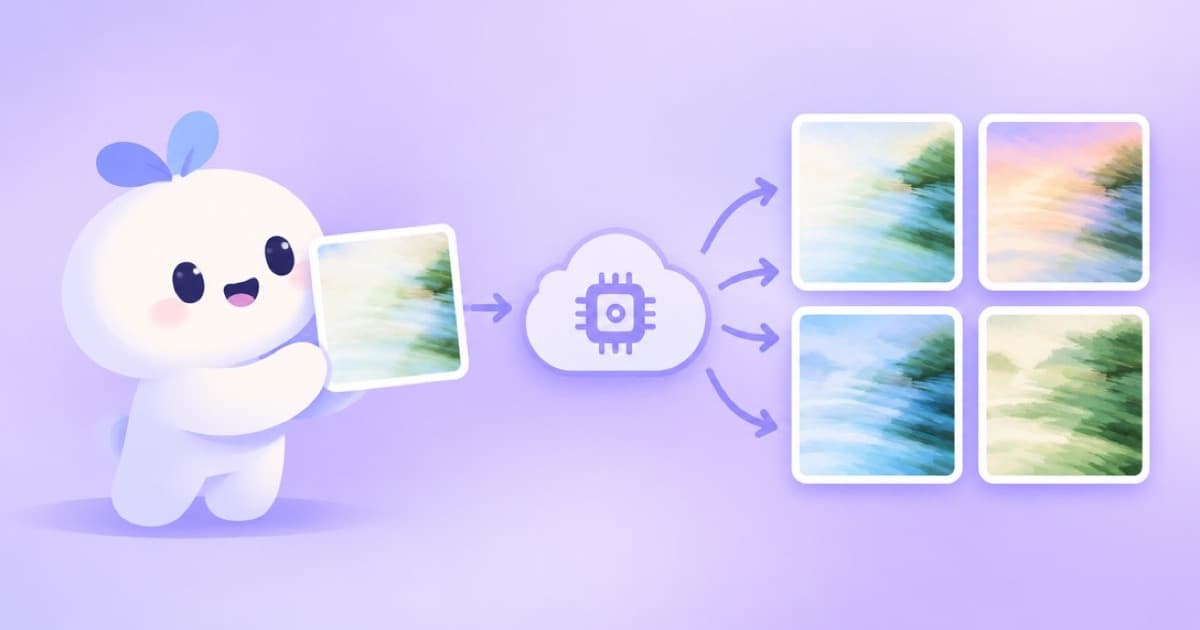
To build a moodboard from one reference image with the Sume image API, send the reference in input_references, describe the variation you want, and set n to 4. Every catalog row that takes references allows n up to 4 except Grok Imagine, which returns one image per call, read 2026-10-03. A four-image board costs four times the per-image price: $0.10 on Qwen Image or $0.15 on Flux 2 Pro.
Moodboards want range, not repeats, so vary the prompt across calls (palette, time of day, camera distance) rather than asking for the same thing eight times. Sume takes no seed, so each call is a fresh draw.
Cost of a board
| Model | Per image | 16 images |
|---|---|---|
| Qwen Image | $0.025 | $0.40 |
| Flux 2 Pro | $0.0375 | $0.60 |
| Seedream 4.5 | $0.05 | $0.80 |
| Nano Banana 2 | $0.10 | $1.60 |
Four directions from one photo
The loop sends the same reference with four prompts, n: 4 each, and collects the URLs. A call that is still running after the 30-second wait returns 202 with a job envelope instead of 200, so check the status code before reading data; see Jobs and results.
import os
import requests

headers = {"Authorization": f"Bearer {os.environ['SUME_API_KEY']}"}
ref = {"type": "image_url", "image_url": {"url": "https://example.com/reference.jpg"}}
directions = ["warm golden hour palette", "cool blue night palette", "close-up details and textures", "wide empty landscape"]
urls = []
for d in directions:
    r = requests.post("https://api.sume.com/v1/images", headers=headers, timeout=60, json={
        "model": "qwen/qwen-image", "prompt": "moodboard frame, same subject and style as the reference, " + d,
        "input_references": [ref], "n": 4, "aspect_ratio": "1:1",
    })
    r.raise_for_status()
    if r.status_code == 200:
        urls += [i["url"] for i in r.json()["data"]]
print(len(urls), "images")
Assemble the sheet
Download the URLs and tile them with Pillow, as in the contact sheet recipe. Keep the prompt next to each tile so you can reproduce the ones you like.
Sources
Related posts
More in Use cases
- AI mug wrap art for print on demand: wide ratios on Sume
A mug wrap is much wider than tall. See which Sume image models take 2:1, 3:1 and 21:9, what each costs per image, and how to check the art against a template.
- Ad music cutdowns: 15, 30 and 60 seconds from one AI track
Make 15, 30 and 60 second versions of one AI music bed: three prompts or one cut with a fade-out. Costs and limits from Sume's Music Router and Timeline docs.
- AI music for a tribute slideshow: a gentle bed for a memorial video
Score a tribute or memorial slideshow with AI music: an instrumental prompt, stills as timed holds, fades, and a listen-through before the video is shared.
- AI newsletter header image: generate a 4:1 banner and crop to fit
Newsletter headers are wide strips. Ask Nano Banana 2 for 4:1 or 8:1 on Sume, keep the subject in the middle, and crop to your template. Request and crop math.
Written by Sume