
Does an AI image tile seamlessly? A wraparound check in Pillow
Asking for a seamless pattern does not guarantee one. Compare the left and right edges and preview a 2x2 tiling to test a Sume image before you ship it.
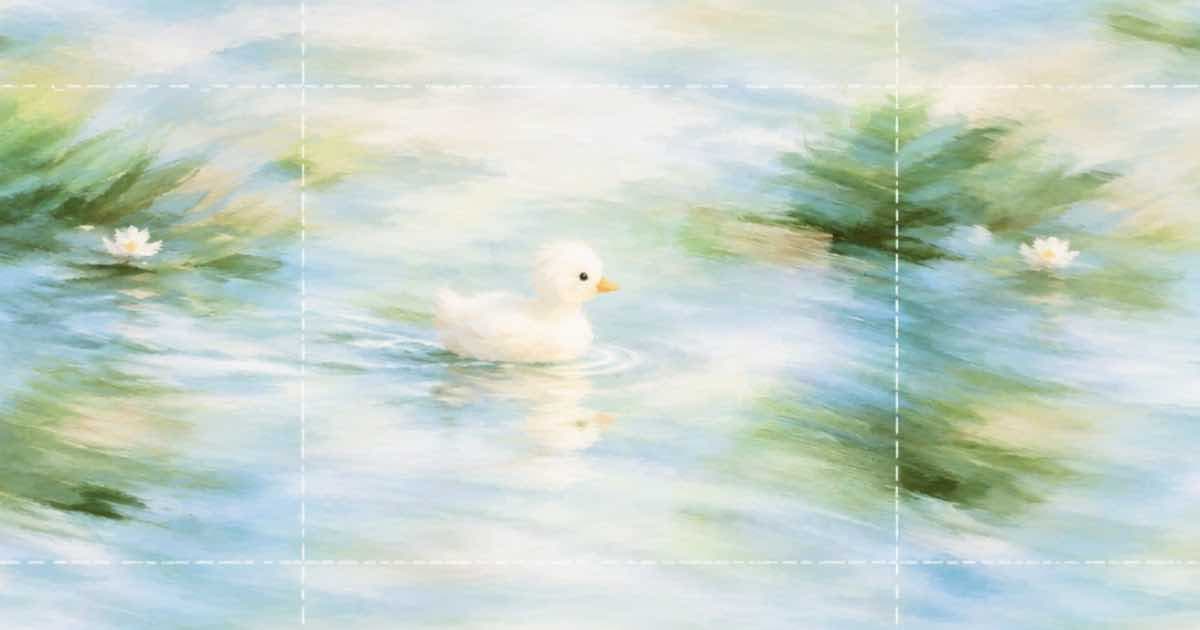
To test whether a generated image tiles, compare its opposite edges and look at it tiled. If the average difference across the wrap seam (last column against first column, bottom row against top row) is not close to the difference between ordinary neighboring columns, the pattern will show a line when repeated. Generate with Sume, run the check below, and only ship patterns that pass.
A prompt that says "seamless repeating pattern" is a request, not a guarantee. The Sume Image API returns whatever the model produces, and nothing in the request schema promises edge-matching, so the check belongs in your pipeline.
What does the check measure?
It reduces the seam question to one ratio per axis.
| Term | Meaning | Reading |
|---|---|---|
| Wrap difference | Mean absolute difference between last and first column (or row) | What a tiled viewer sees at the seam |
| Neighbor difference | Mean absolute difference between adjacent columns (or rows) inside the image | The image's normal texture change |
| Seam ratio | Wrap difference divided by neighbor difference | Near 1 is invisible; much above 2 is a visible line (a starting threshold to tune) |
What is the script?
It reads a local file you downloaded from the data[].url Sume returned, prints both ratios and saves a 2x2 tiling you can open to check by eye. It needs Pillow and NumPy.
import sys
import numpy as np
from PIL import Image

img = Image.open(sys.argv[1]).convert("RGB")
a = np.asarray(img, dtype=float)

def ratio(x):
    wrap = np.abs(x[:, 0] - x[:, -1]).mean()
    near = np.abs(x[:, 1:] - x[:, :-1]).mean() or 1e-6
    return wrap / near

rx, ry = ratio(a), ratio(a.transpose(1, 0, 2))
print(f"horizontal seam ratio {rx:.2f}, vertical {ry:.2f}")

w, h = img.size
sheet = Image.new("RGB", (w * 2, h * 2))
for i in range(2):
    for j in range(2):
        sheet.paste(img, (i * w, j * h))
sheet.save("tiled-2x2.png")
print("ok" if max(rx, ry) < 2 else "visible seam: regenerate or fix")
What if the pattern fails?
Generate again with n above 1 and keep the passing candidates; the catalog lists each model's n range and billing is per image, so four candidates cost four images. If none pass, offset the image by half its width and height, then use a masked edit on the visible cross to repaint only the seam. Sume's mask_url edit is documented for ChatGPT Image 2.5; check the catalog for other models before relying on it.
When is a perfect tile worth the effort?
It matters for fabric and wallpaper print, game textures and web backgrounds that repeat across a wide screen. For a one-off hero image it does not matter at all. Keep the test out of those flows and run it only where the image will repeat.
Sources
Related posts
More in Use cases
- Thanksgiving takeout pre-order clip: Wan 3.0 or Seedance 2.5
A vertical 8-second takeout pre-order clip with a spoken order deadline: $1.32 on Wan 3.0 or $4.94 on Seedance 2.5, voice and caption included, from docs.
- Threads 5 minutes and 1 GB: one render for feed and Threads
Threads video can run up to 5 minutes and 1 GB. Render one vertical master with Timeline 1.0, at $0.10 per output minute, and probe it before you post.
- Thumbnail A/B test: five GPT Image 2.5 variants at medium vs high
Five 16:9 thumbnail variants cost about $0.04 at medium and $0.16 at high in GPT Image 2.5 output tokens. A budget for 20 videos and the review step.
- TikTok creator-labeled AI tag: who sets it on an API upload
TikTok's Direct Post API has an is_aigc field for the creator-labeled AI tag. Sume's trim, captions and timeline jobs do not set it; your upload step must.
Written by Sume