
Photo to two-ink risograph look: Seedream 5 Lite and a color check
A risograph print uses two or three inks on paper. Ask Seedream 5 Lite for the look on Sume, then count the palette in Pillow to see whether the inks held.
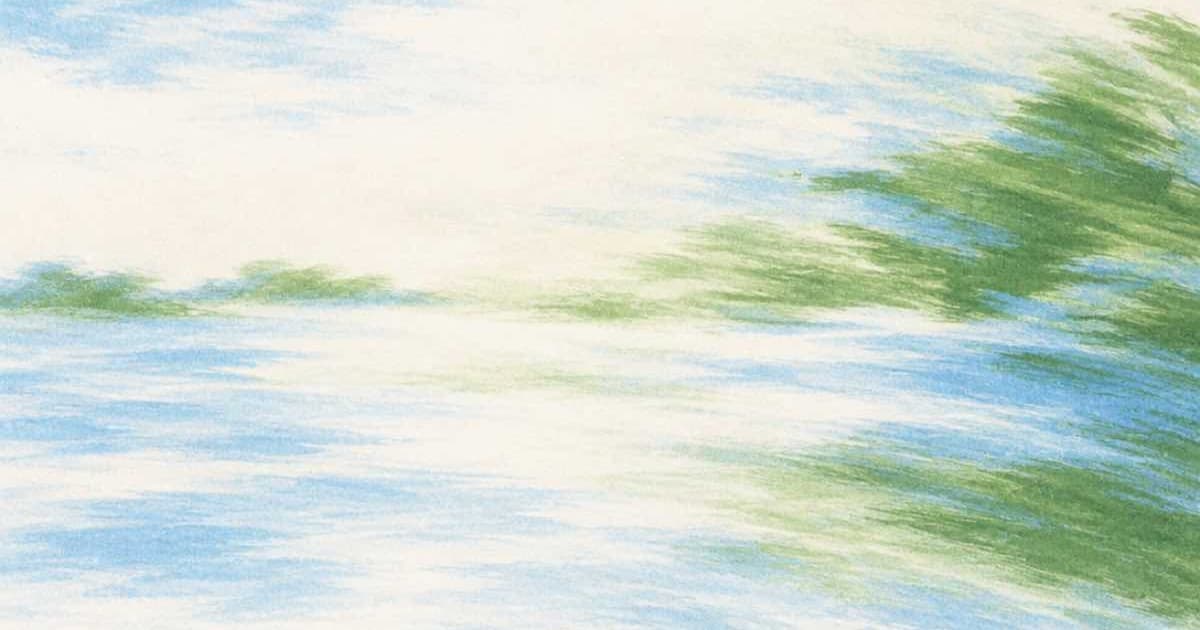
To get a two-ink risograph look from a photo on Sume, send the photo to bytedance-seed/seedream-5-lite as one input_references entry, name the two inks and the paper in the prompt, pin aspect_ratio to a value the row lists, and then count colors in Pillow: after quantize(colors=4), a faithful two-ink print should show paper, two inks and their overprint. The Sume catalog prices this row at a flat $0.04375 per image, so a four-image batch of options is $0.175.
Why check the colors afterwards?
Image models tend to drift toward extra tints. A risograph print has a fixed ink set, and the flat colors are the whole look. Counting the palette is a cheap pass or fail test: if a quantize to four colors leaves a visible fifth tint, the model added shading the press could not print.
The check needs no external service. It reads the saved PNG and reports how much of the image each palette entry covers.
from PIL import Image

im = Image.open("riso.png").convert("RGB")
q = im.quantize(colors=4)
palette = q.getpalette()[:12]
counts = sorted(q.getcolors(), reverse=True)
total = im.width * im.height

for n, idx in counts:
    r, g, b = palette[idx * 3: idx * 3 + 3]
    share = 100 * n / total
    print(f"#{r:02x}{g:02x}{b:02x}  {share:.1f}%")
Which request fields does Seedream 5 Lite take?
From Sume's catalog: up to 10 input references, 1 to 4 images per call, PNG, JPEG or WebP output, and the ratios 1:1, 16:9, 9:16, 4:3, 3:4, 4:5, 5:4, 3:2 and 2:3. There is no auto ratio on this row, so pick the one closest to your photo. A 4:5 portrait is a common print shape. The row lists no quality or resolution field, and Sume rejects fields a model does not advertise instead of dropping them.
| Setting | Value on Sume |
|---|---|
| Model id | bytedance-seed/seedream-5-lite |
| Catalog price | $0.04375 per image |
| Input references | 0 to 10 |
| Images per call | 1 to 4 |
| Aspect ratios | 9 values, no auto |
| Quality or resolution field | Not listed; sending one returns 400 |
How do I fake misregistration if the model skips it?
Real risograph prints print one ink per pass, so the layers sit a hair off each other. If the result is too perfect, split the image by color after the quantize step, shift one layer by two or three pixels, and merge them again with a multiply blend. That keeps your ink set exact, which a prompt cannot promise, and costs no further model calls. Do the shift on a copy so you can compare it against the untouched render.
What prompt wording helps?
Name the inks as colors, not as brands: "two-ink risograph print in fluorescent pink and teal on off-white paper, grainy flat fills, slight misregistration, no gradients." Ask for flat fills and name what must be absent. After the first result, run the color check and tighten the prompt only if extra tints show up.
A request that outlasts Sume's 30-second wait returns 202 with a job envelope. Fetch the image from the job result as explained in Jobs and results.
Sources
Related posts
More in Use cases
- Photo to woodcut print: Flux 2 Flex edit, then a 1-bit threshold
Make a woodcut from a photo with Flux 2 Flex on Sume at $0.0625, then force true 1-bit black and white in Pillow so the file is ready for print.
- Speedrun PB video: trim the run, burn split times as cues
Cut a personal-best run out of a long capture with video trim, then burn split times as timed caption cues: two jobs, $0.22 at the listed rates.
- TikTok tests AI-spam detection: politics, finance, medical explainers
TikTok said on Sept 29, 2026 it is testing detection of accounts built to post AI spam in politics, financial advice and medical content. What to check on Sume.
- Tilt-shift miniature effect: Nano Banana 2.1 edit or Pillow blur
Make a photo look like a tiny model town: a Nano Banana 2.1 edit with auto ratio from $0.10 on Sume, or a free Pillow gradient blur. Both compared.
Written by Sume