
Kettle or air fryer product photos: cord, spout and counter scene
Kitchen appliances fail on cords, handles and dials. Generate counter scenes with Sume's image API from one reference and check the parts that go wrong first.
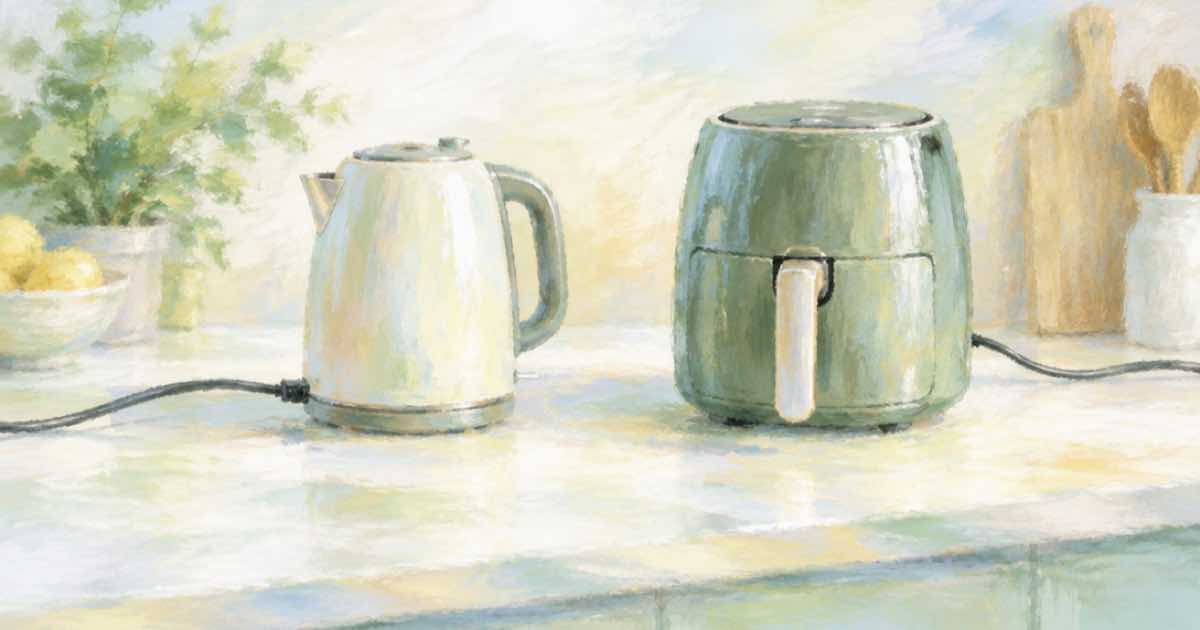
A kettle or air fryer photographs well on white and is dull there. Shoppers want it on a counter with a mug, a bowl of fruit, morning light. The risk is not the scene; it is the parts: a cord that vanishes, a spout that moves, a dial with the wrong number of marks.
Sume's Image API takes the studio shot as an input_references item with openai/gpt-image-2.5 and returns scenes around it.
Put the fragile parts in the prompt
Name the features that must survive: handle side, spout shape, lid, dial, power cord, base. Name the scene separately, and leave an instruction about scale: a countertop kettle is about the size of a bread loaf.
import os, requests

H = {"Authorization": f"Bearer {os.environ['SUME_API_KEY']}"}
resp = requests.post("https://api.sume.com/v1/images", headers=H, timeout=90, json={
    "model": "openai/gpt-image-2.5",
    "prompt": "Place this exact electric kettle on a kitchen counter next to a mug and a bowl of lemons, morning light from a window. Keep the handle side, the spout, the lid and the base exactly as in the reference. The power cord runs behind the kettle to a socket.",
    "input_references": [
        {"type": "image_url", "image_url": {"url": "https://example.com/kettle.jpg"}}
    ],
    "aspect_ratio": "auto",
})
resp.raise_for_status()
if resp.status_code == 202:
    raise SystemExit("job envelope: poll data.status_url")
body = resp.json()
print([d["url"] for d in body["data"]], body.get("usage"))
What goes wrong first
| Part | Typical failure | How to catch it |
|---|---|---|
| Cord | Missing, doubled or plugged into nothing | Look at the back and the base |
| Handle | Moves to the other side | Overlay the reference at 50 percent |
| Dial or buttons | Wrong count or label | Zoom to 100 percent |
| Scale | Looks like a toy or a barrel | Compare with the mug |
A note on safety imagery
Do not generate scenes that show a hot appliance in unsafe use, such as a kettle on an unlit stove or an air fryer near a curtain. Store the final file with the billed usage.cost, and keep a plain studio shot on the page for anyone who needs the real thing.
Before you run a catalog
Run one SKU end to end first. POST /v1/images returns the images directly when it finishes within 30 seconds; past that it returns a 202 envelope with status_url and result_url, which the jobs and results guide explains. Handle that branch before you loop over a catalog, and write each result's URL and usage.cost to a file keyed by SKU, so a failed run restarts where it stopped and nothing is paid for twice.
Sources
Related posts
More in Use cases
- Kling 4.0 keyframes at 0, 6, 12, 20, 28 s: a 30-second ad on Sume
Kling's guide suggests keyframes near 0, 6, 12, 20 and 28 seconds for a product ad. How to build the same plan on Sume with first-and-last-frame clips.
- Kling 4.0 lip-sync reaches nine languages: a one-clip test each
Kling 4.0 adds Portuguese, German, French and Hindi lip-sync to five existing languages. A short per-language test plan to run before you promise localization.
- Korea AI Basic Act: 30M won fine and a Korean-ad label
A secondary source says Korea's AI Basic Act grace period runs to Jan 2027 with fines up to KRW 30M. How to burn an authored Korean notice with Sume captions.
- Lamp product photos, lit and unlit, from one reference
A lamp needs an off photo and an on photo. Use one reference and two Sume image calls with matched prompts, then check that the shade and base stay identical.
Written by Sume