
Groundhog Day 2027 is Tue Feb 2: a 9:16 spring-or-winter promo clip
Groundhog Day falls on Tuesday 2 Feb 2027. A work-back plan and a 6-second 9:16 clip from one photo for a six-more-weeks promo, with platform limits.
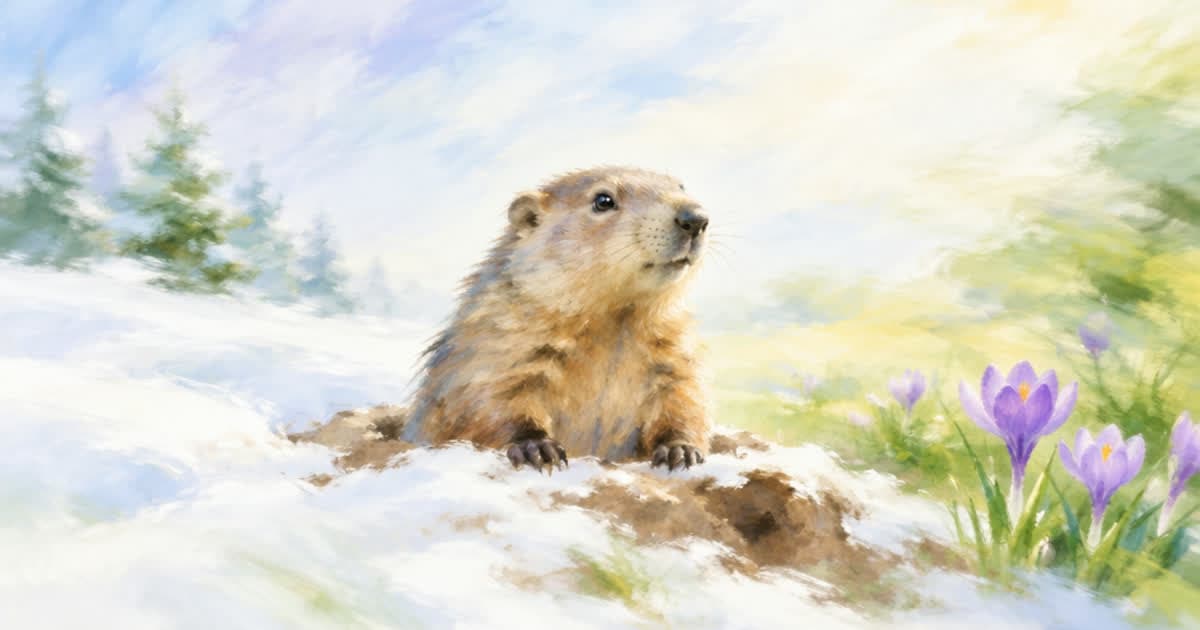
Groundhog Day is observed every 2 February, which is a Tuesday in 2027. Per Wikipedia, if the groundhog sees its shadow, winter goes on for six more weeks; if not, spring comes early. That gives a retailer two promos prepared in advance: a winter one and a spring one. You make both clips before the day, post the one that matches the forecast, and the other stays unposted.
Below: the work-back calendar, how to prepare both versions from one photo, the limits from TikTok's and Meta's pages, and a Sume request.
When do I make and post each version?
Match the text to the forecast and double-check the date on screen. The dates in the table are working steps, not platform rules.
| Date | Step |
|---|---|
| Mon 4 Jan | Choose a winter photo and a spring photo |
| Fri 15 Jan | Generate both takes |
| Mon 25 Jan | Burn text for both versions and export |
| Tue 2 Feb | Post the version that matches the forecast |
| Wed 3 Feb | Archive the unused version |
How do I prepare two clips for one unknown result?
The forecast is not known until the morning of 2 February, so build both clips in advance and treat the choice as a publishing step. Use two photos: one in winter light and one in spring light, both of products you already sell.
Do not generate the groundhog or a real forecaster; Wikipedia names Punxsutawney Phil as the best-known forecaster, and a generated likeness could mislead. Keep the animal out of the frame, or use your own illustration.
- Winter version: "Six more weeks. Stay warm." plus the offer.
- Spring version: "Early spring. Fresh in." plus the offer.
- Both versions use the same layout, so the cues differ only in text.
What do TikTok and Reels need from the file?
Both platforms take a 9:16 master. TikTok's help page lists 9:16 at 540x960 or larger for non-Spark in-feed ads, up to 10 minutes and 500 MB. Meta's Instagram Reels video spec lists 9:16 at 1440x2560, 0 seconds to 15 minutes, 4 GB, and asks you to keep 14% of the top, 35% of the bottom and 6% of each side free of text and logos.
| Item | TikTok non-Spark in-feed | Instagram Reels ad |
|---|---|---|
| Ratio | 9:16 recommended | 9:16 |
| Size | 540x960 minimum | 1440x2560 listed |
| Length | Up to 10 minutes | 0 s to 15 minutes |
| File size | 500 MB or less | 4 GB |
| Safe zone | Not stated on the page | 14% top, 35% bottom, 6% sides |
How do I make the clip from one photo?
Use a photo as the first frame in Sume video generation. The request below asks for 9:16, 720p and 6 seconds on seedance-2, which lists first-frame input and 4 to 15 second durations. Replace the URL and prompt, then poll until the status is completed.
import os, time, requests

H = {"Authorization": f"Bearer {os.environ['SUME_API_KEY']}"}
body = {
    "model": "seedance-2",
    "prompt": "Gentle camera push-in on the product by a window, cold blue morning light",
    "frame_images": [{
        "type": "image_url",
        "image_url": {"url": "https://example.com/winter-photo.jpg"},
        "frame_type": "first_frame",
    }],
    "aspect_ratio": "9:16",
    "resolution": "720p",
    "duration": 6,
}
job = requests.post("https://api.sume.com/v1/videos", headers=H, json=body).json()
while True:
    time.sleep(30)
    s = requests.get(job["polling_url"], headers=H).json()
    if s["status"] in ("completed", "failed"):
        break
print(s["status"], s.get("unsigned_urls"))
How do I finish and check it?
Burn each line with video captions cues, which burns overlay text without speech-to-text.
Cut either clip with video trim if the platform context needs a shorter one.
Keep the bottom 35% free of text for Reels, and compare the product in frame with the listing.
Sources
Related posts
More in Use cases
- Guru Nanak Gurpurab on 24 Nov 2026: a community notice clip
Guru Nanak Jayanti is Tuesday 24 November 2026. How a gurdwara or community group can make a short notice clip from a hall photo with caption cues.
- Guy Fawkes Night 2026 is Thu Nov 5: a 9:16 bonfire clip from a photo
Bonfire Night falls on Thursday 5 Nov 2026. A work-back plan and a 6-second 9:16 clip from one photo, with TikTok and Reels limits from the platforms' pages.
- Halloween photo clips: 12 photos at 8 seconds on Grok Imagine
Animate 12 Halloween photos into 8-second clips on Sume's Grok Imagine row for $1.20 in total. Use a first frame per clip and one idempotency key per photo.
- Hanukkah 2026 starts Fri Dec 4 at sundown: finish clips by Thursday
Hanukkah 2026 runs from sundown Friday, Dec 4, to nightfall Saturday, Dec 12. Eight 6-second night clips cost about $6.00 on Sume at 720p.
Written by Sume