
Guy Fawkes Night 2026 is Thu Nov 5: a 9:16 bonfire clip from a photo
Bonfire Night falls on Thursday 5 Nov 2026. A work-back plan and a 6-second 9:16 clip from one photo, with TikTok and Reels limits from the platforms' pages.
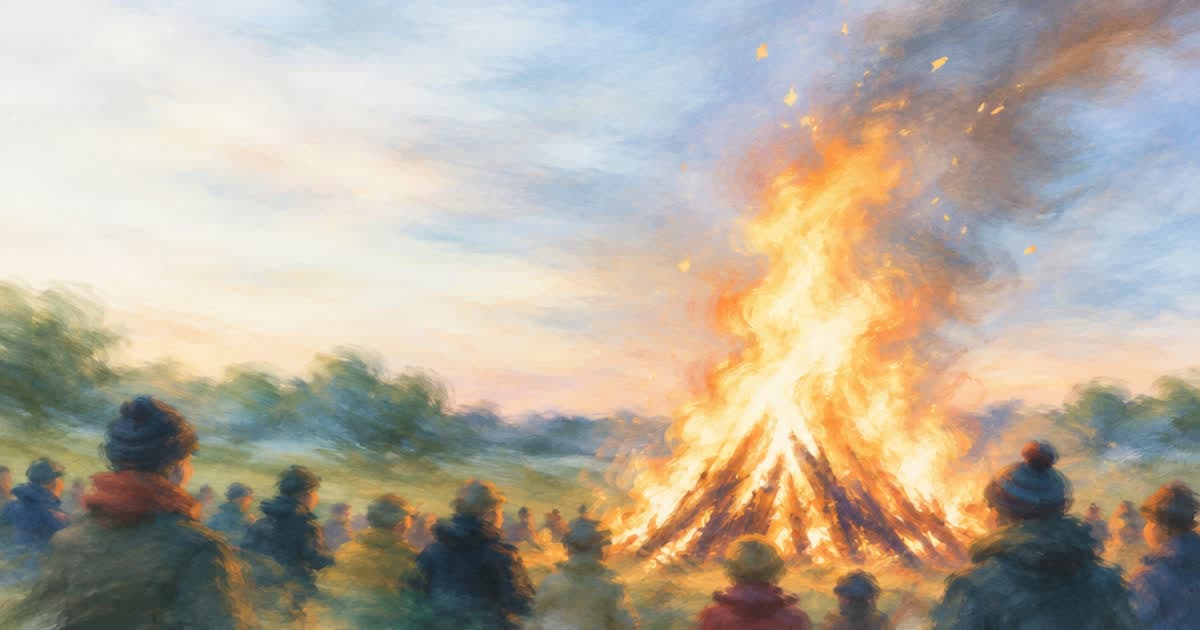
Guy Fawkes Night, also called Bonfire Night, is on Thursday 5 November 2026. Wikipedia describes it as an annual British observance of the failed Gunpowder Plot of 1605, marked with bonfires and fireworks. For a business with an event, a pub night or a seasonal product, the clip needs to be posted by Monday 2 November to give people three days of lead time. A 6-second 9:16 clip made from one photo of your venue or product is enough.
This post gives a work-back calendar, what to put in the clip, the vertical limits from TikTok's and Meta's own pages, and a Sume request that turns one photo into the clip.
When should the lead-in clip go out?
Because 5 November is a Thursday, the lead-in clip goes up on Monday 2 November and the day-of post carries the start time. The dates below are working steps, not platform rules.
| Date | Step |
|---|---|
| Mon 19 Oct | Pick the photo and write one line of text |
| Fri 23 Oct | Generate 2-3 takes and pick one |
| Mon 26 Oct | Burn the text, check the safe zone, export |
| Mon 2 Nov | Post the lead-in clip |
| Thu 5 Nov | Post the day-of version with the start time |
What should the clip show?
Wikipedia notes that modern events are often run by local charities with paid admission. The clip should carry the date, the place and the entry rule, as burned text, and the picture should set the mood.
Do not ask a model to render a real, named effigy or a real person. Describe the scene: a bonfire glow behind a venue sign, sparklers, a mug on a table.
- Burned text: "Thu 5 Nov", venue name, start time.
- One picture, one idea: a single photo works as the first frame.
- Keep text out of the bottom 35% for Reels and outside the sides.
What do TikTok and Reels need from the file?
Both platforms take a 9:16 master. TikTok's help page lists 9:16 at 540x960 or larger for non-Spark in-feed ads, up to 10 minutes and 500 MB. Meta's Instagram Reels video spec lists 9:16 at 1440x2560, 0 seconds to 15 minutes, 4 GB, and asks you to keep 14% of the top, 35% of the bottom and 6% of each side free of text and logos.
| Item | TikTok non-Spark in-feed | Instagram Reels ad |
|---|---|---|
| Ratio | 9:16 recommended | 9:16 |
| Size | 540x960 minimum | 1440x2560 listed |
| Length | Up to 10 minutes | 0 s to 15 minutes |
| File size | 500 MB or less | 4 GB |
| Safe zone | Not stated on the page | 14% top, 35% bottom, 6% sides |
How do I make the clip from one photo?
Use a photo as the first frame in Sume video generation. The request below asks for 9:16, 720p and 6 seconds on seedance-2, which lists first-frame input and 4 to 15 second durations. Replace the URL and prompt, then poll until the status is completed.
import os, time, requests

H = {"Authorization": f"Bearer {os.environ['SUME_API_KEY']}"}
body = {
    "model": "seedance-2",
    "prompt": "Warm bonfire glow flickering behind the scene, gentle camera push-in, sparks drifting up",
    "frame_images": [{
        "type": "image_url",
        "image_url": {"url": "https://example.com/venue-front.jpg"},
        "frame_type": "first_frame",
    }],
    "aspect_ratio": "9:16",
    "resolution": "720p",
    "duration": 6,
}
job = requests.post("https://api.sume.com/v1/videos", headers=H, json=body).json()
while True:
    time.sleep(30)
    s = requests.get(job["polling_url"], headers=H).json()
    if s["status"] in ("completed", "failed"):
        break
print(s["status"], s.get("unsigned_urls"))
How do I finish and check it?
Add the text with video captions by sending cues with text, start and end, which burns overlay text without speech-to-text. Keep the date and time in the first two seconds.
If you made a longer take than you need, video trim cuts a range into a new MP4. Then check the safe zone by eye: nothing important in the bottom third.
Disclose AI where the platform or your market asks you to; the settings differ by platform, so check them when you upload.
Sources
Related posts
More in Use cases
- Halloween photo clips: 12 photos at 8 seconds on Grok Imagine
Animate 12 Halloween photos into 8-second clips on Sume's Grok Imagine row for $1.20 in total. Use a first frame per clip and one idempotency key per photo.
- Hanukkah 2026 starts Fri Dec 4 at sundown: finish clips by Thursday
Hanukkah 2026 runs from sundown Friday, Dec 4, to nightfall Saturday, Dec 12. Eight 6-second night clips cost about $6.00 on Sume at 720p.
- HelixWorld WASD camera moves as prompt words for Omni Flash
HelixWorld steers its camera with WASD and direction actions. Sume has no camera-key input, so write the move as a phrase and test it with a 3 s 360p draft.
- International Men's Day 19 Nov 2026: a workplace announcement clip
International Men's Day is 19 November 2026 with the theme The Future is Everyone. Build a short announcement clip from one photo with caption cues on Sume.
Written by Sume