
AI kitchen backsplash tile preview with a tile sample photo
Preview a backsplash tile before you buy: the kitchen photo, a photo of the tile sample as a second reference, and a Sume edit that changes only the backsplash.
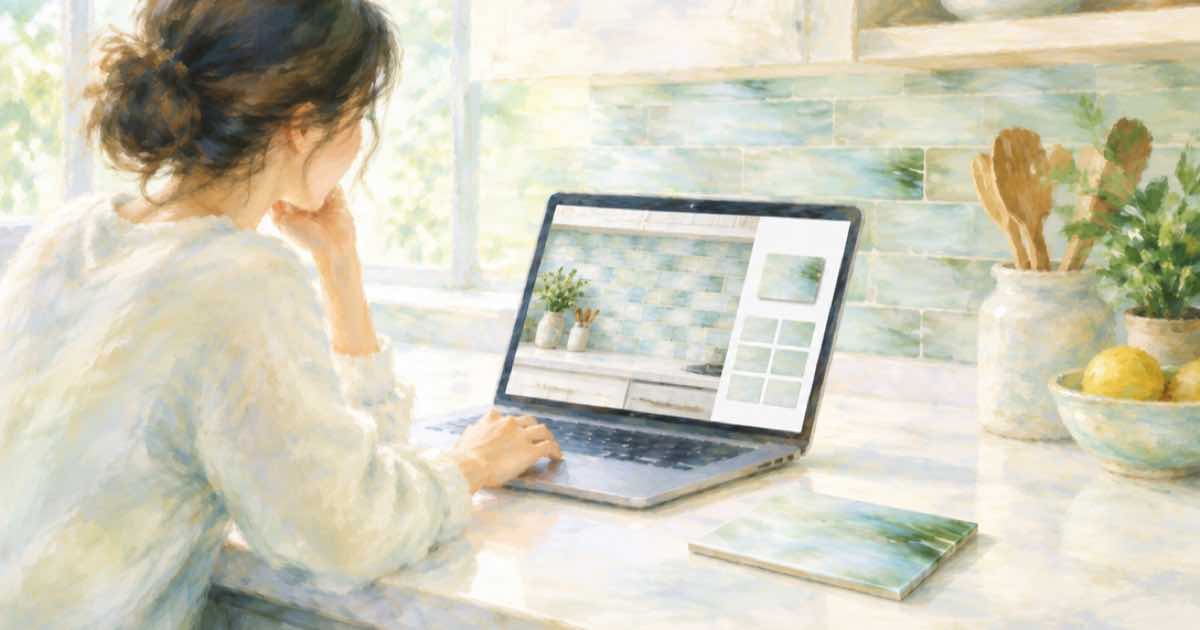
A tile sample as a second reference
Describing a tile in words loses the pattern. Photograph the sample tile or save the supplier's image, then send it as a second reference next to your kitchen photo. The prompt says which image is the room and which is the tile.
Add a mask_url over the backsplash zone. Sume documents the mask on ChatGPT Image 2.5 only, and the same model accepts up to 16 references.
Sume Image API docs list ChatGPT Image 2.5 as openai/gpt-image-2.5 (Flare) and openai/gpt-image-2.5-sunburst. OpenAI's guide says to choose Sunburst where editing precision matters most and Flare for fast everyday generation, so these edits use Sunburst.
Ask for layout, not only pattern
Say how the tile lays out: subway brick pattern, herringbone, stacked. Give the grout color. Ask that the countertop edge, outlets, cabinets and window stay unchanged. Tell the model to scale the tile so one tile is about the size it is in real life, for example 7.5 by 15 cm.
import os
import requests

REFS = [
    "https://example.com/kitchen.jpg",
    "https://example.com/tile.jpg",
]
resp = requests.post(
    "https://api.sume.com/v1/images",
    headers={"Authorization": f"Bearer {os.environ['SUME_API_KEY']}"},
    json={
        "model": "openai/gpt-image-2.5-sunburst",
        "prompt": "Image 1 is a kitchen photo, image 2 is a tile sample. "
                  "Cover only the backsplash with image 2 in a brick layout "
                  "with light grey grout, tiles about 7.5 by 15 cm. Keep "
                  "countertop, outlets, cabinets and window unchanged.",
        "aspect_ratio": "auto",
        "mask_url": "https://example.com/backsplash-mask.png",
        "input_references": [
            {"type": "image_url", "image_url": {"url": u}} for u in REFS
        ],
    },
    timeout=60,
)
print(resp.status_code)
print(resp.json())
Layouts to compare
Use the same photo, mask and tile and change only the layout phrase.
| Option | Layout | Grout |
|---|---|---|
| A | Brick (subway) | Light grey |
| B | Herringbone | White |
| C | Stacked vertical | Charcoal |
Check scale and edges
Image models are not good at exact dimensions. Count tiles across the backsplash in the render and compare with your measured wall. Check the edge where tile meets countertop and the outlets, which are the first places a render drifts.
Inputs Sume checks before it spends anything
Reference and mask URLs must be public HTTPS; localhost, private-network and non-HTTPS URLs are rejected. Sume also checks every field against the model's catalog entry, so a field the model does not list returns 400 unsupported_parameter instead of being dropped without a word.
If you are unsure which fields a model accepts, GET /v1/images/models lists them, and GET /v1/images/models/{id}/endpoints returns the per-endpoint capabilities and pricing.
Cost, retries and slow calls
Each edit is one billed image when it completes, and nothing when it fails. Sume's docs say the amount in usage.cost is what the wallet is charged, with the 1.25 multiplier on provider list price already applied. That makes a retry cheap to reason about: a failed attempt costs zero.
Slow settings, such as 4K output, high quality or a large n, can push a call past the 30-second wait. Then the response is 202 with a job envelope rather than the image, and you fetch the result from the job endpoints.
Sources
Related posts
More in Use cases
- AI kitchen cabinet color preview from a photo of your kitchen
See cabinets in navy, sage or oak before you paint: one kitchen photo, a mask over the cabinet fronts, and one Sume image edit call per color option.
- AI Mastodon header 1500x500 and 400x400 avatar under 2 MB
Mastodon downscales headers to 1500x500 and avatars to 400x400, 2 MB max. Make both with the Sume image API: a 3:1 header, a square avatar, a crop script.
- AI meme image generator API: make the picture, then set the caption
For a meme, generate the image without words and add the caption in code, or quote it for GPT Image 2.5 and check the spelling. A Sume request.
- AI moodboard from one reference image via API: four variations a call
Make a moodboard from a single reference: the n parameter returns up to 4 images per call on 17 Sume rows; Grok Imagine returns 1. Cost per board and a script.
Written by Sume