How to run Meta, TikTok and Google ads from one chat
Sume's Posty sets up Meta, TikTok and Google campaigns from the cut you approved, on your own ad accounts, and asks before it spends.
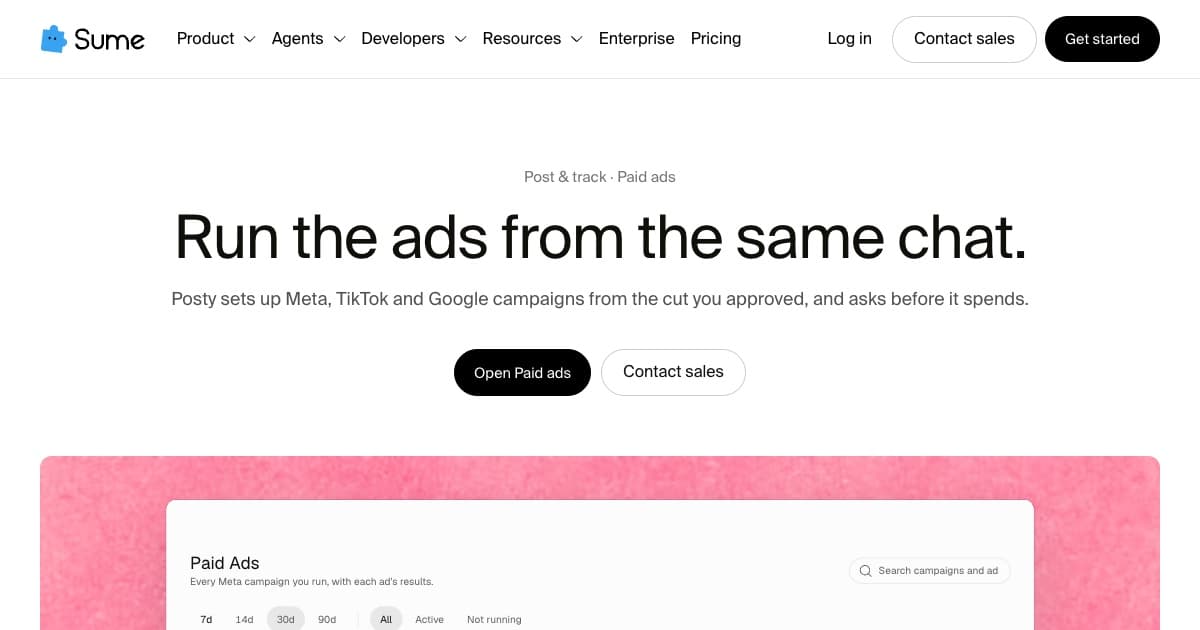
Running ads on Meta, TikTok and Google from one chat means describing the campaign once, the cut, the audience and the budget, and letting an agent set it up on each ad account. You approve the budget; the agent does the per-platform setup that would otherwise take three ad managers.
On Sume, Posty sets up Meta, TikTok and Google campaigns from the cut you approved, and asks before it spends (paid ads).

What stays in your control?
- The ad accounts: campaigns run on your own Meta, TikTok and Google accounts
- The budget: every budget is one you approve
- The creative: one approved cut, placed in many placements
How do you know what worked?
Roasie reads views, watch time and spend across every post and ad and compares them with your own medians, then says what to scale, pause or fix (results). Reading ad results across platforms explains how.
Sources
Related posts
More in Integrations
- How to add an MCP server to ChatGPT with developer mode
Turn on ChatGPT developer mode, create an app for the server's URL, and sign in with OAuth. The steps, with Sume's hosted MCP server as the example.
- Add Sume to Claude as a custom connector (remote MCP)
Add Sume's hosted MCP server to Claude under Customize > Connectors, see what Sume's OAuth consent grants, and decide whether to allow paid tools.
- Airflow HTTP sensor: wait for an AI video job to finish
Submit an AI video job with Airflow's HttpOperator, then wait with an HttpSensor in reschedule mode that passes once the job's status is completed.
- Amazon Q MCP server: add Sume's hosted MCP in the IDE
Amazon Q Developer in the IDE takes HTTP MCP servers. Add Sume's hosted MCP with an API-key header or OAuth, then set its paid tools to Ask.
Written by Sume