Media tools
Sume media tools by API: trim, filter, captions, frames, inspect, speech-to-text, upscaling, background removal, transitions, and Timeline assembly.
Start with Video editing API limits: Sume media tool caps in one table

TikTok TopView locks assets at preloading: freeze the cut first
TopView creatives need sales-rep pre-approval and cannot change once preloading begins. Use Timeline's unbilled plan, then render once with an idempotency key.

YouTube in-feed ads have no max length, but video-trim caps at 1,800 s
Google lists no max length for in-feed video ads, but Sume's video-trim takes a source of 1,800 seconds at most and outputs 900. Plan long cuts around that.

Kling motion control still: 340 to 3,850 px edges, checked first
Kling's motion control guide sets a 340 px short edge and a 3,850 px long edge for the still. Check both in Python before a Sume job reserves money.

Skippable in-stream bills at 30 seconds: cut a 30-second version
Google bills skippable in-stream per view at 30 seconds watched, or full length if shorter. Cut a 30-second version of a long master with video-trim.
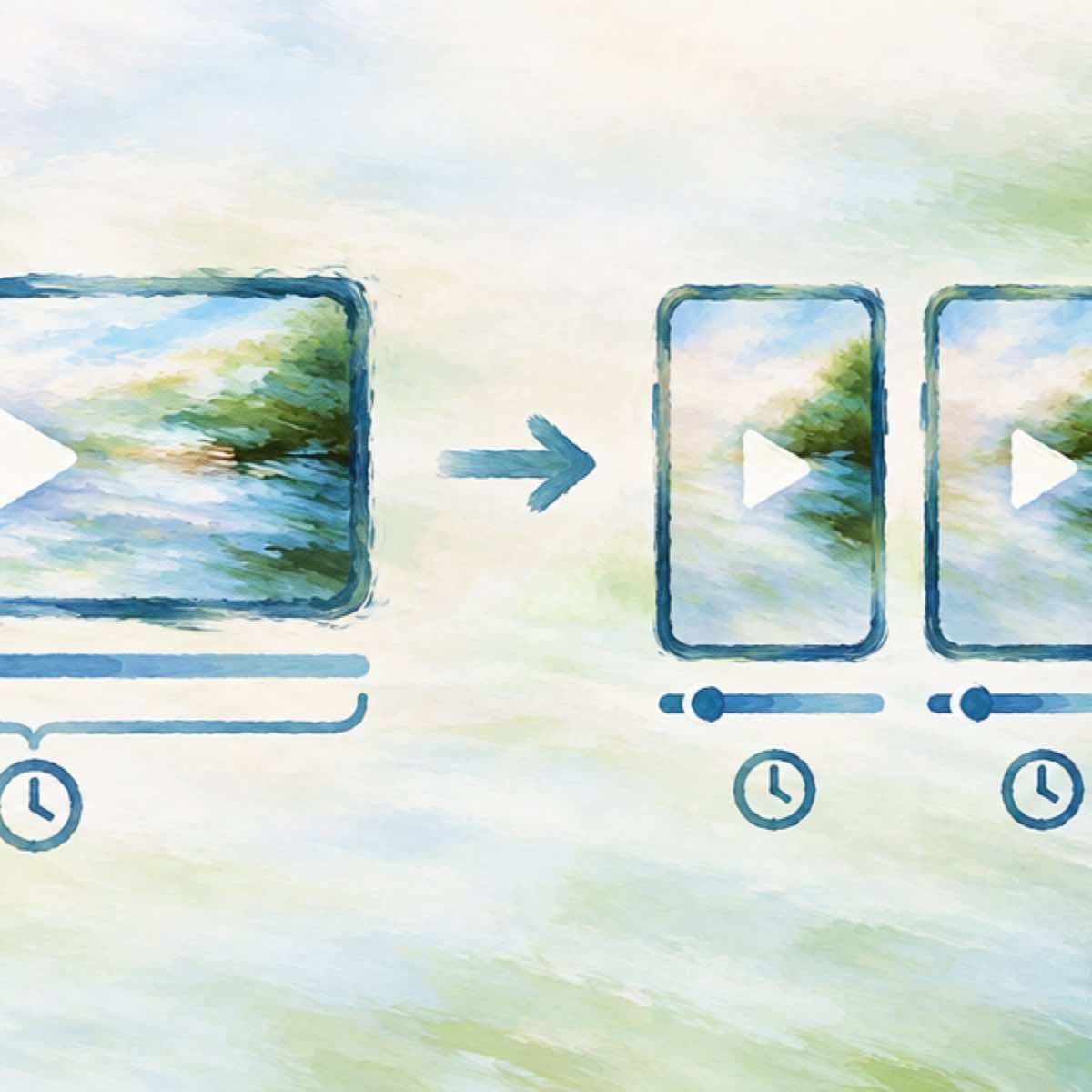
Split a 9-minute recording into three Reels under 3 minutes
Instagram's Reels page says Reels over 3 minutes won't be recommended to new audiences. Find sentence ends with video-inspect STT, then cut with video-trim.

Three-minute Short: songs cap at 90 seconds, so plan the music bed
YouTube says most songs run up to 90 seconds in a 3-minute Short, some 60 or 30. Build the 180-second timeline with a voice spine and a looping, ducked bed.

TikTok non-Spark ad captions: no links, @ or hashtags, lint first
TikTok's auction page says non-Spark captions allow no links, @ symbols, or hashtags; Spark Ads take 4 caption lines. Lint the text in Python before upload.

White backgrounds hide TikTok's ad UI: dim the clip, check for free
TikTok's reservation page warns that white or transparent backgrounds can hide the nickname and captions. Dim with video-filter ops, check first, then re-probe.

TikTok reservation ads must include audio: probe, then add a bed
TikTok's reservation spec says every video creative must include audio. Probe has_audio with video-inspect, then give a silent clip a voice or music spine.

Will my upload become a YouTube Short? Check the probe first
YouTube classes square or vertical video up to 3 minutes as a Short; 16:9 stays long-form. Check width, height, rotation, and duration from the probe.

Reels picture-in-picture test: check the four corners first
Instagram is reported to be testing picture-in-picture. Crop each corner of your 1080x1920 Reel with video-filter, free to check, $0.02 to encode.

Picture-in-picture Reel on Sume: what Timeline compose can do
Compose puts one still over one video for $0.02, up to 300 s. Position top, center or bottom; width_ratio 0.05 to 1. It is not a video-in-video PiP.

Shorts editor splits audio from video: make voice and music files
YouTube's Shorts editor now keeps audio apart from video. Make a clean voice file and a music bed on Sume for $0.163 and drop each on its own track.

YouTube Shorts music not working: bake in your own bed
When library music fails on a Short, a bed you generated is part of your file. How to make one for $0.125 and duck it under speech.

Product cutout pop-in for Shorts: RMBG plus compose cost
Cut a product photo out for $0.0225 and overlay it on a clip for $0.02. The per-product price of a pop-in, with the limits.

YouTube Shorts narrator voice: cost by script length
What a Shorts narrator costs on Sume TTS 1.0 at $0.0475 per 1,000 characters, from a 300-character line to the 20,000-character request cap.

YouTube Shorts: Seedance 2.5 audio on, off or detached, same price
Shorts editors now separate audio and video tracks. On Sume a 15-second Seedance 2.5 clip is $8.67 with or without audio; detach the sound for $0.01 per job.

Read an AI video's transcript before posting: Sume video inspect
Spoken claims in an AI video are easy to miss. Use Sume video inspect with transcribe to read what was said before you post on TikTok or LinkedIn.

YouTube suggests 3 Shorts thumbnail frames: pick from 24 yourself
YouTube suggests three frames for a Shorts thumbnail. Pull up to 24 candidates with Sume video frames and choose your own.

Black first frame in a Short? Fade-in and your thumbnail frame pick
output.fade_in_seconds in Timeline 1.0 starts the video from black, so frame 0 is a poor thumbnail. Pick a frame after the fade with Sume video frames.

Reels image ad with auto music, or your own video? Still to 9:16
Meta's Advantage+ Creative can add music to Reels image ads. When to instead turn the still into a 9:16 video with image-to-video on Sume.

YouTube thumbnails take JPG or PNG: output formats per Sume image row
YouTube accepts JPG and PNG thumbnails. Sume rows list png, jpeg or webp; Recraft V4 is webp only, Soul and Ideogram 4.5 pick the format for you. Table and fix.

A/B test three hook lines on one Short with caption cues
YouTube says A/B testing of up to three video cuts is coming soon. Prepare three hook-line variants from one clean Short with Sume caption cues at $0.20 each.

A small 540x960 draft of a Short for quick feedback: output size
Render a lighter 540x960 draft of a Short with Timeline 1.0 output width and height. The size is free to choose; the price per minute is the same.

Exact 9:16 Shorts thumbnail with gpt-image-2.5: use 1152x2048
gpt-image-2.5 on Sume takes custom sizes in multiples of 16. 1152x2048 is exactly 9:16 and above the pixel minimum, while 576x1024 is below it.

YouTube Shorts thumbnail file type and size: JPG or PNG, 9:16, 50 MB
YouTube's help page gives JPG or PNG, 9:16, 2160x3840 and 50 MB on desktop for Shorts thumbnails. Export that from a video frame with Sume video frames.

Threads video over 5 minutes: split an AI video with Sume video trim
Threads takes videos up to 5 minutes. How to cut a longer AI video into parts with POST /v1/video-trim, and what each cut costs on Sume.

Trim, caption, compose: Sume returns new files, keeping your original
Sume's trim and caption tools return new MP4s and leave the source unchanged. Why that keeps the original AI generation intact, and what each step costs.

Ask Studio says my Short drags: cut the dead air in Python
When feedback says a Short drags, find pauses from word timings and rebuild it without them. Tested Python and the Timeline 1.0 body.

Is my Short silent? Check has_audio before detach or captions
Video inspect with frames off returns probe.has_audio. Check it before audio detach or speech captions, which refuse a clip with no audio track.

Write an instrumental ad bed prompt for Lyria 3.5 on Sume Music
A prompt pattern for a no-vocals music bed on Sume Music: 1 to 5,000 characters, no duration field, $0.125 per generation. What to put in the prompt.

Sume TTS word timestamps and sentence slices: the 70 ms boundary rule
Ask Sume TTS for timestamps.words and segmentation.mode sentence to get gapless sentence segments. The cut lands 70 ms after the last word unless you change it.

Sume TTS output: mp3, wav or raw, picked by the next step
Sume TTS defaults to mp3 at 44.1 kHz and 128 kbps; wav and raw cover editing and slicing. Pick the container, rate and encoding by what you do next.

Freeze the last 1.5 seconds of a Short for an end card
Hold the final beat of a Short as a still: pull the frame at duration minus 1.5 s with Sume video frames, then lay it as a still slot in Timeline 1.0.

Duck music under a voiceover on Sume Timeline: duck_db, gain, fade
Sume Timeline 1.0 soundtracks take gain_db, loop, fade_out_seconds up to 10 and duck_db from 0 to 20. Settings for a voiceover over a music bed.

Reel series: keep one product's look across five AI video episodes
How to keep one product looking the same across a five-episode Reel series by pinning a frame or passing references on Sume, and which models accept which.

Trim a voiceover take with Timeline audio: source_in and duration
Cut a Sume-hosted voiceover with POST /v1/timeline-1.0/audio: one part with source_in and duration, wav by default, $0.01 flat, Idempotency-Key required.

TikTok 'Reference to Video' vs Sume frame_images for product moments
TikTok's Symphony Creative Studio lets advertisers prompt exact images and products at set moments. How the job maps to Sume frame_images and references.

How do I cut a 15-second series trailer from my Shorts episodes?
Use POST /v1/video-trim with start and end on a Sume-hosted master: $0.02 per cut, so five trailer beats cost $0.10 and join in one Timeline render.

How do I caption a Shorts series in two languages in one batch?
Run one Sume caption job per episode and language: $0.20 each for clips up to 60 seconds, so a 10-episode season in two languages is $4.00.

How do I make a 180-second Shorts episode from 30-second Wan clips?
A 180-second episode is six 30-second Wan 3.0 clips joined by one Timeline render: $22.50 for video at 720p plus $0.30 for the render, in Sume prices.
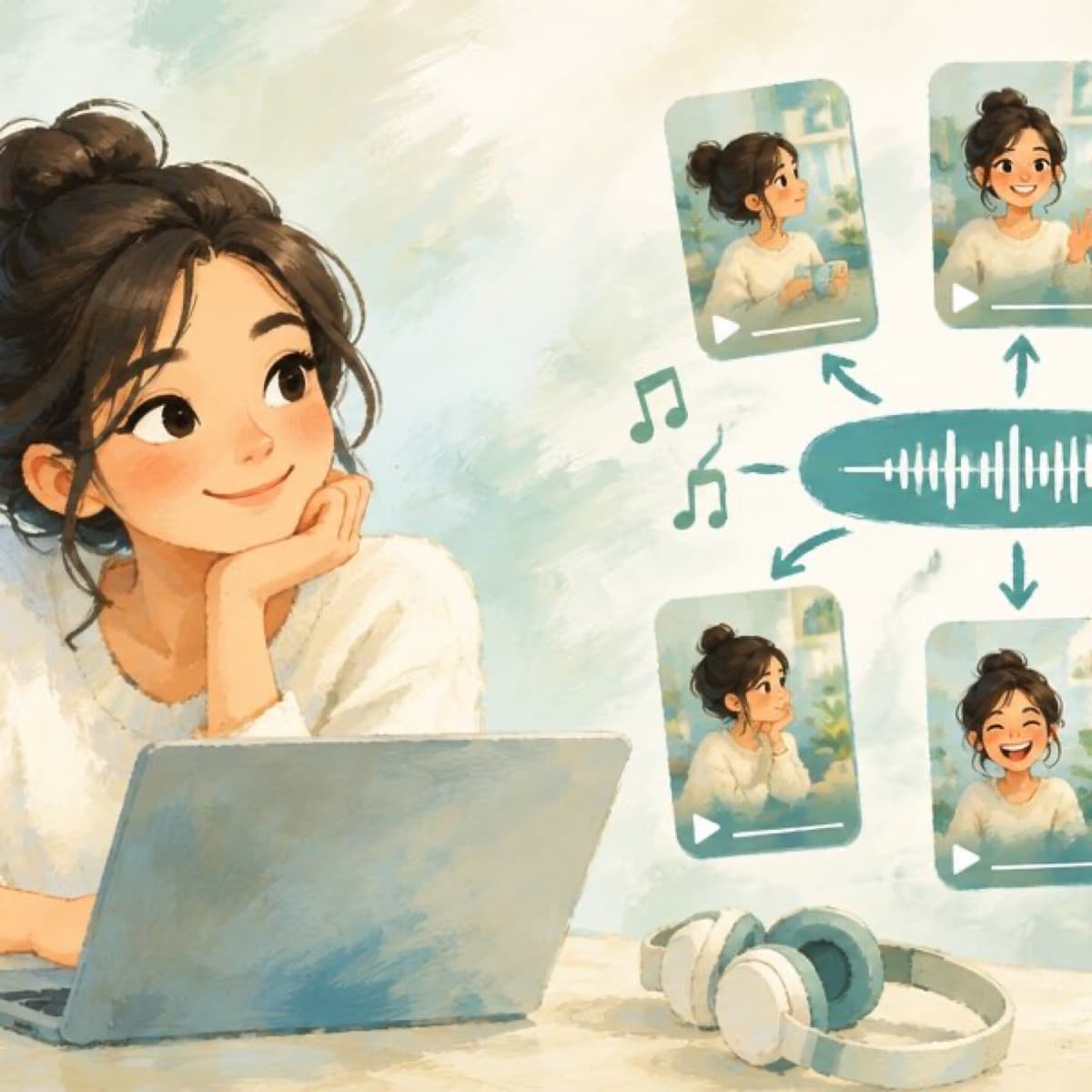
How do I reuse one theme track across every Shorts episode?
Detach or build the audio once, then join parts with Timeline audio concat: $0.01 per job, up to 20 ordered parts in one gapless file.

How do I pull a Shorts thumbnail frame from an episode with Sume?
Call POST /v1/video-frames with a time in seconds to get a durable still from a Sume-hosted episode. Sume bills the job by its Modal compute.

Review 30 episode exports fast: video-inspect seek fast vs precise
Sume video-inspect gives 8 stills by default. Seek fast jumps to a keyframe at or before each time; precise lands on the frame. Pick by the check.

Duck music under dialogue and fade out a TikTok mini drama episode
Sume's Timeline render takes a soundtrack with duck_db (0-20) and a fade_out_seconds up to 5, so dialogue stays clear and each episode ends on a clean fade.

TikTok auto captions or burned-in captions on an AI video?
Use both when it matters: TikTok's auto captions are a viewer toggle that needs speech; burned-in captions from Sume ($0.20 per clip up to 60 s) always show.

Reels on the Instagram TV app: caption for a living room
Reels on a TV autoplay with sound, but a screen across the room needs bigger text. Raise font_size_ratio in a Sume caption job and test one frame first.

Reel auto-captions misspell names and brands: fix with script_text
Auto captions stumble on names and brands. Send your script as script_text so Sume keeps the speech timings and prints your spelling. Errors and the $0.20 job.