
Product in Hand Video Without a Hand Model: Reference-to-Video QC
Show your product held in a hand with no shoot: give a reference-to-video model product photos, then check four frames for label, scale and fingers.
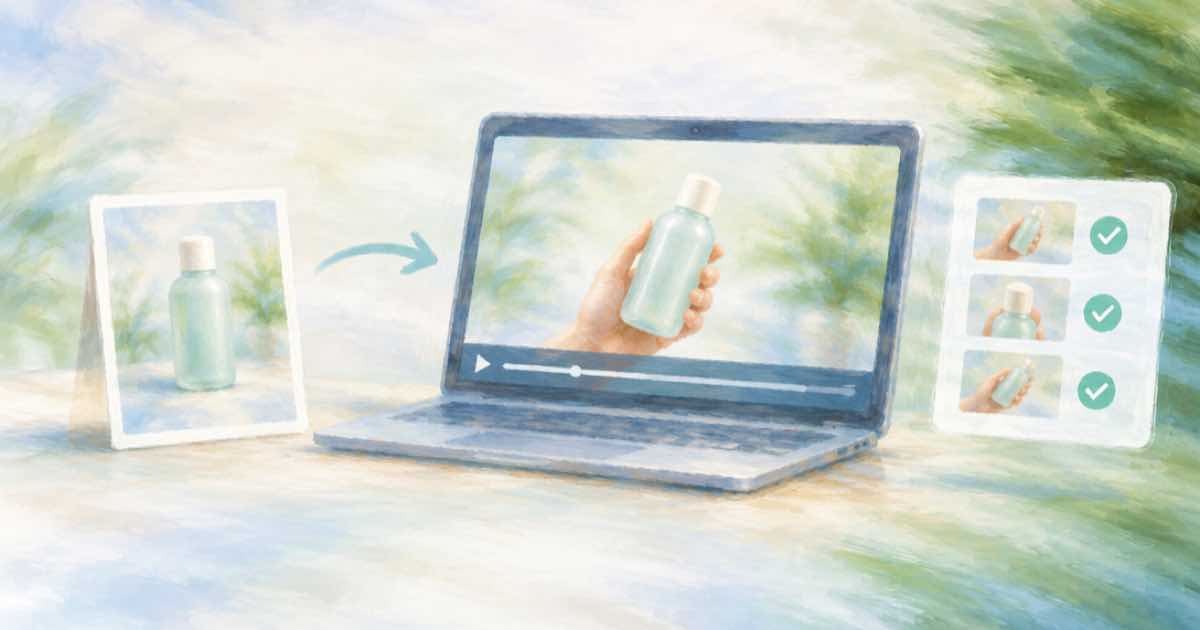
To get a product-in-hand clip without hiring a hand model, send two or three clean photos of the product as reference images to a reference-to-video model, describe the hand and the motion in the prompt, then pull four still frames and compare them with your photos before the clip goes into an ad. The generation is the easy half. The check is what keeps a wrong label or a swollen product out of the feed.
Everything below was read on 2026-10-03 from the Sume Videos docs, Sume's catalog constraints in the repository, Google's Gemini Omni docs and Google's Veo page.
Which models take product references?
Reference-to-video uses input_references on POST /v1/videos; the model treats the images as visual guidance, not exact frames. If you also send frame_images, those win and the request becomes image-to-video, so leave them out. Kling 3 has no reference fields on Sume, so it is not an option for this job.
- Sume bills the vendor list rate plus its margin. Read
pricing_skusfromGET /v1/catalogfor the number you will be charged. - Google's Veo page allows up to three reference images and requires an 8-second duration when you use them. Its Omni page describes subject reference with two images, a cat and yarn, combined into one scene.
| Model | Image references | Duration | List rate (date) |
|---|---|---|---|
| gemini-omni-flash-1.1 | Up to 10 | 3 to 10 s | $0.10/s at 720p (2026-08-28) |
| wan-3.0 | Up to 10 | 2 to 30 s | $0.10/s at 720p (2026-08-24) |
| minimax-h3 | Up to 9; first 5 free, then $0.08 each at list | 5 to 15 s | $0.06/s at 768p (2026-08-25) |
| kling-3 | None (first and end frame only) | 4 to 15 s | See pricing_skus in the catalog |
Brief the reference and the prompt
Use photos on a plain background with the label facing the camera. Add one shot that shows the product next to something of known size. In the prompt, name each photo with Omni's 0-based tokens (<IMAGE_REF_0>, <IMAGE_REF_1>) and describe only the hand and the move: height, label direction, a slow quarter turn. This request asks for a 6-second vertical clip.
import os, time, requests
API = "https://api.sume.com"
H = {"Authorization": f"Bearer {os.environ['SUME_API_KEY']}"}
photos = ["https://example.com/tube-front.jpg", "https://example.com/tube-side.jpg"]
body = {
    "model": "gemini-omni-flash-1.1", "duration": 6,
    "resolution": "720p", "aspect_ratio": "9:16",
    "prompt": "A hand holds the tube from <IMAGE_REF_0> and <IMAGE_REF_1> at chest height, "
              "label facing the camera, slow quarter turn. Soft window light.",
    "input_references": [{"type": "image_url", "image_url": {"url": u}} for u in photos],
}
r = requests.post(f"{API}/v1/videos", json=body,
                  headers={**H, "Idempotency-Key": "hand-hold-001"})
r.raise_for_status()
job = r.json()
for _ in range(60):
    s = requests.get(job["polling_url"], headers=H).json()
    if s["status"] in ("completed", "failed"):
        break
    time.sleep(15)
print(s["status"], s.get("unsigned_urls"), s.get("error"))
What to check in the finished clip
Sume's Video inspect returns stills at timestamps you name (1 to 24 per call, PNG or JPEG) from a clip that already lives on media.sume.com; import it first if it does not. Ask for the opening, two middle moments and the last second, then open them next to the photos.
- Label: is every word legible and spelled as on the pack, at the start and at the end?
- Shape and proportions: cap, seam and width should match the photo, not a generic tube.
- Scale: does the product look the size of a real one in an adult hand?
- Fingers and contact: count the fingers, and check that the grip actually touches the product.
- Drift: compare the first and last still, because a label that changes mid-turn fails even if each frame looks fine.
This is a visual check you do yourself; the inspect call only gets you the frames. A generated hand is also not a customer, so keep the clip out of anything worded like a testimonial and label it under the platform disclosure rules.
import os, time, requests
API = "https://api.sume.com"
H = {"Authorization": f"Bearer {os.environ['SUME_API_KEY']}"}
body = {"video_url": os.environ["CLIP_URL"], "mode": "async",
        "frames": {"at": [0.2, 2, 3.5, 5.7], "format": "png"}}
r = requests.post(f"{API}/v1/video-inspect", json=body,
                  headers={**H, "Idempotency-Key": "hand-qc-001"})
r.raise_for_status()
rid = r.json()["data"]["request_id"]
for _ in range(40):
    d = requests.get(f"{API}/v1/video-inspect/{rid}", headers=H).json()["data"]
    if d.get("frames"):
        break
    time.sleep(3)
else:
    raise TimeoutError("inspect not ready")
for f in d["frames"]:
    print(f["t"], f["url"])
Sources
Related posts
More in Models
- QuantFunc INT4 MiniMax H3: 3.2 s per step on an RTX 4090
QuantFunc's 4-bit MiniMax H3 claims 3.2 s per step on an RTX 4090. That is not a clip time. What the card says, what it omits, and when to use a hosted job.
- Qwen Image Edit Plus: $0.03 a megapixel for text edits
fal prices Qwen Image Edit Plus at $0.03 per megapixel and highlights text editing and multi-image input. What that means for a Sume edit workflow.
- Qwen Image Max is text-only on Sume; Qwen Image takes references
Qwen Image Max on Sume rejects reference images. For edits use qwen/qwen-image. The two ids compared: references, n, ratios, and the $0.075 Max list price.
- Read the Seedance 2.0 catalog row on Sume, field by field
The sample row from GET /v1/videos/models explained: durations, ratios, frame and reference types, audio, seed, pricing_skus and the empty passthrough list.
Written by Sume