
One packshot to twelve lifestyle scenes: input_references recipe
Turn a single product packshot into lifestyle scenes with the Sume Image API: which models take it as a reference, the request body, and cost per twelve scenes.
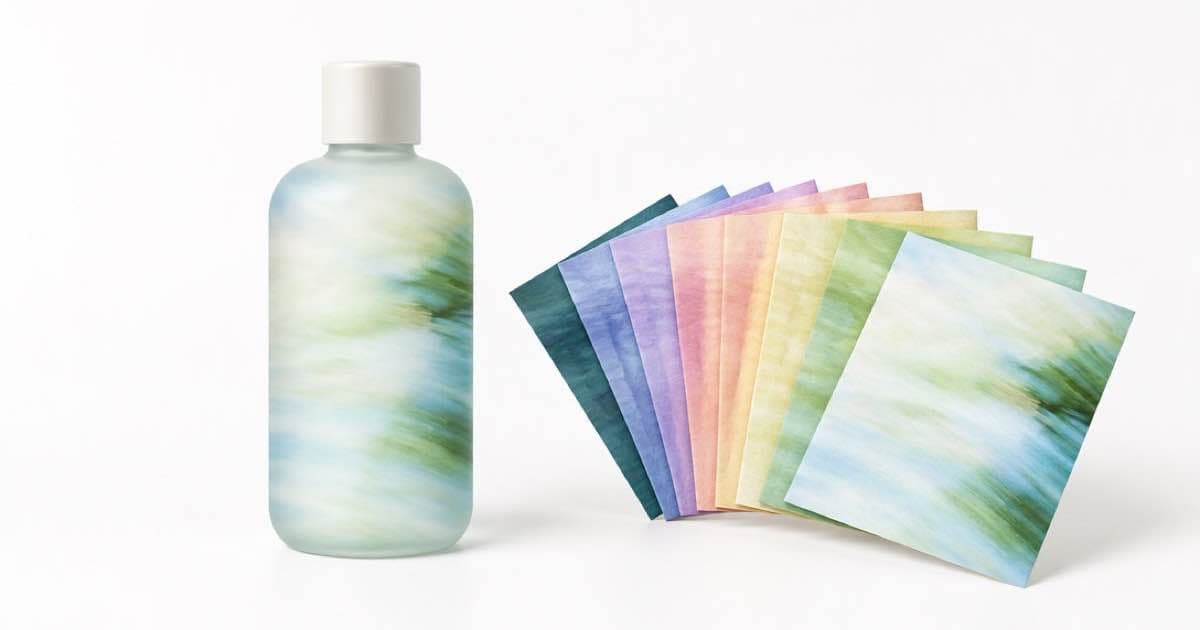
To make lifestyle scenes from one packshot on Sume, host the packshot at a public HTTPS URL, send it as input_references[0] to an image model that accepts references, and describe only the new scene in the prompt. Twelve scenes cost between 0.45 and 1.20 USD at base prices on the three models compared below.
Nothing in the Sume docs promises that a model will keep a label or logo pixel-exact, so treat the output as a candidate and check text on the product before it ships.
The request
References go in input_references as image_url objects, and the URL must be public HTTPS; Sume rejects localhost, private-network and non-HTTPS URLs before submission. A model whose input_references range is 0 to 0 is text-to-image only and rejects references.
For a social feed, ask for a ratio the model lists. If the model lists auto, you can send aspect_ratio: "auto" to match the packshot, but several editing models do not list it, so check first.
{
  "model": "bytedance-seed/seedream-4.5",
  "prompt": "The same bottle on a sunlit kitchen counter beside a bowl of lemons, soft morning light, shallow depth of field",
  "aspect_ratio": "4:5",
  "input_references": [
    { "type": "image_url", "image_url": { "url": "https://example.com/packshot.png" } }
  ]
}
Cost of twelve scenes
The figures below multiply the catalog base price by twelve. They are a floor: resolution tier or quality, where a model lists them, can raise the per-image price, so confirm with the pricing lines on the endpoint route.
| Model | Max references | Base price per image (USD) | Twelve scenes (USD) |
|---|---|---|---|
| black-forest-labs/flux.2-pro | 10 | 0.0375 | 0.45 |
| bytedance-seed/seedream-4.5 | 10 | 0.05 | 0.60 |
| google/nano-banana-2.1 | 10 | 0.10 | 1.20 |
Keep the scenes consistent
Write one fixed sentence that names the product and its colour, and reuse it in all twelve prompts, changing only the setting. Models differ in how closely they hold a shape, so run the first three scenes on each candidate model before you commit the other nine.
If you need more than one angle of the product, add the other photos as additional references. The ceiling is 10 on the models in the table, and 16 on ChatGPT Image 2.5 in the catalog, so a product with four photos fits everywhere.
Because the catalog also lists an n range of 1 to 4 for these models, one request can return several takes of the same scene, which is cheaper to review than twelve different prompts when you only need to pick the best framing.
Plan the twelve scenes before you spend
Write the scene list first, one line each: surface, props, light, time of day. Twelve prompts that differ in only the setting give you a set that looks like one shoot, which is the point of starting from a single packshot.
Run one scene per candidate model, compare them against the packshot, and pick the model. Only then run the other eleven. The first round costs 0.0375 + 0.05 + 0.10 = 0.1875 USD at base prices across the three models, which is cheaper than finding out on scene twelve that the shape drifts.
Pick the ratio by where the image will live. The three models in the table list 1:1, 4:5, 9:16 and 16:9, so one packshot can feed a square listing, a feed post, a story and a banner without switching models.
What not to expect
Do not send the packshot from a private bucket without a presigned public link. Sume will not fetch localhost or private-network addresses. Also do not expect a guarantee that the product's printed label comes out unchanged; compare it against the packshot before publishing.
Sources
Related posts
More in Use cases
- Outdoor event postponed: re-caption your clean promo for $0.20
Rain moved your event? Keep a text-free master and burn a postponed, new-date and reminder caption onto it with Sume cues: $0.20 each, not a new render.
- Photographer holiday mini-session reel: 4 clips, music, $1.43
Turn four sample portraits into a 16-second mini-session ad on Sume: Wan 3.0 clips, a Music 1.0 bed, one Timeline render and slot captions for $1.43.
- Home-exercise reminder clips for a PT clinic: English avatar, cost
A small PT or chiropractic clinic can make short English home-exercise reminder clips with an Avatar 1.0 presenter. Per-second prices and what to keep out.
- Pickleball winter league signup: schedule card over court footage
Pin a schedule card on top of court footage with Sume timeline compose overlay for $0.02. A 6 s Omni Flash clip at 720p is $0.75. Card text stays yours.
Written by Sume