
GPT Image 2.5 inpainting with mask_url on Sume: steps and cost
Edit part of an image with mask_url and up to 16 references on openai/gpt-image-2.5. Billed about $0.066 an image on Sume. Steps and the limits.
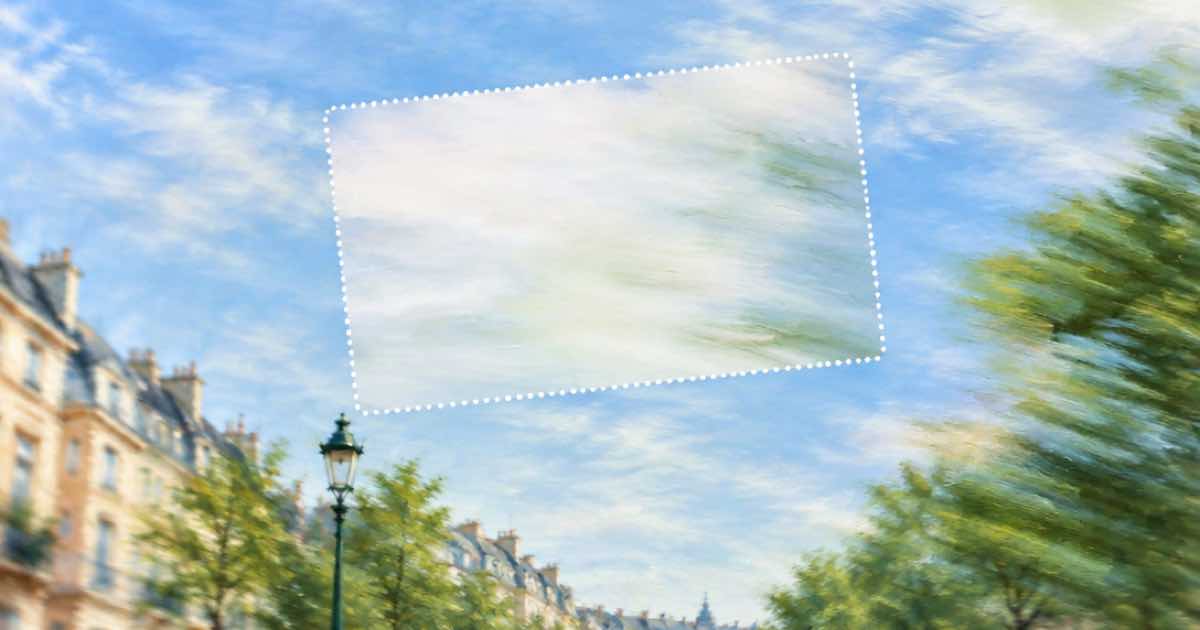
To repaint only part of an image on Sume, send openai/gpt-image-2.5 a source image in input_references, a mask_url that marks the area to change, and a prompt that describes the new content. The row accepts up to 16 references and bills about $0.066 per image. mask_url and background are listed on GPT Image 2.5 only; on every other image row they return 400 unsupported_parameter.
The steps are short, and the failure cases are listed below so you spend the $0.066 once.
Steps
- Host the source image at a public URL; Sume reads references by URL.
- Make a mask image the same size as the source. Mark the area to change as the mask's editable region, following the docs for mask format.
- Host the mask and pass its URL in
mask_url. - Write the prompt for the changed area and say what must stay. Keep the ratio of the source with
aspect_ratio, or useimage_sizefor custom pixels. - Read
usage.coston the response and save the result URL.
Request
{
  "model": "openai/gpt-image-2.5",
  "prompt": "Replace the sky with a pale evening sky; keep the rooftops unchanged",
  "input_references": [
    {"type": "image_url", "image_url": {"url": "https://example.com/street.png"}}
  ],
  "mask_url": "https://example.com/street-mask.png",
  "aspect_ratio": "3:2"
}
Limits to check
| Item | Value |
|---|---|
| Billed per image | About $0.066 |
| input_references max | 16 |
| mask_url | GPT Image 2.5 only |
| background (auto, transparent, opaque) | GPT Image 2.5 only |
| image_size custom pixels | Multiples of 16, max edge 3840, aspect at most 3:1, 655,360 to 8,294,400 px |
| image_size vs aspect_ratio | image_size wins |
Cost of an edit session
Five mask attempts on one picture cost about $0.33. If the first masks are rough, test a single attempt before running a batch of fifty, and check that the mask URL opens in a browser with no login, since a private URL fails the same way as a bad mask. A failed generation is not billed, but a result you dislike still is.
Use background: transparent only when you need a cutout from this row. It is listed on GPT Image 2.5 and nowhere else in the image catalog.
Common failure cases
- A mask URL that needs a login: the provider cannot fetch it and the request fails.
- A mask with a different size from the source: results shift or the call is rejected.
- A prompt that describes the whole picture instead of the change: the edited area drifts in style.
- More than 16 references: the request returns a
400from the catalog limit.
When to skip the mask
If the change is large, such as a new background for a whole product shot, a mask may add little. Send the photo as a reference with a prompt that says what to keep, and compare the result with the masked version once. The unmasked call is the same $0.066, so the test is cheap.
Use the mask when something must stay pixel-close, such as a face or a logo, and keep the masked area as small as the edit allows.
What Sume does not do
Sume does not draw the mask for you or detect the region from a text description. It also does not preview the edit before billing. The exact mask color convention is the upstream provider's; confirm it on one cheap test before you automate.
Sources
Related posts
More in Developers
- gpt-image-2.5 quality auto reserves max: holds from $0.22 to $0.89
On Sume, gpt-image-2.5 with quality auto and auto size reserves $0.8895 per image, while omitting quality reserves $0.2224. Hold table and the safe request.
- Grok Image n is 1 on Sume: four images mean four calls, $0.10
Sume's catalog caps n at 1 for Grok Image. A Python loop for four images costs $0.10, and runs sync. Ratios incl. 9:19.5 and 9:20 stay available.
- Group failed Sume jobs by error category with curl and jq
One curl and jq command that lists the last 100 failed jobs, groups them by error.category, code and retryable, and prints a sample job id for each group.
- Recast 400 "exactly one source video and 1-4 images": five causes
The Videos API refuses an h3-max-recast request that is not one video plus 1-4 images in input_references. Five causes of that 400 and what to send instead.
Written by Sume