
Ray3.2's 16 keyframes vs Omni's two frames: what Sume can do
Luma lists up to 16 keyframes for Ray3.2; Omni takes two. On Sume you chain Omni pairs: 5 keyframes is 4 clips of 5 s, $3.76 at 1080p.
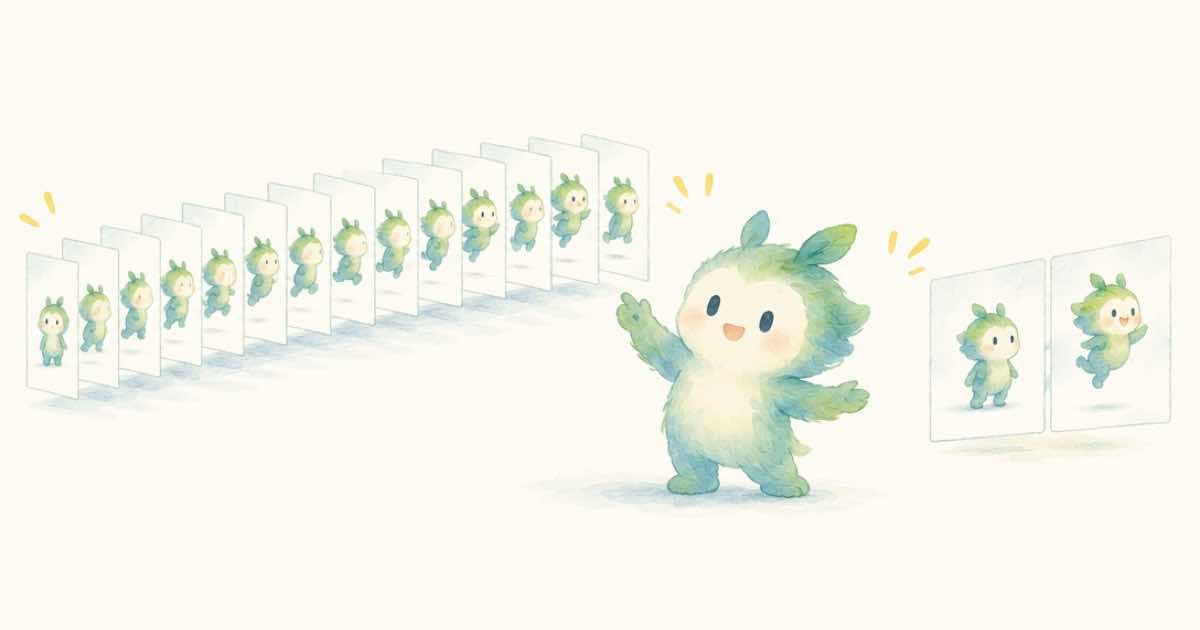
Luma says Ray3.2 accepts up to 16 keyframes in one clip, while Gemini Omni Flash 1.1 takes two: a first and a last frame. Sume does not ship Ray3.2, so on Sume the way to hit more than two keyframes is to chain Omni pairs, one clip per gap: five keyframes are four clips, $3.76 at 1080p for 5 seconds each.
The facts here come from the vendors. Luma's launch page for Ray3.2 lists up to 16 keyframes per clip, 1080p, up to 20 seconds, native HDR with 16-bit EXR export, and facial performance tracking up to 8 faces (Luma, read 2026-10-05). Google lists first and last frame control for Omni 1.1 Flash (Google blog, read 2026-10-05).
The two approaches in a table
| Item | Luma Ray3.2 (vendor) | Gemini Omni 1.1 Flash (vendor and Sume docs) |
|---|---|---|
| Keyframes per clip | Up to 16 | First and last frame (2) |
| Clip length | Up to 20 s | 3-10 s on Sume |
| Resolution | 1080p | 360p, 720p, 1080p, 4K |
| Run on Sume? | No, not in the catalog | Yes, gemini-omni-flash-1.1 |
| Sound | Not covered here | Native audio always on |
Chaining Omni pairs
With keyframes K1 to K5, request four clips: K1 to K2, K2 to K3, K3 to K4, K4 to K5. Each clip sends one frame as image_url and the next as end_image_url. Because the end of each clip is the start of the next, the cuts line up in picture. Motion at the join can still shift, so keep the camera and the pacing consistent across the prompts.
{
  "model": "gemini-omni-flash-1.1",
  "prompt": "Gap 2 of 4: the car turns the corner, camera follows at the same speed",
  "image_url": "https://example.com/k2.png",
  "end_image_url": "https://example.com/k3.png",
  "resolution": "1080p",
  "duration": 5,
  "aspect_ratio": "16:9"
}
Cost of a chain
Chain cost is the number of gaps times the clip price. The Timeline API can join the clips into one file.
| Keyframes | Clips | 360p | 720p | 1080p |
|---|---|---|---|---|
| 3 | 2 | $0.38 | $1.26 | $1.88 |
| 5 | 4 | $0.76 | $2.52 | $3.76 |
| 8 | 7 | $1.33 | $4.41 | $6.58 |
| 16 | 15 | $2.85 | $9.45 | $14.10 |
What you give up
A single 16-keyframe clip is one generation with one continuous motion. A chain is several generations, so speed, lighting and texture can step at each join, and the total length of a 16-keyframe chain is 75 seconds, not 20. On the other side, a chain lets you redo one gap without redoing the rest, and Sume bills per clip so a bad gap costs one clip.
A planning example
Take a 30-second product film with eight keyframes: bottle on the shelf, hand reaches, bottle lifted, label turn, pour, glass, sip, logo. That is seven gaps. At 4 seconds each on Omni 1080p, each clip is $0.75 and the chain is $5.25 for 28 seconds. At 360p for storyboard review it is $0.15 a clip and $1.05 in all. You approve the storyboard, then run the finals gap by gap.
If one keyframe is wrong, change it and redo only the two gaps next to it. That is the practical advantage of a chain.
What to verify on the Luma side
Luma's page is the source for Ray3.2 figures, and a vendor page can change after a given date. The numbers in this post are those read on 2026-10-05. If you are choosing for a real project, read the current Luma page and its pricing, and compare against your own clips. Sume does not resell Ray3.2, so there is no Sume price to put beside it, and this post does not claim one.
What Sume can state with certainty is its own side: the Omni limits and prices come from its catalog and docs, and each clip is a separate job with its own id, status and bill.
When to choose which
- You need the Ray3.2 features such as HDR or EXR: use Luma directly. Sume does not run it.
- You need a few keyframes, sound and 4K: Omni chain on Sume.
- You need many keyframes in one take: the vendor product built for it.
Sources
Related posts
More in Comparisons
- Ray3.2 takes 16 keyframes per clip. Sume takes two frames: chain them
Luma lists up to 16 keyframes per Ray3.2 clip. Sume does not ship Ray3.2, but its first and last frame jobs chain into a keyframed shot.
- Luma Ray3.2 20 s 1080p vs MiniMax H3 Max 15 s 1080p on Sume
Luma lists Ray3.2 at 1080p for up to 20 s with 16 keyframes. Sume does not run Ray3.2; H3 Max 1080p is 5-15 s at $0.20 a second. What to use for 20 seconds.
- Luma Ray3.2 features against what Sume's docs list: a one-page matrix
Luma lists 16 keyframes, 20 s, 1080p, HDR with 16-bit EXR, 8-face tracking and Reframe for Ray3.2. Sume does not ship it; here is what Sume's docs cover.
- Luma Ray3.2 image-to-video ad: first-frame models on Sume at 5 seconds
Luma Ray3.2 is not on Sume. For a still-to-video ad, a 5-second 720p clip is $0.63 on Omni or Wan, $0.70 on Kling 3 and $0.38 on H3 at 768p.
Written by Sume