
Food truck weekly route poster: GPT Image 2.5 art, stops added in code
A weekly food truck poster costs $0.0129 for the art at medium on Sume, about $0.67 a year. Let GPT Image 2.5 draw the scene and print the stops with Pillow.
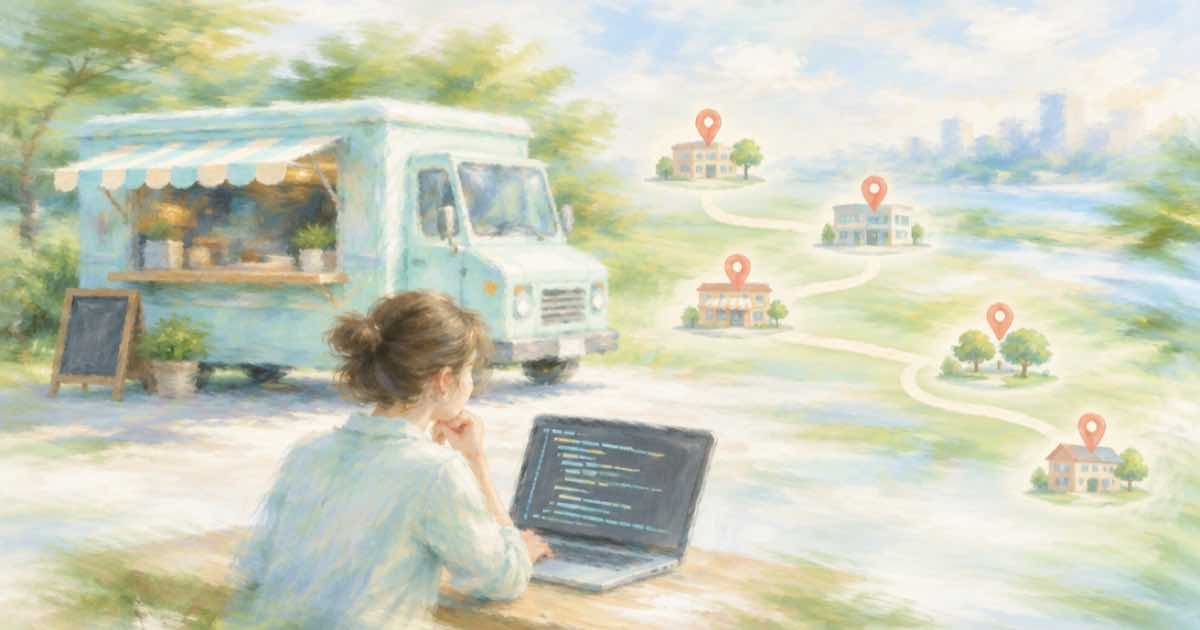
A food truck can post a fresh route poster every week for about 1.3 cents of image cost: GPT Image 2.5 at medium quality and 1024x1536 quotes $0.0129 on Sume, so 52 posters a year come to $0.67. The trick is to ask the model for the scene only, with an empty band for text, and print the days, places and hours in code, because the stops change every week and a typo should cost a re-run of ten lines, not a re-generation of the art.
Why now
OpenAI's deprecations page lists gpt-image-1 for shutdown on October 23, 2026, with gpt-image-2.5-sunburst and gpt-image-2.5-flare as the replacements (OpenAI, read 2026-10-05). A truck whose poster tool still calls the old model has a deadline. On Sume the ids are openai/gpt-image-2.5 (Flare) and openai/gpt-image-2.5-sunburst, and the Image API page says both quote the same rates and take the same options.
What a poster costs
Sume's quote for a text-to-image call at 1024x1536, with a short prompt. The size is a 2:3 portrait, inside the documented limits: both edges a multiple of 16, a ratio of at most 3:1, and between 655,360 and 8,294,400 pixels.
| Quality | Price per poster | 52 posters a year |
|---|---|---|
| low | $0.0060 | $0.31 |
| medium | $0.0129 | $0.67 |
| high | $0.0515 | $2.68 |
The prompt that leaves room
Describe the truck, the light and the street, then say where the space is: "the lower third is a plain dark area, no lettering anywhere". Ask for quality: "low" first. At $0.0060 you can try four phrasings for under three cents and keep the composition you like, then render that prompt at medium or high. Keep image_size fixed at 1024x1536; if you omit it, Sume reserves the upper bound while the job runs, and the quote jumps.
Leaving quality out means high on this model, which is $0.0515 here, so set it on purpose.
Print the week in code
This script draws a dark band on the lower part of the image and writes the stops. Pass the image path as the first argument; with no argument it makes a plain background so you can test the layout.
import sys
from PIL import Image, ImageDraw, ImageFont

stops = [
    ("Mon", "Pier 9 lot", "11:30-2:00"),
    ("Wed", "Tech Park", "11:30-2:00"),
    ("Fri", "Main St market", "5:00-9:00"),
]
try:
    img = Image.open(sys.argv[1]).convert("RGB").resize((1024, 1536))
except (IndexError, FileNotFoundError):
    img = Image.new("RGB", (1024, 1536), (40, 40, 40))

draw = ImageDraw.Draw(img, "RGBA")
draw.rectangle((0, 1000, 1024, 1536), fill=(0, 0, 0, 170))
try:
    font = ImageFont.load_default(size=44)
except TypeError:
    font = ImageFont.load_default()

y = 1050
for day, place, hours in stops:
    draw.text((60, y), f"{day}   {place}   {hours}", fill="white", font=font)
    y += 90
img.save("route-poster.png")
print("wrote route-poster.png")
Request
The art call is one POST /v1/images. Send an Idempotency-Key as you would on any paid Sume request, then read the hosted image URL from the job result.
curl -X POST https://api.sume.com/v1/images \
  -H "Authorization: Bearer $SUME_API_KEY" \
  -H "Content-Type: application/json" \
  -H "Idempotency-Key: poster-2026-w41" \
  -d '{"model": "openai/gpt-image-2.5", "quality": "medium", "image_size": "1024x1536", "prompt": "A food truck on a city pier at golden hour, the lower third is a plain dark area with no lettering"}'
What to check
Look at the lower third of each draft before you accept it. If the model draws sign text or a menu board, that text is part of the pixels and your printed stops will sit on top of it. Re-run at low with a firmer instruction. Sume bills only completed generations, so a failed call is not charged, but a finished image you dislike is. Prices come from Fal's rates plus Sume's margin and can change, so read usage.cost on your first real job and update the table.
A year of weekly art is under three dollars even at high, so the real cost is your time. Keep one saved prompt for the scene and change only the weather or the season, so the poster looks like the same truck every week. Save each finished PNG with the week in its filename, and you have a record of past routes for free.
The catch is that every poster shares the same limits. The model decides how the lower third looks, and your overlay assumes it is dark and empty. If a draft ignores that, do not fight it: crop the image to a different region and move the band, which is a one-line change in the script. Print the hours in a 44-point size or larger, because customers read these on a phone at arm's length, and test the result at thumbnail size before you post it.
Finally, keep the file name and the prompt together. When a poster works, you want to reproduce it next month with only the stops changed, and a saved prompt next to the saved image is the cheapest way to do that.
Sources
Related posts
More in Use cases
- Free trial day-3 nudge video: AI avatar onboarding clip and cost
A 20-second day-3 trial nudge from a Sume avatar: one action, one script, and per-signup cost on standard, plus and max. Render once, send to every cohort.
- Freelance Photographer Booking Intro With an AI Avatar: Cost
A booking intro for a freelance photographer using an AI avatar: script, seconds, request JSON, and Sume Avatar 1.0 cost on standard, plus and max.
- FTC 30-day shipping rule: delivery claims in a holiday sale clip
If you state no shipping time, the FTC rule gives you 30 days; a time you do state needs a reasonable basis. Burn ship-by text from data. Read 2026-10-05.
- FTC Made in USA claim in a holiday gift video: gate the caption text
An unqualified Made in USA claim needs all or virtually all US-made, FTC says, online too. Lint the cue text before you burn it. Read 2026-10-05.
Written by Sume