
Coffee or tea pouch photos with AI: zip top, crimp and print
Pouches have a crimped top, a zip and a window. Stage them on a counter with Sume's image API and check the seal, the print and the shape before publishing.
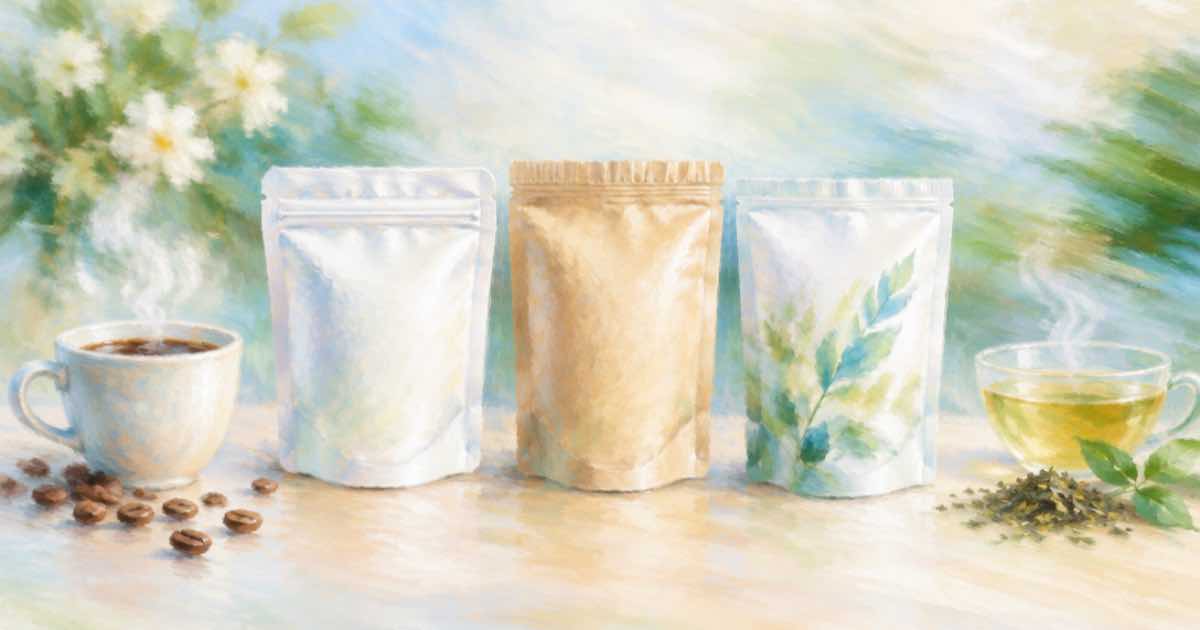
A coffee or tea pouch has a few shape details that identify it: the flat crimp on top, a tear notch, a resealable zip, maybe a clear window. Generated scenes often smooth them away and produce a generic bag.
Using Sume's Image API, you give the pouch photo as an input_references item and ask for a morning-kitchen scene around it.
List the shape features
Prompts that say "keep the pouch" are vague. List the crimp, the zip line and the window by name, and say the pouch stands upright on its own.
import os, requests

H = {"Authorization": f"Bearer {os.environ['SUME_API_KEY']}"}
resp = requests.post("https://api.sume.com/v1/images", headers=H, timeout=90, json={
    "model": "openai/gpt-image-2.5",
    "prompt": "Place this exact coffee pouch standing upright on a kitchen counter next to a ceramic mug, steam rising, morning light. Keep the flat crimped top, the zip line, the window and the front print as in the reference.",
    "input_references": [
        {"type": "image_url", "image_url": {"url": "https://example.com/pouch.jpg"}}
    ],
    "aspect_ratio": "auto",
})
resp.raise_for_status()
if resp.status_code == 202:
    raise SystemExit("job envelope: poll data.status_url")
body = resp.json()
print([d["url"] for d in body["data"]], body.get("usage"))
Print and seal
Front print is a smaller version of the label problem: a name and a roast level can drift. If exact print matters, use the approach in the label compositing post and paste the real front panel back. For seal and shape, compare side by side with the reference:
- The crimp is flat and straight, not wavy.
- The zip line sits below the crimp, at the same distance.
- The window, if present, shows coffee beans or leaves, not a blank.
- The pouch stands without a visible prop.
Run one image per scene, review them together and keep the passing ones. The cost of each call is in usage.cost, which is enough to set a per-SKU budget before you generate a season of scenes.
Before you run a catalog
Run one SKU end to end first. POST /v1/images returns the images directly when it finishes within 30 seconds; past that it returns a 202 envelope with status_url and result_url, which the jobs and results guide explains. Handle that branch before you loop over a catalog, and write each result's URL and usage.cost to a file keyed by SKU, so a failed run restarts where it stopped and nothing is paid for twice.
Sources
Related posts
More in Use cases
- Course welcome video captions in your brand color (slam, $0.20)
Burn captions in your school's accent color: set design.colors.active on the slam style. It does not work on punch or tiktok-green. $0.20 for clips to 60 s.
- Article 50: creator duties vs provider duties, side by side
Article 50(4) puts deepfake and certain text disclosure on deployers, while 50(2) puts marking on providers. A two-column split for teams that publish AI video.
- Case study video narrated by an avatar: three scenes, 55 seconds
Narrate a written case study as a 55-second, three-scene Sume avatar video: problem, change, result. Cost by tier and a body you can send; no names needed.
- Cyber Week five-day creative sprint: a daily Seedance clip budget
Shopify defines BFCM as Thanksgiving through Cyber Monday. Twenty-two 8-second 720p vertical clips across those five days cost $101.6928 on Sume.
Written by Sume