
AI cake design preview for a bakery order: photo reference and mask
Show a customer their cake before baking: pass a photo of the plain cake as a reference, edit the top with mask_url, and keep the order text in code.
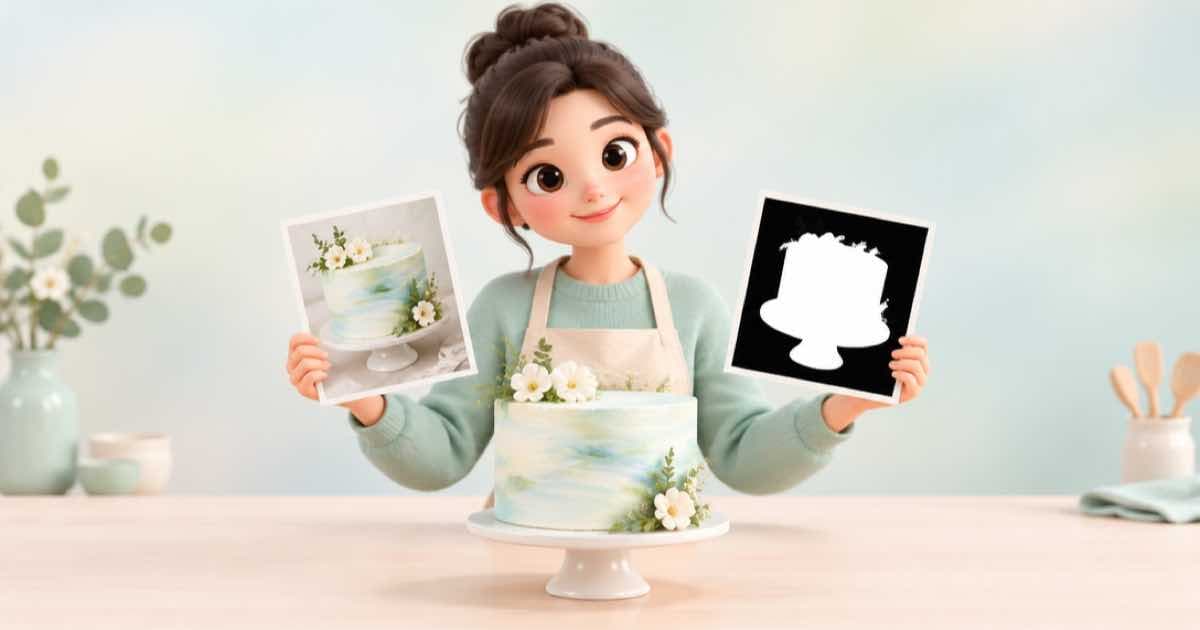
To preview a cake design, photograph your plain base cake, pass it as an input_reference to openai/gpt-image-2.5, and describe only the decoration. Add mask_url when you want the change confined to the top or one tier. Request three or four takes with n so the customer can pick.
The preview is an illustration of intent, not a promise: tell the customer the baker's piping will differ, and keep the order wording, date and price in your order system, not in the image.
What goes where
| Input | What it does | Rule |
|---|---|---|
| input_references | The base cake photo | Public HTTPS URL; signed or private URLs are rejected |
| mask_url | Marks the area to change | A model that does not list it returns 400 unsupported_parameter |
| n | Takes to compare | 1 to 10, with lower ceilings on some models |
| aspect_ratio | Frame of the preview | auto is not the same as omitting it |
The request
The prompt names what changes and what stays. Say which tier, which colours, and that the plate, table and lighting remain.
{
  "model": "openai/gpt-image-2.5",
  "prompt": "Decorate the top tier only with pale pink buttercream roses and a gold number 7 topper. Keep the cake shape, the plate, the table and the lighting unchanged.",
  "input_references": [
    {"type": "image_url", "image_url": {"url": "https://example.com/base-cake.jpg"}}
  ],
  "mask_url": "https://example.com/top-tier-mask.png",
  "n": 3
}
Order summary in code
Keep the order text outside the model. This builds the line your bakery sheet prints, so a spelling mistake in a name never comes from image generation.
order = {"name": "Maya", "age": 7, "flavour": "vanilla", "collect": "2026-10-18"}
line = f"{order['name']} turns {order['age']}: {order['flavour']} cake, collect {order['collect']}"
print(line)
Limits to say out loud
Ask for edible-looking decoration you can really make. A model will happily draw floating sugar that no baker can build, so choose the winning take with your baker, not just the customer.
Sources
Related posts
More in Use cases
- AI character sheet with turnaround and expressions via API
Build a character sheet with front, side, back and expression views: pick one anchor image, then feed it back as a reference per view on gpt-image-2.5.
- AI chibi figurine from a photo: one reference edit, four takes
Turn a portrait into a glossy chibi figurine render with one reference edit on gpt-image-2.5, four takes per call, and a plain background for the cutout.
- AI worksheet clip art set: 12 transparent PNGs for $3.37 at xhigh list
Twelve transparent clip-art items, three takes each, is 36 images: $3.37176 at gpt-image-2.5's xhigh list estimate of $0.09366, before Sume pricing.
- AI coaster set: four designs in one call, circle-cropped in Pillow
Generate a four-design coaster set with n=4 at 1:1, then crop each to a circle with a Pillow mask. Request, crop code and a bleed note, with the cost to check.
Written by Sume