
AI billboard mockup: put your ad on a street photo with two references
Put an existing ad on a billboard in a street photo: two references (photo first, ad second), one Sume image edit call, and a prompt that locks the scene.
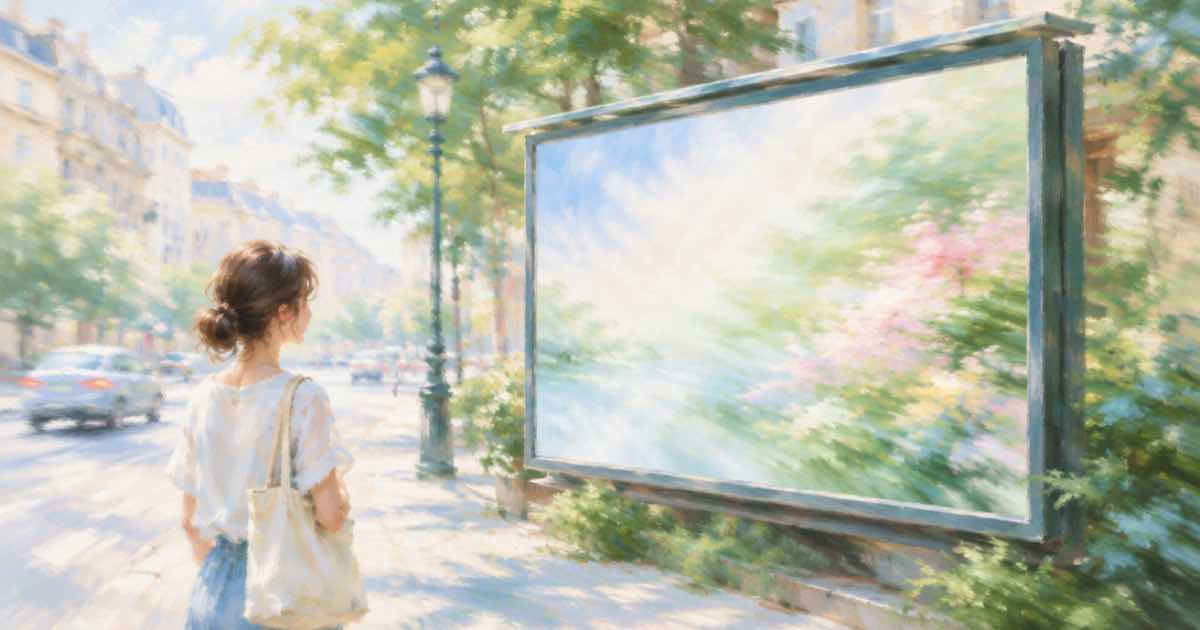
Two references: the scene and the ad
A pitch deck often needs the campaign on a real billboard, bus shelter or wall. You already have two files: a photo of the location and the finished ad. A reference edit combines them.
On Sume, send both in input_references. The order is the part to control: put the street photo first and the ad second, and say so in the prompt.
The e Image API docs](https://docs.sume.com/models/images) list ChatGPT Image 2.5 as openai/gpt-image-2.5 (Flare) and openai/gpt-image-2.5-sunburst. OpenAI's guide says to choose Sunburst where editing precision matters most and Flare for fast everyday generation, so these edits use Sunburst. ChatGPT Image 2.5 accepts up to 16 references, so two is well inside the limit.
Say which image is which
Write the prompt like an instruction to a retoucher: image 1 is the street photo, image 2 is the ad artwork; place the artwork on the billboard face in image 1, matching perspective and lighting; leave everything else unchanged. OpenAI's guide notes that when several input images are sent with a mask, the mask applies to the first image, which is another reason the scene photo goes first.
import os
import requests

REFS = [
    "https://example.com/street.jpg",
    "https://example.com/ad.png",
]
resp = requests.post(
    "https://api.sume.com/v1/images",
    headers={"Authorization": f"Bearer {os.environ['SUME_API_KEY']}"},
    json={
        "model": "openai/gpt-image-2.5-sunburst",
        "prompt": "Image 1 is a street photo, image 2 is an ad. Place image 2 "
                  "on the billboard face in image 1, matching perspective and "
                  "daylight. Do not change anything else.",
        "aspect_ratio": "auto",
        "input_references": [
            {"type": "image_url", "image_url": {"url": u}} for u in REFS
        ],
    },
    timeout=60,
)
print(resp.status_code)
print(resp.json())
Protect the ad's own text
A model that redraws the billboard face may also redraw the headline on your ad. If the copy is approved wording, check it letter by letter at full size, or composite the original artwork over the billboard region yourself. Reference URLs must be public HTTPS; localhost, private-network and non-HTTPS URLs are rejected.
| Check | Why |
|---|---|
| Street photo is reference 1 | A mask, if used, applies to the first image |
| Ad is reference 2 | Named as image 2 in the prompt |
| aspect_ratio auto | Result keeps the shape of the photo |
| Public HTTPS URLs | Private and localhost URLs are rejected |
Check perspective before you pitch
Look at the billboard corners first. If the ad is skewed or the frame has been redrawn, rerun with a sentence naming the frame: keep the billboard frame, posts and lights exactly as they are. Then confirm the photo's sky and shadows were not touched.
Timing and what a call costs
POST /v1/images on Sume waits up to 30 seconds and returns 200 with the image. If the generation is still running at that point you get 202 and a job envelope with a status URL and a result URL instead. The docs name 4K, high quality and large n as the settings most likely to degrade to 202, so branch on the status code, not on the body shape.
Billing is all-or-nothing. A completed generation is billed in full, a failed or cancelled one is not, and usage.cost in the response is the USD amount charged: the provider list price times 1.25.
Sources
Related posts
More in Use cases
- AI blog hero image generator: 16:9 images by API, one style
Make blog headers that match: one style block, a 16:9 request, text-free artwork, and a cost note. Models and a request on Sume.
- AI book cover art API: 2:3 models on Sume and adding the title in code
Fourteen Sume image rows list 2:3. Generate the cover art without text, then set the title and author name yourself so every letter is right.
- AI building mural preview: put a mural design on a real wall photo
Preview a mural on a real wall: the wall photo first, the mural artwork second, a mask over the wall surface and one Sume edit call to check scale and colors.
- AI business card design: generate art, set contact text yourself
A card needs perfect phone numbers, so generate text-free artwork at 3:2 or 16:9 and add the contact lines in layout. Request and print notes on Sume.
Written by Sume