
AI bottle label mockup: put your label on a bottle photo
Send a bottle photo and a flat label design as two numbered references, say which goes where, and check the label text. Request shape and limits on Sume.
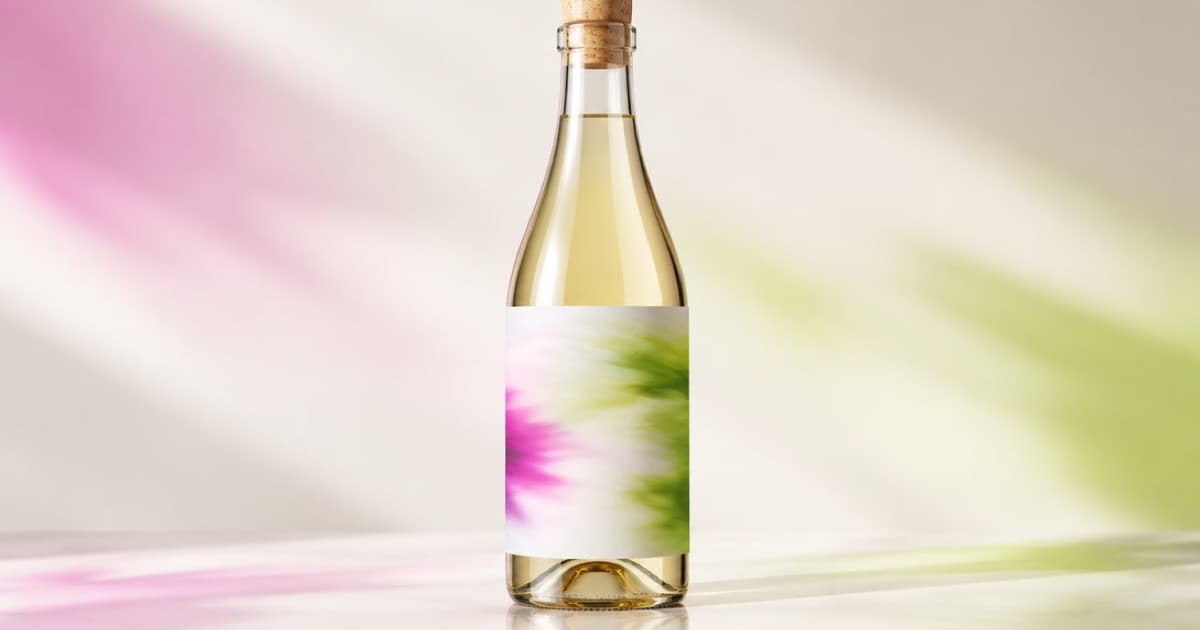
To mock up a label on a bottle, send two images as references: Image 1 the empty bottle photo, Image 2 the flat label artwork, and tell the model to wrap Image 2 onto the label area of Image 1 without changing either. On Sume this is one POST /v1/images with two entries in input_references. GPT Image 2.5 takes up to 16 references, and you refer to them by order in the prompt (numbered references).
Request
Upload both files to public HTTPS URLs. State the role of each reference and the rule that the label art must keep its exact text, colours and layout. Ask for a gentle curve and the same lighting as the bottle photo.
Use aspect_ratio: "auto" so the output follows the bottle photo.
curl -X POST https://api.sume.com/v1/images \
  -H "Authorization: Bearer $SUME_API_KEY" \
  -H "Content-Type: application/json" \
  -d '{
  "model": "openai/gpt-image-2.5",
  "prompt": "Image 1 is a plain amber bottle. Image 2 is a flat label design. Apply the label from Image 2 to the front of the bottle in Image 1 with a slight cylindrical curve and matching light. Do not change the label text, colours or layout. Do not change the bottle.",
  "input_references": [
    {"type":"image_url","image_url":{"url":"https://example.com/bottle.jpg"}},
    {"type":"image_url","image_url":{"url":"https://example.com/label.png"}}
  ],
  "aspect_ratio": "auto",
  "quality": "high"
}'
What goes wrong
Two failure patterns recur. The label art gets redrawn instead of copied, so small type changes, and the label lands on the wrong part of the bottle. Mitigate the first by keeping label type large, and the second by naming the area: "centred on the front panel, between the shoulder and the base".
If the label spills outside the intended area, a masked edit can limit the change to one region. The mask is guidance, not an exact shape, so check the edges (masks with several references).
| Check | Pass condition |
|---|---|
| Label text | Every word identical to Image 2 |
| Label placement | Inside the intended panel |
| Bottle shape | Unchanged from Image 1 |
| Lighting | Same direction on bottle and label |
Use as a proof, not a print file
The result is a raster picture. It shows a client what the pack will look like. Keep the original vector art for print.
Sources
Related posts
More in Use cases
- AI business card design: generate art, set contact text yourself
A card needs perfect phone numbers, so generate text-free artwork at 3:2 or 16:9 and add the contact lines in layout. Request and print notes on Sume.
- AI character series on Shorts: avoid the same situation each time
YouTube's inauthentic content policy flags characters in identical situations with the same outcomes. How to keep an AI character and vary the story in Sume.
- AI children's book illustrations with the same character on every page
Make storybook pages where the hero stays recognisable: draw one anchor image, pass it as a reference on every page call, and keep the style words fixed.
- AI classroom background music for lesson videos, under narration
Make calm instrumental music for a lesson video: a prompt that keeps vocals out, a Python script, and a Timeline bed that ducks under the teacher's voice.
Written by Sume