
AI children's book illustrations with the same character on every page
Make storybook pages where the hero stays recognisable: draw one anchor image, pass it as a reference on every page call, and keep the style words fixed.
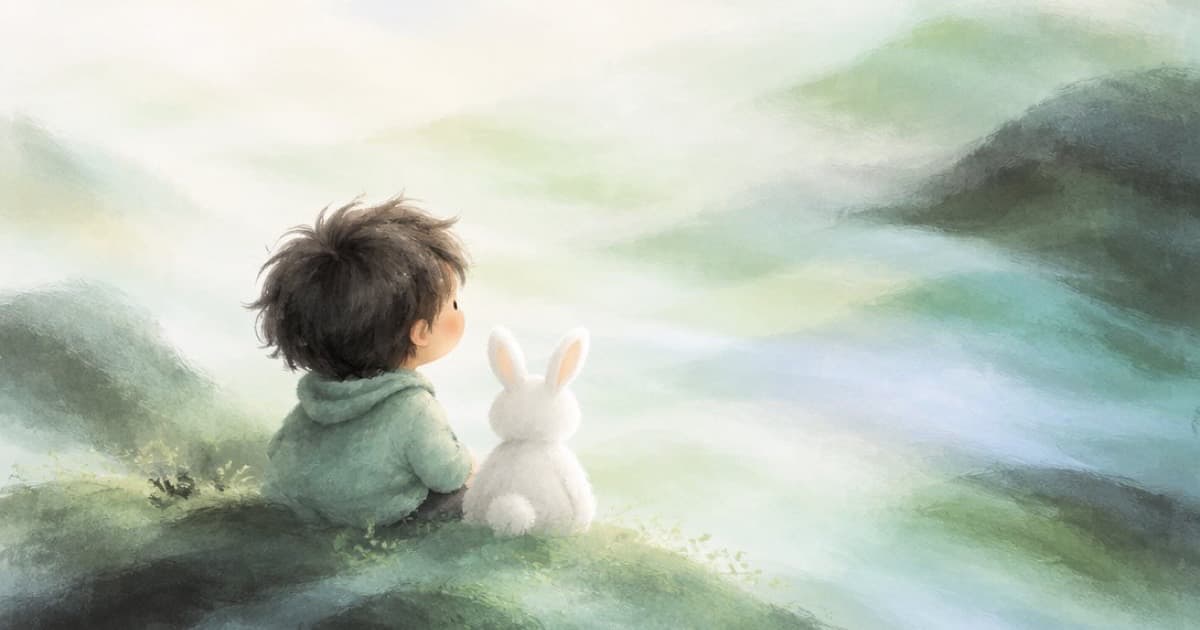
To keep one character recognisable across a children's book, generate a single anchor illustration first, then send it as an input reference with every page prompt and repeat the same description words. On Sume that means one POST /v1/images per page, with the anchor URL in input_references and a page-specific scene in the prompt. Models that take references hold a character far better than prompt-only runs, but they still drift, so plan to check each page.
Build the anchor
Spend your budget on the anchor. Generate four options with n: 4 on a model that supports it, pick the best, and keep that image URL. Describe the character once in a fixed block: age, hair, clothes, colours, art style. Paste that block into every page prompt unchanged.
Pick a model that takes references. GPT Image 2.5 takes up to 16, and Nano Banana Pro and Nano Banana 2 are in the same catalog (Image API). Read each model's input_references range from GET /v1/images/models before you depend on it.
- One anchor image, one fixed character block.
- Style words identical on every page: medium, line weight, palette.
- Scene prompt changes only: place, action, time of day.
- Ratio fixed for the whole book, for example 4:3 landscape spreads or 3:4 portrait pages.
Page loop
Run pages one by one, each call independent. Sume has no seed field, so you cannot rerun to get a matching face; the reference is your only anchor. If page six drifts, regenerate that page from the anchor, not from page five, so errors do not accumulate.
| Setting | Keep | Vary |
|---|---|---|
| Model | Same id all book | Never |
| Reference | Anchor image | Add a second reference for a new prop |
| Character block | Word for word | Never |
| Scene sentence | Never | Every page |
| aspect_ratio | Same ratio | Cover only |
Text on the page
Keep story text out of the image. Typeset it in your layout tool so you can fix typos and translate. If a title must be in the picture, quote it and check the spelling on every render (text in images).
Sources
Related posts
More in Use cases
- AI classroom background music for lesson videos, under narration
Make calm instrumental music for a lesson video: a prompt that keeps vocals out, a Python script, and a Timeline bed that ducks under the teacher's voice.
- AI cosmetics bottle photo: glass, reflections and a clean label
Generate or restage a cosmetics bottle still without wrecking the label: a reference photo, a quoted label text, and a high-quality final pass on Sume.
- AI person in a Meta ad: is the label next to Sponsored?
Meta puts AI info next to Sponsored when its own tools make a photorealistic human. For outside tools it describes About this ad. How to add your own cue.
- AI image slideshow Shorts on YouTube: what narrative to add
YouTube's inauthentic content policy lists image slideshows with minimal narrative as not allowed. Turn stills into a Short with a real story, using Sume.
Written by Sume