
AI cosmetics bottle photo: glass, reflections and a clean label
Generate or restage a cosmetics bottle still without wrecking the label: a reference photo, a quoted label text, and a high-quality final pass on Sume.
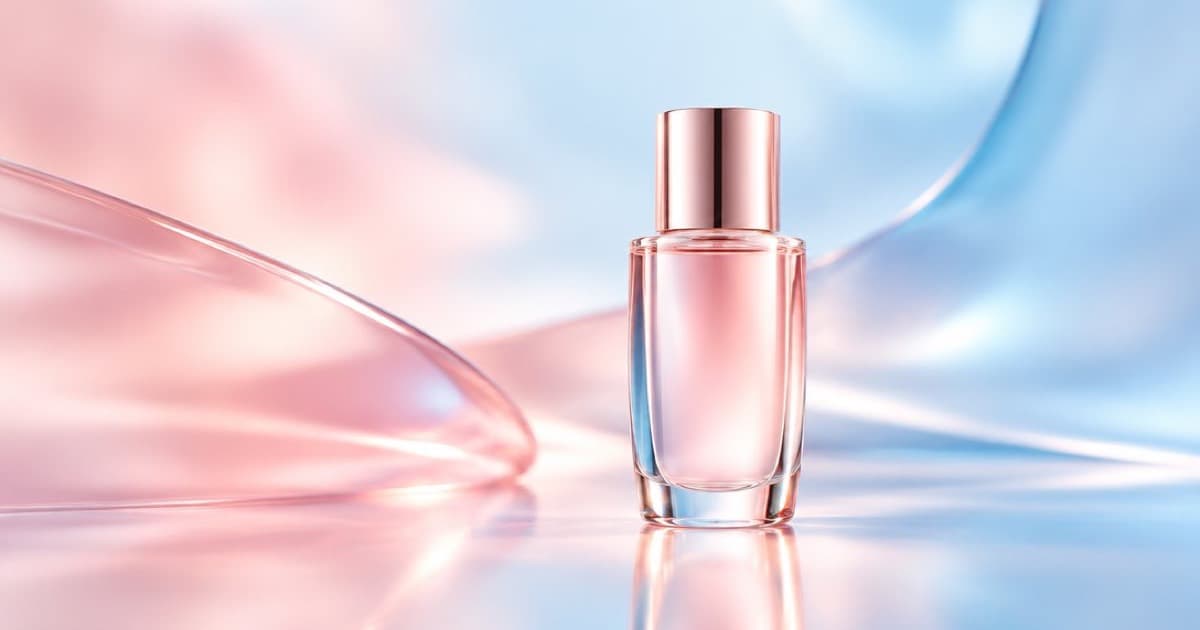
For a cosmetics bottle still, send your real bottle photo as a reference and ask the model to restage it on a new surface with new light while keeping the label untouched. Glass, liquid and reflections are where generated stills look fake, and small label type is where they break, so run a draft at low quality, then render the keeper at high. On Sume the quality values for GPT Image 2.5 are auto, low, medium, high, xhigh and max (Image API).
Draft, then final
Draft the composition at quality: "low" and review framing, surface and light. Only when you like it, rerun the same prompt at high. Quality is billed by the model's output tokens, so the final is the expensive call; the draft pass keeps the number of expensive calls small (GPT Image quality tiers).
Prompt for glass
Describe the light, not just the object: "soft box from the upper left, a thin bright reflection along the left edge of the glass, a soft shadow with a slight caustic". Name the surface: wet black stone, pale travertine, mirrored acrylic. Keep the label sentence: "the label text must stay exactly as in Image 1".
If you want a brand name rendered fresh, quote it and spell it out once in the prompt. Do not expect small ingredient text to survive; place it later in layout.
- One bottle, centred, label facing camera.
- Surface and backdrop named explicitly.
- Reflection and shadow wording in the prompt.
- Label preserved by instruction, then checked by eye.
Output formats
Ask for output_format: "png" when you will retouch, and webp or jpeg for the web. Ratios on the GPT family include 1:1 and 4:5. For a transparent cutout of the bottle, GPT Image 2.5 supports background: "transparent"; see the OpenAI guide for the PNG and WebP requirement (OpenAI).
| Goal | quality | output_format | aspect_ratio |
|---|---|---|---|
| Layout draft | low | jpeg | 1:1 |
| Web listing final | high | webp | 1:1 |
| Instagram portrait | high | jpeg | 4:5 |
| Cutout for compositing | high | png | 1:1 |
Sources
Related posts
More in Use cases
- AI person in a Meta ad: is the label next to Sponsored?
Meta puts AI info next to Sponsored when its own tools make a photorealistic human. For outside tools it describes About this ad. How to add your own cue.
- AI image slideshow Shorts on YouTube: what narrative to add
YouTube's inauthentic content policy lists image slideshows with minimal narrative as not allowed. Turn stills into a Short with a real story, using Sume.
- AI isometric illustration generator: a matching set through an API
Make a set of isometric illustrations that match: one style anchor, fixed camera words, and a per-item prompt. Model, ratio and cost per image on Sume.
- AI meme image generator API: make the picture, then set the caption
For a meme, generate the image without words and add the caption in code, or quote it for GPT Image 2.5 and check the spelling. A Sume request.
Written by Sume