
Add my product to a store shelf photo: a two-reference edit on Sume
Place your packshot into an existing shelf photo by sending the shelf first and the packshot second to Ideogram 4.5 on Sume. Prompt, checks and costs.
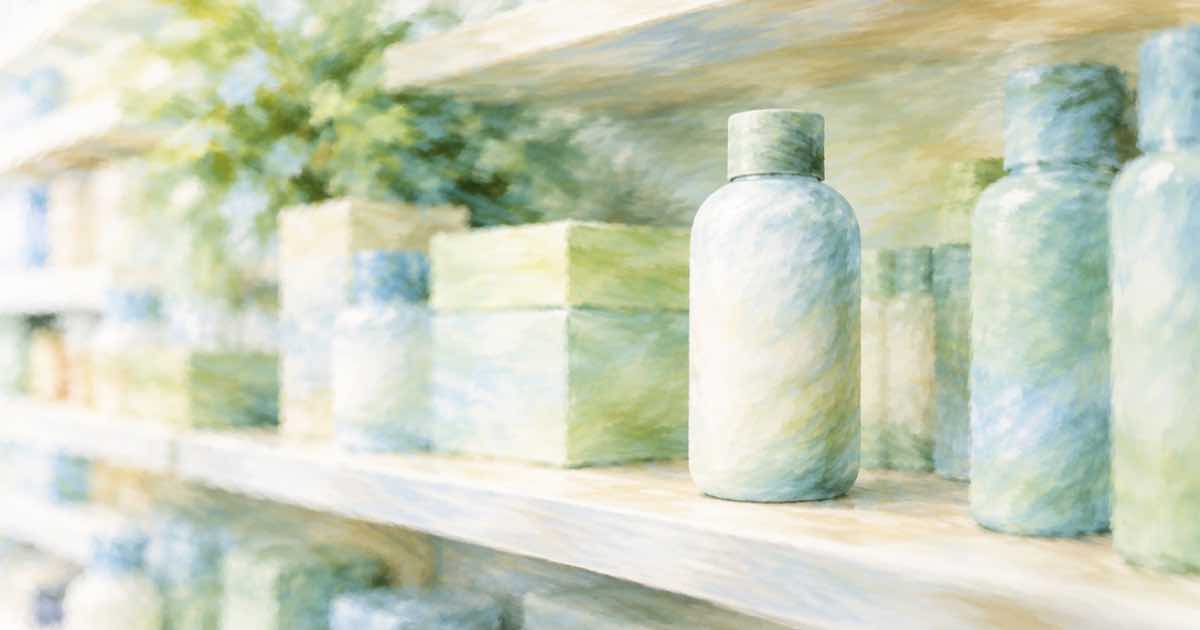
To show your product on a store shelf, send the shelf photo as the first reference and your packshot as the second, and tell the model which gap to fill. On Sume's ideogram/ideogram-v4.5 the first reference is edited and the next ones, up to four, are used as sources. The mock-up costs $0.0375 per low-quality attempt. It is a pitch visual, not evidence that a retailer stocks the product.
The prompt
"Add the product from the second image to the middle shelf, between the two jars, facing forward. Match the shelf's lighting and keep every other item unchanged." Name the shelf level and the neighbours; "a gap on the shelf" gives the model no target. If you want several facings, say "three units side by side".
Use a packshot on a plain background, shot from the front, as the second image. A packshot that is itself an angled photo makes the product harder to place, and the model has to guess the missing side.
What to look at
Compare the neighbours with a pixel diff; a changed jar next to your product is a bigger risk than a slightly wrong shadow.
- Scale: the pack should be the right size relative to its neighbours. Compare against a known item on the shelf.
- Label: read every word on the pack. Small print is where an edit usually changes something.
- Shadow and reflection: a shelf with glossy edges needs a matching contact shadow.
- Neighbours: the other products must be unchanged. Run the diff check on the rest of the frame.
Costs and limits
The numbers below come from the Sume docs and the provider list times 1.25.
| Item | Value |
|---|---|
| Reference images | 1 shelf (edited) plus up to 4 more |
| Quality tiers | low, medium (default), high |
| Per image at low | $0.0375 |
| Per image at medium | $0.075 |
| Per image at high | $0.275 |
| Ten attempts at low | $0.375 |
Prepare the packshot before you send it. Trim empty margin, keep the colours true to the print, and avoid a drop shadow baked into the file; the model will add shadow suited to the shelf, and a second shadow looks wrong. If the product has a glossy or foil pack, say so, since reflections on those packs change with the scene.
Shoot the shelf photo yourself if you can, with the gap you want filled and the real neighbours in place. A generic stock shelf says nothing about your category. Keep the photo at the resolution you plan to show; the edit keeps the source shape when aspect_ratio is omitted, so the framing you shoot is the framing you get.
Use a mask if the edit must stay inside one gap. Only openai/gpt-image-2.5 documents mask_url, and the docs do not say which mask colour marks the edit, so make a test image first. Do not publish the mock-up as real distribution; label it as a concept render. For the packaging-text angle, see keeping a barcode scannable in a packaging edit.
Sources
Related posts
More in Use cases
- Add steam to a coffee or food clip with Omni edit, check the sound
Make a plain food or drink clip look hot by editing in steam with Gemini Omni Flash. Prompt wording, 8-second cost at 720p, and why the audio needs a listen.
- Add sunglasses or a hat to a person in an existing video (Omni edit)
Use Gemini Omni Flash 1.1 video_url edit on Sume to add an accessory to a person already in a clip. Prompt wording, a frame check list, and 4-second prices.
- Aerial establishing shot with Gemini Omni Flash: 1080p or 4K cost
A drone-style opening shot for a location video: prompt order, the two aspect ratios, and the 5, 8 and 10 second cost at 1080p against 4K on Sume.
- AI play-by-play voiceover for a sports highlight reel: how to time it
Write one line per play, ask TTS for sentence timings, and place each clip on its line: a 60-second reel costs about 14 cents on Sume. Not live commentary.
Written by Sume