
Add a dog or cat into an existing scene with Gemini Omni edit
Put a pet into footage you already shot: the edit prompt, why your own pet's photo cannot ride on an edit, and what to check for shadow and scale. 8 s is $1.00.
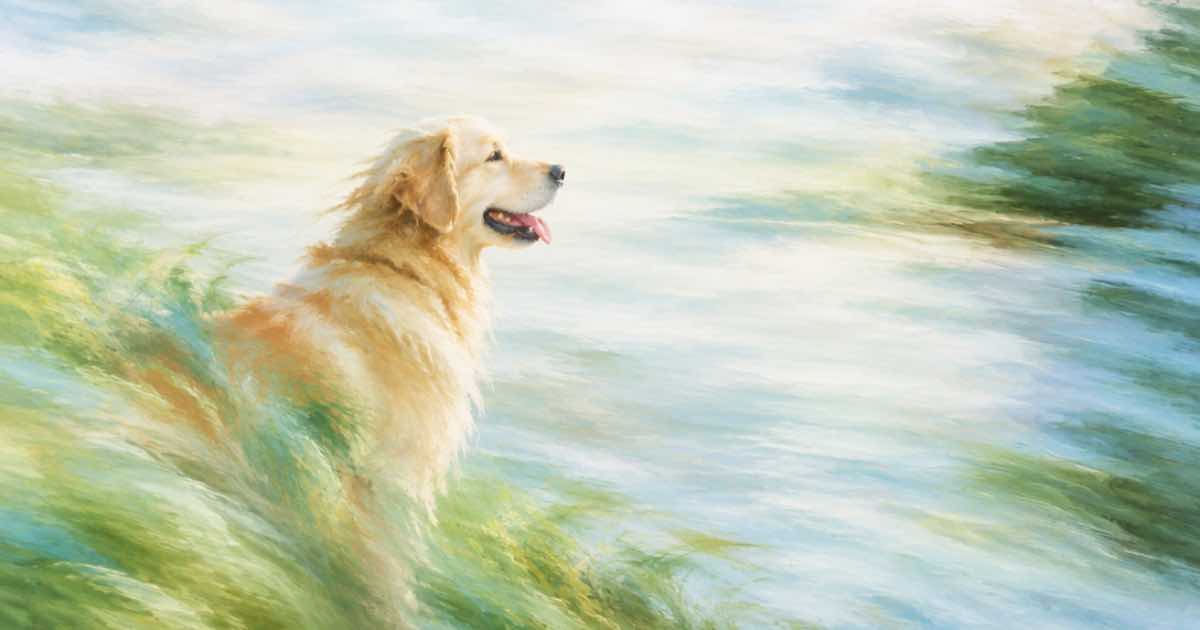
To add a dog or cat into an existing video with Gemini Omni Flash 1.1, describe the animal in the edit prompt, because an edit request takes video_url and a prompt and cannot carry a photo of your own pet. Eight seconds at 720p costs $1.00 on Sume. If the animal must look like one specific pet, use a reference-mode request instead and build the scene from images.
Edit or reference
The two modes solve different problems, and they cannot be mixed in one call: video_url cannot be combined with image or reference fields.
| You have | Request | Result |
|---|---|---|
| Footage of a room, any pet will do | Edit: video_url + prompt | Your footage, with a described animal added |
| Photos of your own pet, no footage | Reference: reference_image_urls + prompt | A new clip with that pet |
| Both | Not in one call | Generate the pet clip, then edit or join |
The edit prompt
Say what the animal is, where it is and what it does: "Add a medium golden retriever lying on the rug in front of the sofa, breathing slowly. Keep everything else the same." Quiet behavior is more reliable than a dog that runs across the frame, because added motion has to be consistent with the camera and the floor over the whole clip. Give the breed and the coat; "a dog" invites a default.
Placement and behavior
Say where the animal is relative to something already in the frame: on the rug, beside the sofa, under the table. Anchoring to a visible object lets the model place the shadow and the scale from the object. Ask for calm behavior if the clip has people talking, or the animal becomes the focus of the shot. Keep the clip short: 8 seconds is enough for a lying or sitting animal to look natural, and a long clip gives the model more time to drift.
Native audio comes with the result, so a barking dog may come with the clip. If the sound is unwanted, drop the audio with video trim and a new bed.
What to check
Added animals tend to fail on contact: a shadow that does not match the room, paws that float above the floor, a tail that clips through furniture, or a scale that is wrong next to a person. Extract three stills with video frames and look at the contact points. If the scale is off, say so in the prompt: "the size of a large dog, knee-high next to the person."
Cost and length
Edit output follows the source length, and the rate is per second.
| Resolution | Per second | 8 seconds |
|---|---|---|
| 360p | $0.0375 | $0.30 |
| 720p | $0.125 | $1.00 |
| 1080p | $0.1875 | $1.50 |
When the pet has to be your pet
Use the two-image pattern with the pet photo as <IMAGE_REF_0> and a photo of the room as <IMAGE_REF_1>. That builds a new clip, not an edit of your footage. For plain object additions to footage, see swapping a product in a finished video.
Sources
Related posts
More in Use cases
- Add a hand holding the product to a packshot with GPT Image 2.5
Turn a packshot into a hand-held photo: send the product photo and a hand or pose reference to openai/gpt-image-2.5. $0.0835 at high on Sume for one edit.
- How do I add a voiceover and music to a timelapse video?
Narrate a 45-second timelapse with one TTS job, one music track and one Timeline render: 3 cents, $0.125 and $0.10, about 33 cents on Sume.
- Add Halloween decorations to a shop video with an Omni edit prompt
Turn a storefront or cafe clip into a Halloween version: send it as video_url to Gemini Omni Flash 1.1 with a keep-and-add prompt. Price per clip inside.
- Add my product to a store shelf photo: a two-reference edit on Sume
Place your packshot into an existing shelf photo by sending the shelf first and the packshot second to Ideogram 4.5 on Sume. Prompt, checks and costs.
Written by Sume