
Titan color-guided generation: 1 to 10 hex codes vs a Sume prompt
Titan Image Generator v2 takes 1 to 10 hex colours with a prompt. Sume has no palette field, so colour goes in the prompt. Write it and check it in Python.
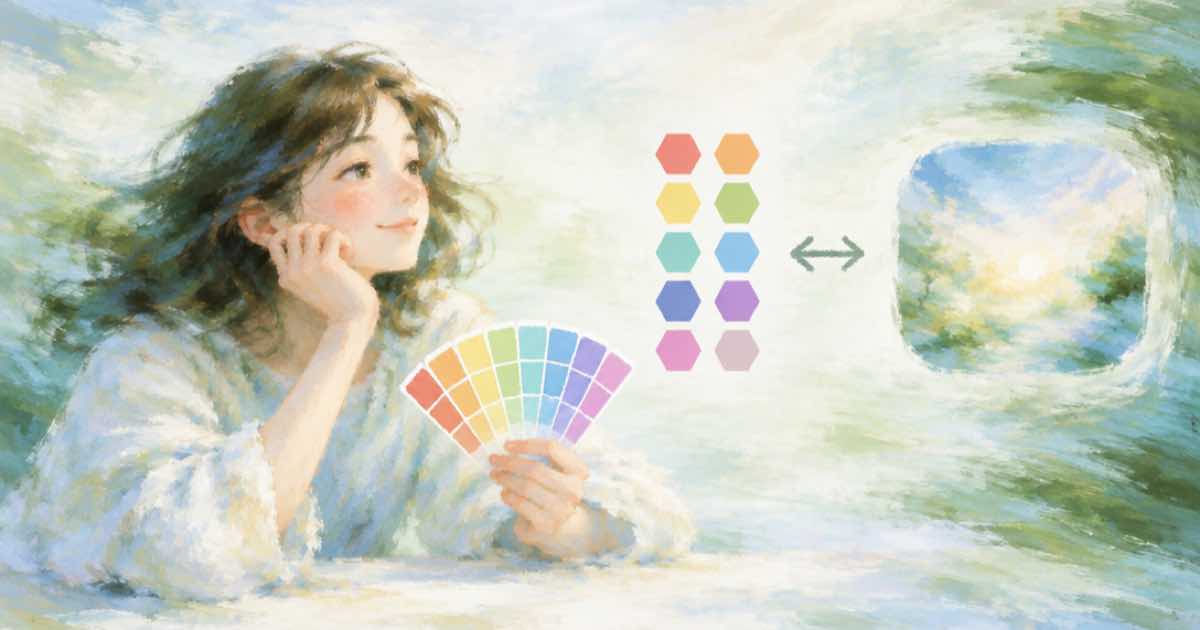
Brand teams like Titan Image Generator v2 for one feature. Per Amazon's model page (read 2026-10-06), its color-guided content takes a list of 1 to 10 hex codes plus a prompt, and the image incorporates that palette. There is no such field on Sume, but the need is real, so here is what to do instead.
The Sume version
Write the hex codes into the prompt, name where each one goes, and check the output. Sume's API rejects parameters a model does not list, so a colors field would return 400 unsupported_parameter. FLUX.2 models are known for reading hex in the prompt; see FLUX.2 hex color prompt for wording.
- Name each colour and its job: "background #0B3D2E, product label #F4E04D".
- Limit it to three or four colours. Ten is hard to hold in a prompt.
- Check the result instead of trusting it.
Request and palette check
The call asks for a palette in the prompt and then reports the dominant colours from the returned image.
import io, os, requests
from PIL import Image

r = requests.post("https://api.sume.com/v1/images", timeout=90,
    headers={"Authorization": f"Bearer {os.environ['SUME_API_KEY']}"},
    json={"model": "black-forest-labs/flux.2-pro",
          "prompt": "Flat product banner, background #0B3D2E, accent #F4E04D, white text area."})
r.raise_for_status()
img = Image.open(io.BytesIO(requests.get(r.json()["data"][0]["url"]).content)).convert("RGB")
small = img.resize((64, 64)).quantize(4).convert("RGB")
colors = sorted(small.getcolors(), reverse=True)
for count, rgb in colors:
    print("#%02X%02X%02X" % rgb, count)
For a strict brand match, measure distance in Lab space; the post on brand colour checks with Delta E shows how.
Sources
Related posts
More in Comparisons
- Titan Image Generator v2: 1,408 px and 5 MB limits vs Sume edits
Titan Image Generator v2 caps edit inputs at 1,408 by 1,408 px and 5 MB. How to resize before Bedrock, and what a Sume edit call needs instead.
- Titan vs Nova Canvas image masks: which colour is edited
Titan says mask value 0 (black) is regenerated and bans alpha. Nova Canvas inpainting edits black too. Build one mask check and test any mask on Sume.
- Unreal Speech TTS plans in dollars per million characters vs Sume
Unreal Speech's plans work out from $16.33 to $8.00 per million characters. Sume lists $47.50 with no plan. Break-even by monthly volume.
- Vozo lip-sync minutes per plan vs Sume per-second lip sync
Vozo lists about 15 lip-sync minutes at $29 and 60 at $99. Sume bills H3 Max lip sync per second with no plan. The per-minute math and where each fits.
Written by Sume