
TikTok ad caption rules: no links, @ or hashtags, and a 4-line limit
TikTok's in-feed ad page says captions can't hold links, @ symbols or hashtags, and Spark captions max out at 4 lines. A Python lint to run before you submit.
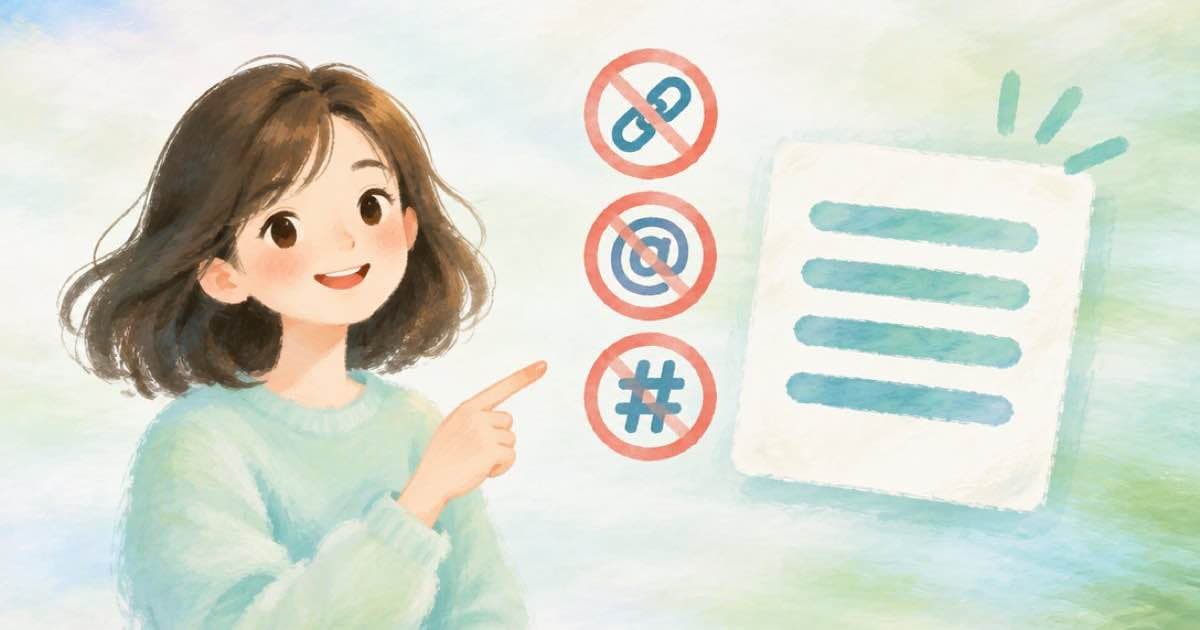
TikTok's auction in-feed ad page (read 2026-10-08) says non-Spark ad captions do not support clickable links, @ symbols or hashtags, and that Spark Ad captions are taken from the organic caption with a maximum of 4 lines. A few lines of Python can check your copy for those problems before you submit. Text burned into the video by Sume's captions route is picture content, not the ad caption field, so these rules apply to the caption text you type into the ad.
The rules on the page
The page lists the caption rules in two places, one for each ad type.
| Ad type | Rule |
|---|---|
| Spark Ads | Taken from the organic video caption; a maximum of 4 lines |
| Non-Spark ads | Shown in white in a fixed font that can't be customized |
| Non-Spark ads | No clickable links, no @ symbols, no hashtags |
A lint to run first
This function flags links, @ symbols and hashtags, and counts lines. It has no network calls, so it runs as written.
import re

def lint_caption(text, spark=False):
    problems = []
    if re.search(r"https?://|www\.", text, re.I):
        problems.append("link")
    if "@" in text:
        problems.append("at sign")
    if "#" in text:
        problems.append("hashtag")
    if spark and len(text.splitlines()) > 4:
        problems.append("more than 4 lines")
    return problems

print(lint_caption("Shop now https://example.com #sale"))
print(lint_caption("Two line\ncaption", spark=True))
Where Sume fits
Sume's video captions route burns timed text into a finished clip at a public HTTPS URL, with a style, a language and optional script_text. The design block can move the caption line with placement.anchor_ratio, which the docs describe as the center of the line as a fraction of the frame height. That is separate from the ad caption field. If your burned-in words repeat a link or a hashtag, they are part of the picture and TikTok's caption rule does not describe them, so keep the lint for the field and check the page's safe-zone files for the picture. The size side of the same page is in this post.
Edge cases for the lint
The lint above is deliberately blunt. It flags any at sign or hash character, including one inside an email address or a number sign in a price list, because TikTok's page says the caption does not support @ symbols or hashtags and does not describe the exception cases. If your copy has a legitimate hash, rewrite it with a word instead of testing what TikTok does with it.
The line count assumes newline characters. A Spark Ad caption comes from the organic post, so count the lines as they appear in that post. Run the lint over every variant in a batch and fail the batch if any one has a problem. The function returns a list, so an empty list is a pass.
- Replace # with the word number or no.
- Replace @ in handles with the plain name.
- Keep a Spark caption to four lines or fewer.
Sources
Related posts
More in Developers
- Timeline sizes for TikTok's three ad ratios: 540x960, 960x540, 640x640
TikTok's non-Spark minimums are 540x960 (9:16), 960x540 (16:9) and 640x640 (1:1). All three fit Timeline's even 256 to 2160 px output range at $0.10 a minute.
- Timeline audio concat or audio.parts: which join for narration takes?
Use audio.parts when the narration only feeds one render; use Timeline audio concat when you need a reusable file. Concat is $0.01 per job, up to 1,800 s.
- Timeline plan call: price a narrated render before you spend
POST /v1/timeline-1.0/plan is unbilled and returns billable_minutes and estimated_cost_usd_micros. How to price a narration plus music render first.
- Timeline plan needs no Idempotency-Key; render does: a wrapper
POST /v1/timeline-1.0/plan is free and takes no Idempotency-Key. Render is paid and requires one. A wrapper plans first, then renders with a derived key.
Written by Sume