
STT sentence segmentation: unpunctuated speech split on silence
Sume STT 1.0 segmentation mode sentence returns gapless sentence segments, splitting unpunctuated runs on silence. Options, boundary_lead_ms and caveats.
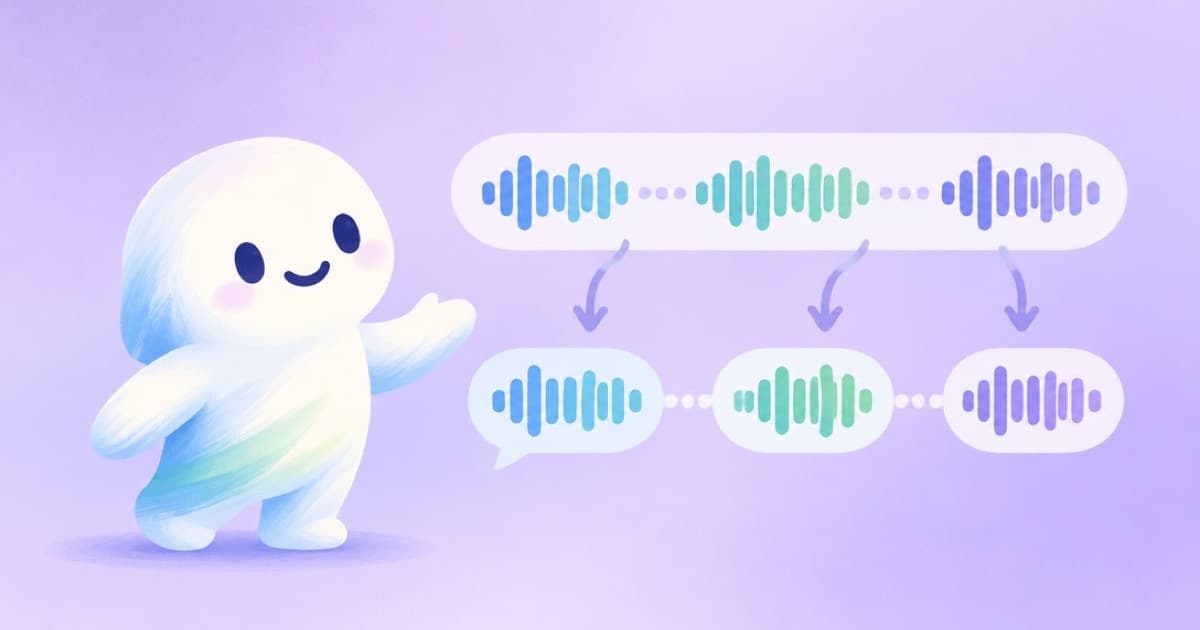
What you get
Sume STT 1.0 always returns word timings. If you also send segmentation with mode: "sentence", the response carries sentence segments[]. The API reference says they are gapless and ordered, so each segment's end equals the next segment's start, and times range over the submitted audio_url: no sliced audio files are produced.
The same boundary rule as TTS applies, with a default boundary_lead_ms of 70.
When there is no punctuation
Speech recognition does not always return punctuation, especially for casual or fast talk. The docs say unpunctuated runs are split on silence, so you still get segments you can use as caption lines.
| Field | Value | Effect |
|---|---|---|
| segmentation.mode | sentence | Return segments[] |
| segmentation.boundary_lead_ms | 0 to 500, default 70 | Shift where a boundary falls after a word |
| duration_seconds | 1 to 600 | Reservation hint; absent reserves 1 minute |
| language_code | optional | Omit for auto-detect |
A request
Send it to POST /v1/stt-1.0/transcribe. The price is $0.01 per audio minute, and a call takes up to 10 minutes of audio.
{
  "audio_url": "https://example.com/talk.mp3",
  "duration_seconds": 240,
  "segmentation": { "mode": "sentence" }
}
What to do with the segments
- Map each one to a caption cue or a subtitle line.
- Cut talk blocks yourself; the docs say no sliced files are produced, so use Timeline audio to slice.
- Check long segments; a monologue without pauses can yield a long one, so cap length in your own code.
- Remember speaker labels are not exposed, because diarization is fixed server-side.
Using boundary_lead_ms
boundary_lead_ms ranges from 0 to 500 with a default of 70, the same rule and default as TTS. It controls how far past the last word a boundary is placed, which matters when you cut audio: too small a lead can clip a word's tail, too large can include the next breath.
Start with the default and change it only when you hear clipped endings.
Takeaway
Ask for sentence mode when you need lines rather than words. It works without punctuation, but check the longest segments before they become captions.
Sources
Related posts
More in Developers
- Submit 20 music takes at once: queued is normal, queue_full is not
Sume accepts music jobs as queued while the queue has room, then returns 429 queue_full. Default accepted-job capacity by plan, from 6 on Free to 120 on Scale.
- subscribeFormatRun onCreated: save the run id, set your own key
subscribeFormatRun makes a new Idempotency-Key per call unless you pass one. Save the run id in onCreated and pass a stable key so a restart cannot double-run.
- Sume API rate limits by plan: requests per minute for writes and reads
Sume gives every API key a per-minute budget set by plan: 120 writes on Free up to 1200 on Scale, with reads at forty times the write number. Table and headers.
- Sume hides provider names and task ids: what to debug with
Sume job responses and events are provider-neutral: no vendor task ids or raw URLs. The fields to debug a video job with instead.
Written by Sume