
WebVTT cue text cannot contain --> : clean Sume STT segments in Python
WebVTT forbids the arrow sequence inside cue text and wants 3-digit milliseconds. A short Python script turns Sume STT sentence segments into a valid .vtt file.
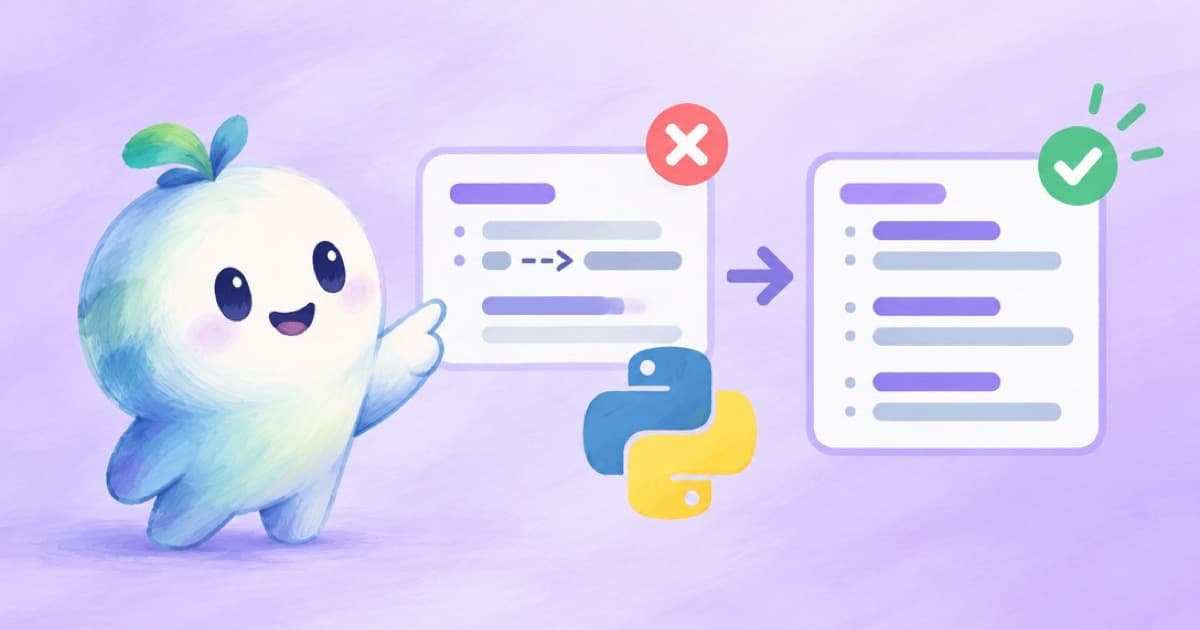
Two rules that break files
The W3C WebVTT specification says a file starts with the string WEBVTT, timestamps use [hours:]minutes:seconds.milliseconds with a three-digit millisecond part, and a cue payload must not contain the string -->. A transcript that says "A --> B" or a speaker pasting an arrow will therefore produce a file a strict parser rejects.
YouTube's help page lists .vtt as supported, with positioning and styling limited to bold, italic and underline.
Where the segments come from
Sume's STT 1.0 returns sentence segments when you submit segmentation: {mode: "sentence"}. The API reference describes them as gapless and ordered, with the end of each segment equal to the start of the next. They carry an index and text along with their times, so they map one-to-one onto cues.
Gapless cues are a good fit for a file, because there is no flash of empty screen between lines.
The script
The script below takes a list shaped like the segments, replaces the arrow in the text, and writes a valid file. Swap the sample list for result.segments from your job.
def ts(sec):
    ms = round(sec * 1000)
    h, ms = divmod(ms, 3600000)
    m, ms = divmod(ms, 60000)
    s, ms = divmod(ms, 1000)
    return f"{h:02d}:{m:02d}:{s:02d}.{ms:03d}"

def clean(text):
    return text.replace("-->", "\u2192").strip()

segments = [
    {"text": "Hello and welcome.", "start": 0.0, "end": 1.9},
    {"text": "Plan A --> plan B.", "start": 1.9, "end": 4.2},
]
lines = ["WEBVTT", ""]
for i, seg in enumerate(segments, 1):
    lines.append(str(i))
    lines.append(f"{ts(seg['start'])} --> {ts(seg['end'])}")
    lines.append(clean(seg["text"]))
    lines.append("")
open("out.vtt", "w", encoding="utf-8").write("\n".join(lines))
print("\n".join(lines))
Checks before you ship the file
Valid syntax is only the first test. Read the file in the player you target.
- Open it in a browser
<track>element and confirm every cue appears. - Check long lines; for line length guidance see the 42-character rule.
- Keep one blank line between cues, and never put a blank line inside a cue.
- If you need speaker names, add them with the voice tag syntax from the spec after reading it.
Other characters worth cleaning
The specification also treats < and & specially inside cue text, because the payload can carry markup tags and character references. A transcript with a literal ampersand or less-than sign can therefore render oddly. Escaping them as & and < is a safe habit, though confirm against the specification section on cue text before relying on it.
A second check is cue overlap. Gapless segments do not overlap, but segments you edit by hand can, and some players handle overlap poorly.
When to burn instead
A .vtt file is a text track. If the captions must show everywhere, including platforms that ignore tracks, burn them with Sume captions as well. The two paths share the same timed text.
Sources
Related posts
More in Developers
- Four avatar clips a week: Python batch, one idempotency key each
HeyGen's survey ties avatars to consistent posting. Submit four Sume avatar clips a week from one handle with week-stamped keys and queue_full handling.
- What to measure for Sume API jobs: metrics, labels and alerts
A metrics plan for code that calls the Sume API: submit outcome, queue wait, time to terminal, error code and webhook gap, with low-cardinality labels.
- WhatsApp video: H.264 High profile with B-frames fails on Android
WhatsApp Cloud API says H.264 High profile with B-frames is unsupported on Android and recommends Main or Baseline. What Sume trim does and does not promise.
- Where a Recast result lives: the media.sume.com URL and how to keep it
A finished h3-max-recast job returns a media.sume.com video artifact. Read it at /v1/jobs/{id}/result, store the Sume URL and download your own copy.
Written by Sume