
Sneaker on a foot photo, then a 9:16 clip: image edit plus Videos API
Put a sneaker product shot on a foot photo with gpt-image-2.5, then animate that still with a first_frame on POST /v1/videos. Two calls, one Sume key.
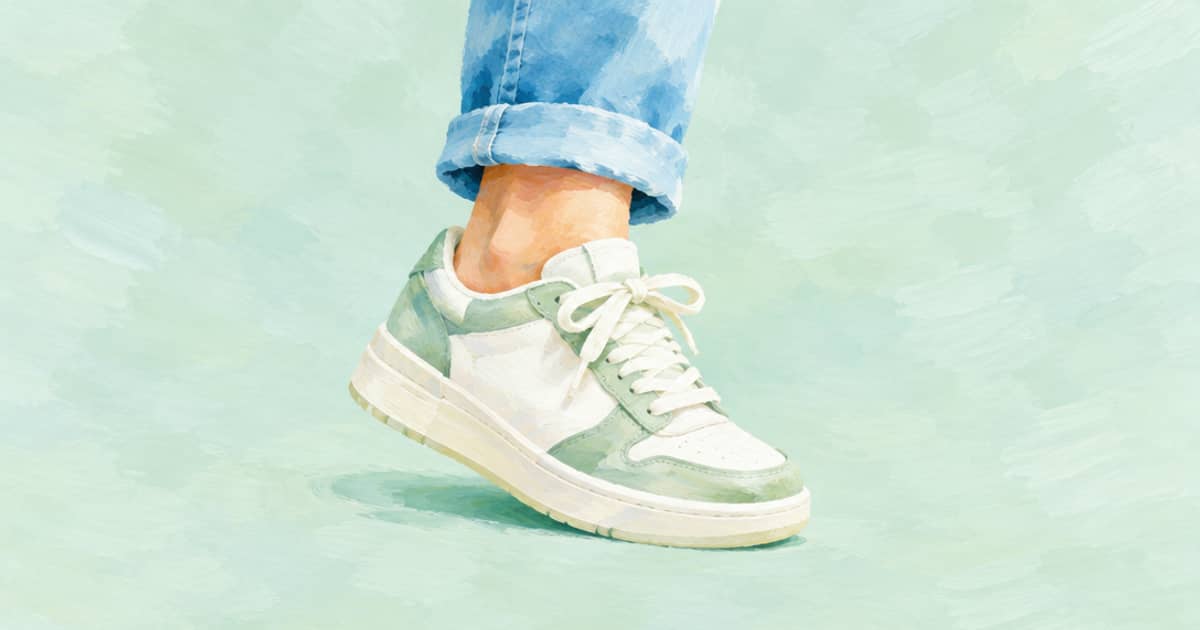
Make the still first, then the clip. Send a foot or leg photo and the sneaker product shot to openai/gpt-image-2.5 on POST /v1/images, take the Sume-hosted result URL, and pass it as a first_frame in frame_images on POST /v1/videos with a video model such as seedance-2. The still decides how the shoe looks; the clip only decides how it moves.
Accessories are in scope for ChatGPT's new Try on button, which OpenAI describes for clothes and accessories on product listings (read 2026-10-03, OpenAI help page). Footwear is a hard case for any renderer because laces, soles and the angle of the foot all show. This two-step recipe lets you check the still before you pay for motion.
Step one: the still
Use a photo where the foot and ankle are clear and the angle matches how the shoe is shown on your product page. Name the images in the prompt, state that laces, sole and logo must match the product shot, and keep aspect_ratio on auto. If you plan a vertical clip, supply a vertical foot photo so the framing is already right.
Check the still hard. Look at the lace pattern, the sole edge where it meets the floor, and the toe shape. If these are wrong in the still, the clip will carry the error and add motion artefacts. Re-run the still with the failing detail named in the prompt rather than moving on.
| Step | Endpoint | Key fields |
|---|---|---|
| Still | POST /v1/images | openai/gpt-image-2.5, input_references, aspect_ratio: auto |
| Clip | POST /v1/videos | frame_images with frame_type: first_frame, resolution |
| Poll | GET /v1/videos/{id} | Download from unsigned_urls |
| Retry safety | Idempotency-Key header | One per SKU and version |
Step two: the clip
The Videos API takes frame_images for first and last frames and input_references for reference-to-video. If both are sent, frame_images wins. size and seed are rejected, so control the shape with resolution and the prompt. Keep the motion small: a slow orbit or a foot step, not a dance.
curl -X POST https://api.sume.com/v1/videos \
  -H "Authorization: Bearer $SUME_API_KEY" \
  -H "Content-Type: application/json" \
  -H "Idempotency-Key: sneaker-0412-clip-v1" \
  -d '{
    "model": "seedance-2",
    "prompt": "Slow orbit around the foot as it steps forward on a clean studio floor. Shoe stays sharp and unchanged.",
    "frame_images": [{
      "type": "image_url",
      "image_url": {"url": "https://media.sume.com/img/EXAMPLE/0.png"},
      "frame_type": "first_frame"
    }],
    "resolution": "720p"
  }'
Reading the result and its cost
The create call returns a job with a polling URL. Poll GET /v1/videos/{id} and download from unsigned_urls when it finishes. The usage.cost field is the Sume billable amount, so log it per SKU. Draft at 720p, then re-render only the winners at a higher resolution.
If you would rather let one run do both steps for a person and a garment, the which call returns which post maps the options, and the seed-frame post covers the same idea for clothing. Before you post, pull a few frames from the clip and compare the shoe to your product shot.
Failure points specific to shoes
Shoes break in predictable ways. Laces turn into a smear, the sole loses its tread pattern, a logo becomes a similar-looking shape, and a left shoe becomes a right shoe. Check each in the still. A mirrored shoe is easy to miss when you look at it quickly, so compare it with the product shot with the two images side by side.
In the clip, watch the point where the sole meets the floor. If the foot appears to slide or the shoe seems to float, shorten the motion and say that the foot stays planted, or choose a gentler camera move. A four second clip with one move beats a ten second clip with three.
If a request fails with an input error, the cause is usually a reference URL that is not public HTTPS. The Sume docs reject localhost, private-network and non-HTTPS URLs before submission. Fix the URL and retry with the same Idempotency-Key, since a failed create releases the key.
Finally, keep the foot photo's owner in mind. If the foot belongs to a person who has not agreed to appear in your ads, use a model you have the right to use or a generated foot instead.
Sources
Related posts
More in Media tools
- Split one voiceover into scene clips with timeline audio ranges
Sume timeline audio split slices one hosted file into up to 20 ranges for $0.01 per job, and ranges may overlap. For a video source, detach its audio first.
- Split one voiceover into six beat files with Timeline audio split
Slice a 180-second voice file into up to 20 ranges for $0.01 flat, then use each file as a beat of a Reel. Ranges can overlap and the last can be open-ended.
- Spotify podcast transcript upload: VTT, 5MB and Sume STT parts
Spotify takes VTT or SRT up to 5MB, with timestamps. Build one from Sume STT in 10-minute parts, stitch the cues, and upload from Spotify for Creators.
- SRT or WebVTT? What Vimeo, Spotify, Apple and Cloudflare accept
Vimeo, Spotify and Apple Podcasts take SRT or WebVTT; Cloudflare Stream documents WebVTT. A table read 2026-10-03 and a script writing both from Sume segments.
Written by Sume