
Smoke alarm battery reminder video for a fire department or HOA
One 10-second Gemini Omni Flash clip with a real chirp, captioned with Ready.gov's smoke alarm rules, costs about $1.45 on Sume. Prompt, cues and checks.
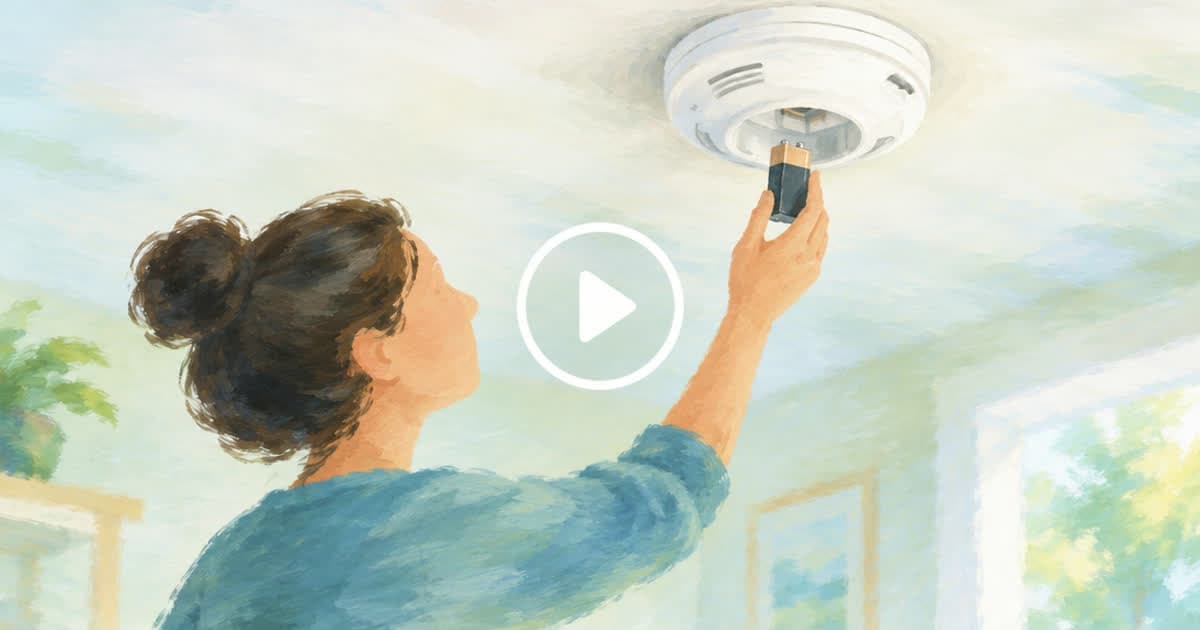
How do you make a smoke alarm battery reminder video?
Generate one 10-second vertical clip of a hand swapping a battery and pressing the test button, keep the model's own beep, and burn four short lines from Ready.gov on top as caption cues. On Sume that is one Gemini Omni Flash 1.1 call at 720p ($1.25) plus one caption job ($0.20), about $1.45 for the clip. A fire department's public education officer, an HOA board or a landlord association can make it without a camera crew.
The facts come from Ready.gov's home fires page, which is the guidance to repeat. The video should be a nudge to act this weekend, not a full lesson.
Which smoke alarm rules fit in ten seconds?
Ready.gov gives plenty of rules. Choose the ones a person can do in one sitting and leave the escape drill for a second clip.
| Seconds | Cue text | Ready.gov basis |
|---|---|---|
| 0 to 2.5 | Replace batteries twice a year | Replace batteries twice a year, unless you use 10-year lithium batteries |
| 2.5 to 5 | One alarm on every level, basement too | Install smoke alarms on every level of your home, including the basement |
| 5 to 7.5 | Replace the whole unit every 10 years | Replace the entire smoke alarm unit every 10 years or per manufacturer instructions |
| 7.5 to 10 | Never disable it while cooking | Never disable a smoke alarm while cooking |
How do you generate the clip with sound?
Gemini Omni Flash 1.1 accepts 3 to 10 seconds in 16:9 or 9:16 at 360p, 720p, 1080p and 4K, and it generates synced audio, according to the video generation docs. That is why this clip suits a one-shot reminder: the beep arrives with the picture, with no separate audio job. Describe the sound in the prompt and set generate_audio to true. Because the beep is generated, listen to it; a chirp that sounds like a different device is not worth publishing.
curl -X POST https://api.sume.com/v1/videos \
  -H "Authorization: Bearer $SUME_API_KEY" \
  -H "Content-Type: application/json" \
  -d '{
    "model": "gemini-omni-flash-1.1",
    "prompt": "Close-up of a hand twisting a battery into a ceiling smoke alarm, then pressing the test button; a short beep; calm hallway light",
    "duration": 10,
    "resolution": "720p",
    "aspect_ratio": "9:16",
    "generate_audio": true
  }'
How do you add the four lines?
Send the finished clip's public HTTPS URL to POST /v1/video-captions with cues, four entries matching the table's start and end times. When you send cues, Sume burns that text without speech-to-text. Speech-based captioning would fail on this clip because a beep is not speech, and the docs name the error caption_no_speech. Pick a style and keep each line to a few words so it stays readable on a phone.
What does it cost, and for which channels?
Video models need a paid plan: Free is limited to image generation, and Pro is $40 a month. Omni Flash 1.1 at 720p is $0.125 per output second in the catalog; the standalone caption job is a flat $0.20 for videos up to 60 seconds. Make a second 16:9 version for a website or a council newsletter.
| Version | Omni Flash 1.1, 10 s, 720p | Caption job | Total |
|---|---|---|---|
| 9:16 for social | $1.25 | $0.20 | $1.45 |
| 16:9 for web | $1.25 | $0.20 | $1.45 |
| Both | $2.50 | $0.40 | $2.90 |
What should you check before posting?
Check that the generated hallway and alarm look like ones your community has: a ceiling unit, not a wall panel that no one owns. Do not let the model show flames or smoke; the clip is about maintenance, and a prompt that stays on the battery avoids frightening footage. Put your department's non-emergency number and any free alarm program in the post text, not the video, so you can fix it without a re-render. Pair the reminder with the escape-plan advice on the same Ready.gov page, which asks households to practice twice a year and find two ways out of each room.
Sources
Related posts
More in Use cases
- St Andrew's Day Mon 30 Nov 2026: pub and cafe hours clip with cues
St Andrew's Day 2026 is a Monday bank holiday in Scotland. Build a silent opening-hours clip from one venue photo with image-to-video and caption cues.
- St. Nicholas Day Dec 6 and Santa Lucia Dec 13, 2026 are both Sundays
Both days fall on a Sunday in 2026. Two 6 s 720p Wan 3.0 clips from product photos cost $1.50 on Sume ($0.75 each), enough for a pair of Sunday posts.
- SynthID Detector is public: what it checks for AI ad creative
Google opened SynthID Detector to everyone on Oct 7, 2026 for Google, OpenAI, NVIDIA and Kakao marks. What a result means for AI ads and Sume files.
- 10 SynthID checks a day: which of 40 ad assets to submit
SynthID Detector reportedly allows about 10 checks per user per day. A triage order for a 40-asset AI ad launch, with Sume job records as the real proof.
Written by Sume