
Search what was said across clips: SQLite FTS5 from STT segments
Request sentence segmentation on Sume STT, load each segment into a SQLite FTS5 table, and find the clip and second where a phrase was spoken.
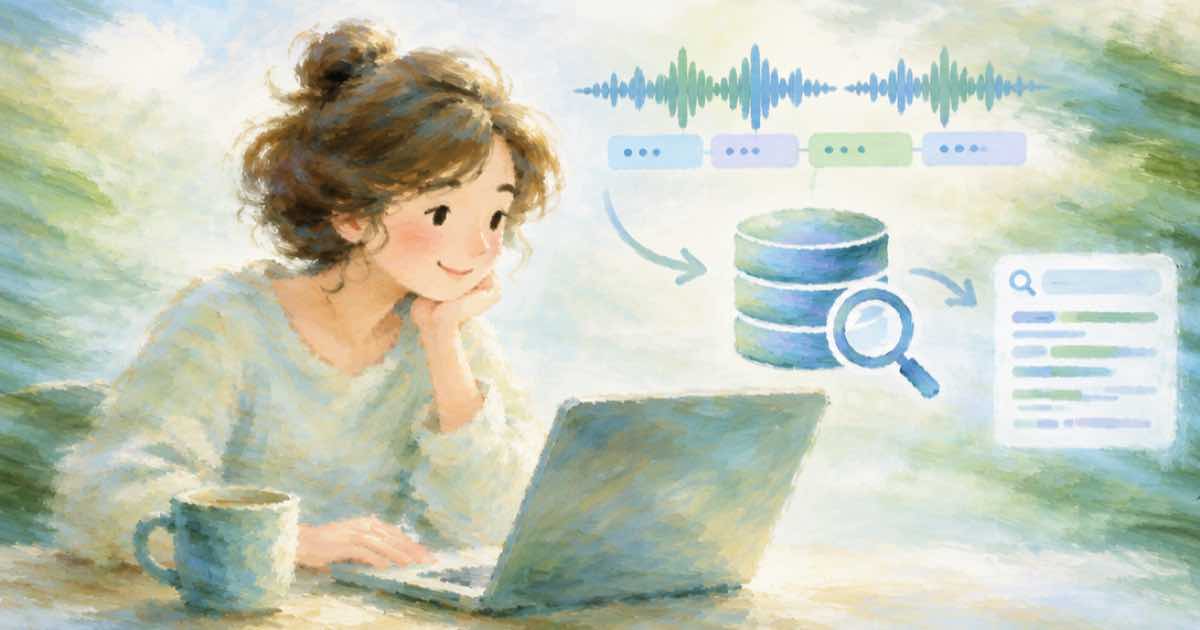
To find which clip says a phrase and when, ask Sume STT 1.0 for sentence segments (segmentation: { mode: "sentence" }), insert each segment's text and start into a SQLite FTS5 table, and query it with MATCH. FTS5 ships with Python's standard sqlite3 on most builds, so there is nothing to host. Segment fields (index, text, start, end, duration_seconds) are in the STT result shape in the API reference, read 2026-10-06.
Ask for segments, not just text
Add segmentation to the submit body. Sume splits on terminal punctuation, falls back to a silence gap for text without punctuation, and joins words with single spaces. boundary_lead_ms (0 to 500, default 70) moves each segment start slightly earlier so a player lands just before the first word.
| Field | Meaning |
|---|---|
index | Position in the transcript |
text | The sentence |
start, end | Seconds from the start of the audio |
duration_seconds | end minus start |
Index and query
Keep the clip name in its own column so a hit tells you the file. The query printed both clips for shipping, with the match in brackets.
import sqlite3

db = sqlite3.connect(":memory:")
db.execute("CREATE VIRTUAL TABLE spoken USING fts5(clip, text, starts UNINDEXED)")


def add(clip, segments):
    for s in segments:
        db.execute("INSERT INTO spoken VALUES (?, ?, ?)", (clip, s["text"], s["start"]))


def find(query):
    return db.execute(
        "SELECT clip, starts, snippet(spoken, 1, '[', ']', '...', 8) "
        "FROM spoken WHERE spoken MATCH ? ORDER BY rank",
        (query,),
    ).fetchall()


add("a.wav", [{"text": "Free shipping on every order.", "start": 1.2}])
add("b.wav", [{"text": "Ask about shipping times.", "start": 7.9}])
print(find("shipping"))
Keeping the index tied to your files
Use your own file id as the clip name. Put it in the job's metadata or in the idempotency key and read it back from the result, as in matching results to file ids. To jump to the moment, convert starts to a frame with the 29.97 fps helper.
Sources
Related posts
More in Use cases
- How many characters is a 15, 30, 45 or 60 second AI narration
Using 750 characters per minute of speech, a 15-second voiceover is 188 characters, 30 seconds is 375, 60 seconds is 750. Sume TTS cost for each.
- Minimum video length to earn on Shorts, Reels and TikTok in 2026
The length and view thresholds creators cite for YouTube Shorts, Reels and TikTok payouts, with sources and caveats, plus how to render to a length target.
- Shorts season trailer: first 5 seconds of every episode in one clip
Build a Shorts season trailer by trimming 0 to 5 s from each episode with video trim, then planning one timeline render under a music bed. Python included.
- Reddit bills video over 15 s at 15 s: a 9:16 clip to make on Sume
Reddit's Engaged Video Views beta bills videos over 15 seconds at 15. Which Sume models stop at 15 s or less, what a 10 s vertical clip costs, and the call.
Written by Sume