
Replace the view outside a window in an interior photo
Swap the scene seen through a window and keep the curtains, frame and room, then relight in a second pass. Ideogram 4.5 on Sume, with prompts and costs.
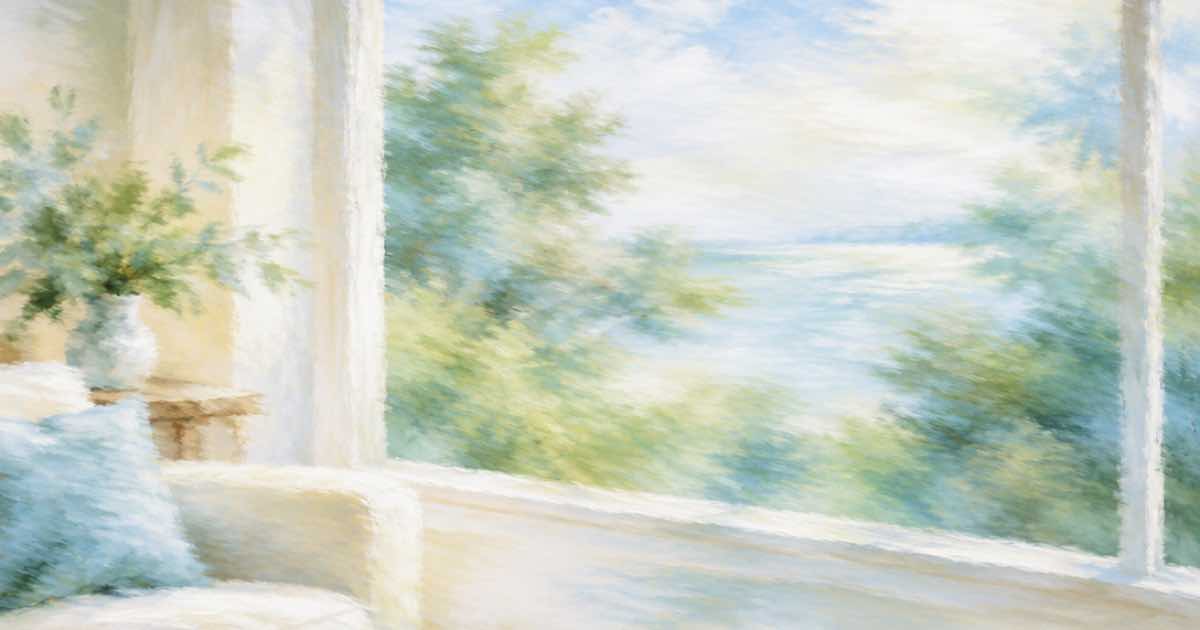
To change the view outside a window, name the window and the new scene, then list what stays: "Replace the view through the large window with a city skyline at dusk. Keep the curtains, the window frame, the sofa and the room unchanged." Send the room photo to Ideogram 4.5 as the only reference. Ideogram's Morphic page lists interior swaps and relighting as uses, and a low-quality attempt on Sume costs $0.0375.
Two passes, not one
A window view changes the light in the room, but an edit that changes only the view will leave the room lit as before. Do it in two passes. Pass one swaps the view and keeps everything else. Pass two relights: "Make the room lit by warm dusk light from the window, same composition." Morphic's example for this is "Make it golden hour, low sun from the left, same composition". Running the passes separately lets you check the swap before the light shifts the colours.
Save pass one as PNG and send it as the reference for pass two. The Image API docs say an edit without aspect_ratio keeps the source shape, so the frame does not change between passes.
Where this fails
If you edit real estate photos, the view is a material fact about a property. Do not show a view that the property does not have in a listing; use this for staging mock-ups, with a label.
- Sheer curtains: the new view should show through them, softened. Ask for "seen through the sheer curtain" or the view appears sharp over the fabric.
- Window frame edges: the new view bleeds past the frame. Look at all four corners.
- Reflections on glass: a night view with the room reflected in it needs the reflection described.
- Light spill on the floor: after relighting, the floor patch of light should line up with the window. Check it against the frame.
Budget
Run all the rooms with one prompt skeleton and change only the scene word, so a failure points to the scene and not the wording. Check the window itself at 100%: frame, sill and glass edge are where a swap fails. Ask for the view's time of day to match the room's light in pass two; a bright noon view in a room lit for evening looks pasted in. Prices come from the provider list times 1.25, which is how Sume sells Ideogram 4.5.
| Plan | Passes | Cost per photo |
|---|---|---|
| Test both prompts | low, low | $0.075 |
| Typical | low, then medium | $0.1125 |
| Careful | medium, high | $0.35 |
Total for the typical plan, ten rooms: $1.125. If one room has a glass wall that makes the view most of the frame, run that one at high. For a wall colour or floor change in the same room, the same two-pass idea applies; see the remove-and-recolor chain for the cost of a longer chain.
Sources
Related posts
More in Use cases
- How do I make a Thanksgiving takeout menu video for my restaurant?
Animate two of your own food photos with Gemini Omni Flash 1.1, add a 380-character voiceover and burn the order-by date in: $1.945 on Sume, in 12 seconds.
- Restore a scratched family photo in three staged edits
Fix creases, then scratches, then fading in separate Ideogram 4.5 passes. Three low-quality passes cost $0.1125 on Sume; a high final pass brings it to $0.35.
- Re-upload an old vertical video: is it a Short or long-form?
YouTube's page says square or vertical uploads up to three minutes after October 15, 2024 are Shorts. What it means for a re-upload, and how to check the file.
- Salon or barber intro clip: avatar in front of your own shop photo
Put an AI presenter in front of a photo of your salon with the scene photo input. Script, 9:16 default, what a 20-second clip costs, and a consent warning.
Written by Sume