
Price labels on AI product photos: draw the text in code
AI image models can misplace text, per OpenAI's own guide. For exact prices, generate a clean product photo on Sume and add the label with Pillow instead.
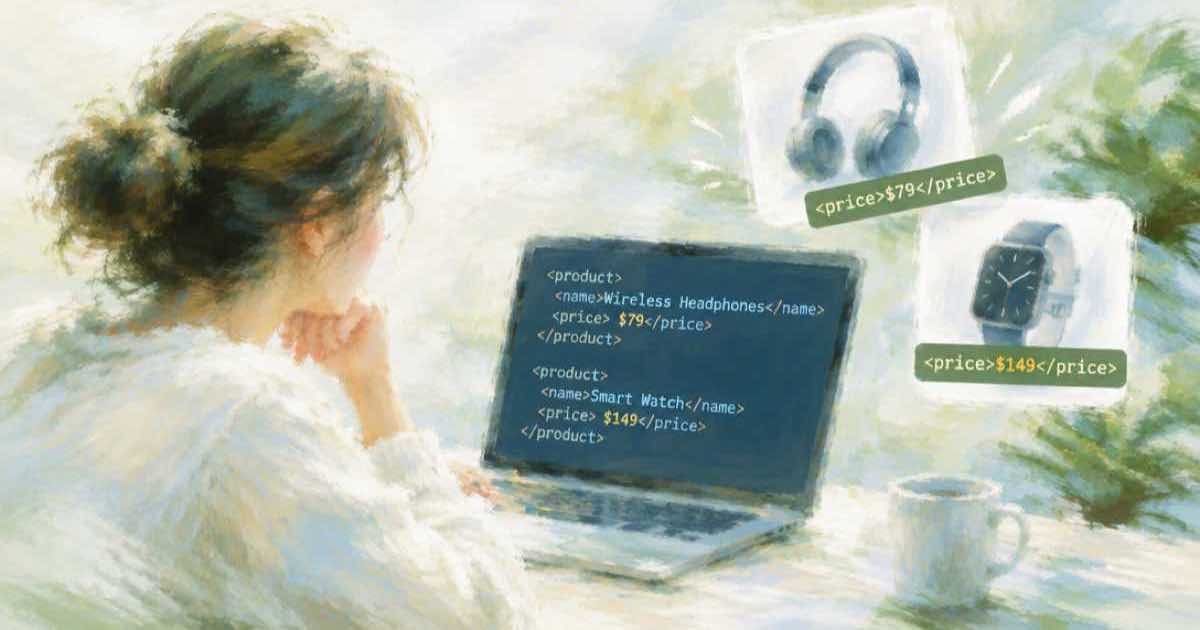
If the price has to be right, set it in code. OpenAI's image guide (read 2026-10-06) says its models can still struggle with precise text placement and clarity. A price is the worst place to find out: a wrong digit on a product photo is a pricing error you have published.
The safe split is to let the model make the picture and let your code write the number.
Ask for space, not for the label
Prompt for the product on a plain background with clear empty room in one corner, and do not mention a price at all. On Sume that is one POST /v1/images call. Then open the file and draw the label yourself, so every digit comes from your catalog data.
import sys
from PIL import Image, ImageDraw, ImageFont

def label(src: str, dst: str, text: str) -> None:
    im = Image.open(src).convert("RGB")
    draw = ImageDraw.Draw(im)
    font = ImageFont.load_default(size=max(24, im.height // 14))
    x, y = im.width // 20, im.height // 20
    left, top, right, bottom = draw.textbbox((x, y), text, font=font)
    draw.rectangle((left - 12, top - 8, right + 12, bottom + 8), fill=(255, 255, 255))
    draw.text((x, y), text, font=font, fill=(20, 20, 20))
    im.save(dst)

if __name__ == "__main__":
    if len(sys.argv) != 4:
        raise SystemExit("usage: label.py SRC DST TEXT")
    label(*sys.argv[1:])
What goes where
| Text | Let the model draw it? | Reason |
|---|---|---|
| Price, discount, SKU | No | A wrong character is a factual error |
| Short slogan on a poster | Maybe, then verify | Vendors claim legible text but warn about placement |
| Text printed on the product itself | Yes, and check it | It is part of the object, not an overlay |
| Alt text for the finished image | No, write it | W3C: put text from the image in the alt if it is not on the page |
Habits that save time
- Overlay in code, so you never regenerate the picture just to fix a number.
- Keep the price in your data, not in the file name or the prompt.
- Use one font file across the shop so labels look the same on every product.
- Save the clean photo as well as the labeled one. A price change then costs a script run, not a generation.
Sources
Related posts
More in Use cases
- Print-on-demand: 200 designs a month on Ideogram 4.5, plus cutouts
200 text-on-shirt designs a month cost about $16 at Ideogram 4.5 medium or $58 at high on Sume, plus $4.75 for cutouts. The budget, line by line.
- Product launch teaser video with an AI avatar and your product image
Pass a product_image to a Sume avatar clip and the avatar presents it. The per-second rate rises about 5 percent; a 20-second teaser costs $3.88 at standard.
- Product video for ecommerce: a white-background photo to 9:16
Turn a white-background product photo into a 5-second vertical scene with POST /v1/videos, seedance-2 and an image_url input reference.
- Real-estate agent, 25 listings a month: staged photos and voiceover
25 listings with six AI-edited photos, a voiceover and a music bed cost about $14.60 a month on Sume. Unit prices and the sum.
Written by Sume