
Podcast audio to a vertical video: cover stills plus a spine, $0.30
Turn 59 seconds of podcast audio into a captioned 1080x1920 video using cover-art stills as slots and the audio as the spine: render $0.10, captions $0.20.
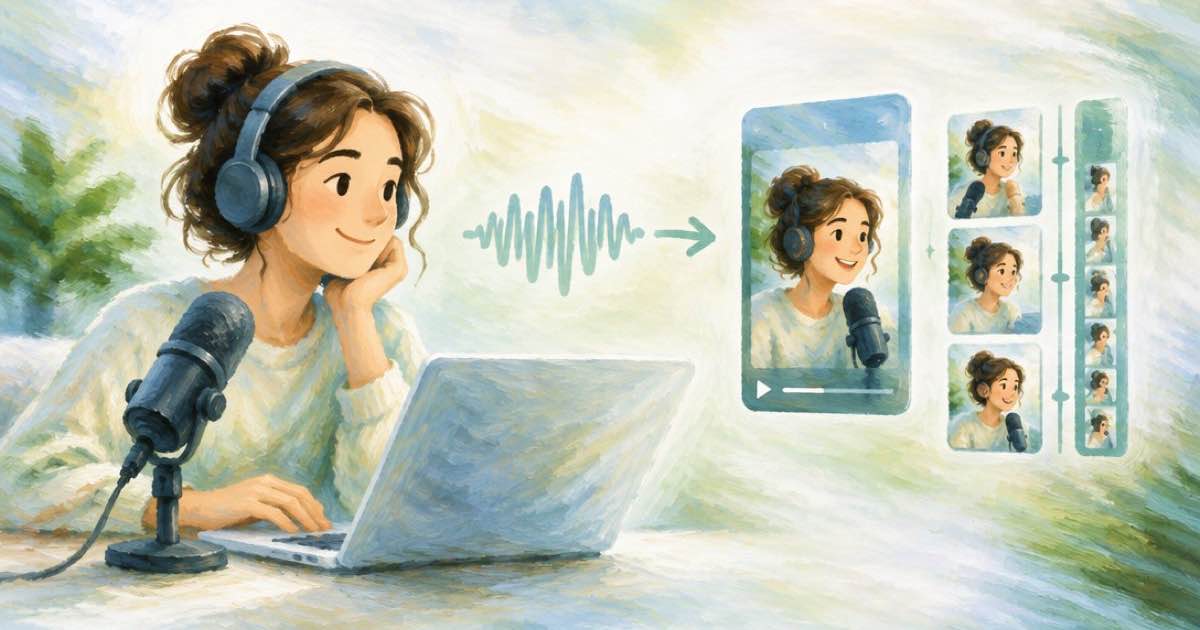
To turn an audio-only podcast file into a vertical video, use your cover art as still slots on Timeline 1.0 and the episode audio as the spine, then caption the result. A 59-second clip costs $0.10 for the render plus $0.20 for captions, $0.30 in all (read 2026-10-08). Stills are static holds, so the picture does not move, and the captions carry the motion.
How the program is built
Set audio.url to the imported episode file and audio.source_in to the second where your clip starts; the output length is still audio.duration_seconds. Then add stills as video[] slots. video[0].start must be 0, later starts must increase, and the last slot may end no more than 0.5 seconds before the spine ends. A still given a motion value is accepted but ignored, with a motion_ignored warning, which is a warning and not a failure.
| Field | Rule |
|---|---|
| audio.duration_seconds | 1-1800 s; here 59 |
| audio.source_in | In-point into a single url spine; not allowed with parts |
| video[0].start | Must be 0 |
| video[].duration | At least 0.2 s |
| transition | Slots after the first; type fade, wipeleft, wiperight, slideup, slidedown or dissolve; 1 s or less |
Cost
The render reserves ceil(audio.duration_seconds / 60) minutes, so 59 seconds is one minute. Standalone captions are $0.20 for videos of up to 60 seconds; the audio must contain speech, because a silent clip fails with caption_no_speech.
| Line | Cost |
|---|---|
| Timeline 1.0 render, 1 minute | $0.10 |
| Captions | $0.20 |
| Total | $0.30 |
The request
Three stills at about 20 seconds each keep the frame from feeling frozen. The body below uses a gentle fade between them. Run POST /v1/timeline-1.0/plan first if you want the billable minutes confirmed before spending.
curl -X POST https://api.sume.com/v1/timeline-1.0/render \
  -H "Authorization: Bearer $SUME_API_KEY" \
  -H "Content-Type: application/json" \
  -H "Idempotency-Key: ep42-audiogram-01" \
  -d '{
    "audio": { "url": "https://media.sume.com/artifacts/artf_demo/ep42.wav", "source_in": 812, "duration_seconds": 59 },
    "video": [
      { "source_url": "https://media.sume.com/artifacts/artf_demo/cover.png", "start": 0, "duration": 20 },
      { "source_url": "https://media.sume.com/artifacts/artf_demo/quote.png", "start": 20, "duration": 20,
        "transition": { "type": "fade", "duration": 0.5 } },
      { "source_url": "https://media.sume.com/artifacts/artf_demo/guest.png", "start": 40, "duration": 19,
        "transition": { "type": "fade", "duration": 0.5 } }
    ],
    "output": { "width": 1080, "height": 1920 }
  }'
Then caption
Pass the rendered MP4 URL to POST /v1/video-captions. Pick a style that keeps the words readable over a still: black-outline is the safe default for Hangul, and slam for Latin text. If the episode is not in English, hint it with language.
Sources
Related posts
More in Use cases
- Podcast teaser video: Omni cover-art clip plus your audio
Omni Flash makes its own sound and takes no audio upload. How to make a 9:16 podcast teaser on Sume: animate cover art for $1.00, then bring in your own audio.
- Podcast sponsor clip: restyle captions without a second transcription
Restyle a captioned podcast clip for each holiday platform with source_caption_id. Sume reuses the stored word timings, so speech-to-text does not run again.
- Preview once, render twice: 20 s Standard check $3.68, then Max $11.00
Preview stills are tier-independent: render a 20-second check at Standard ($3.68), then the Max final ($11.00). That is $14.68 against $11.00 straight to Max.
- Pricing page greeter: an 8 second avatar clip for $1.47 on Sume
An 8 second AI presenter greeting for a pricing page costs $1.472 on Sume standard, $1.96 on plus and $4.40 on max. Script, loop and what it cannot answer.
Written by Sume