
Photo to watercolor or pencil sketch with an API, composition kept
Turn a photo into a watercolor or pencil drawing on Sume: send it as an input reference to GPT Image 2.5 and say what to keep. There is no strength slider.
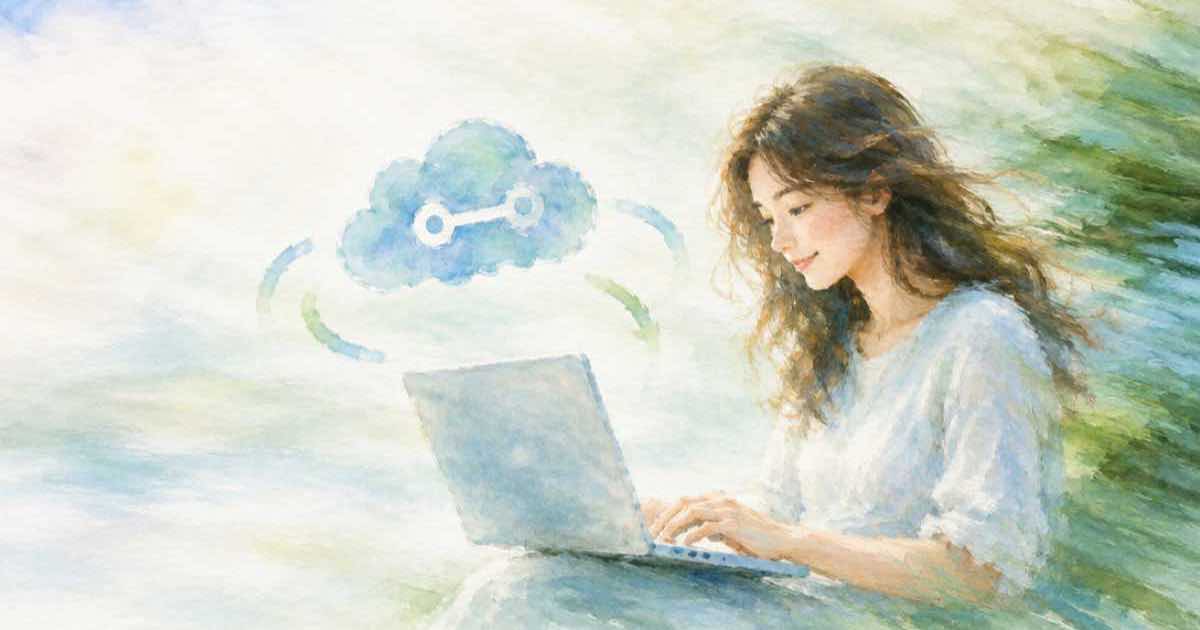
To turn a photo into a watercolor or a pencil sketch with an API, send the photo's public https URL in input_references to GPT Image 2.5 on Sume and write a prompt that names the medium and says to keep the composition. There is no strength or denoise control in the request; the prompt is your only dial, so say how much to change in words.
The Sume Image API docs show image-to-image as an input_references array of image_url items and give a watercolor prompt as the example. GPT Image 2.5 accepts up to 16 references on Sume,; the docs list it as openai/gpt-image-2.5, the Flare variant, with a mask_url option and quality from low to max, defaulting to high when you omit it. Reference URLs must be public https; localhost and private addresses are rejected.
Say what to keep and what to change
A sentence with two halves works best: the change, then the constraints. Name the medium for the change, and name the subject, pose and framing for the constraints. If the output must have the same shape as the photo, set aspect_ratio to auto, which the docs say matches the reference on edit calls; leaving the field out is not the same as auto.
| Part | Example | Why |
|---|---|---|
| Medium | loose watercolor painting | The change you want |
| Keep | same composition, same pose | Holds the layout |
| Texture | visible paper grain | Makes it read as a painting |
| Shape | aspect_ratio: auto | Matches the source frame |
The call
The request below sends one photo and asks for a watercolor. Change the medium sentence to try a pencil sketch; keep the rest.
import os
import requests

body = {
    "model": "openai/gpt-image-2.5",
    "prompt": (
        "Turn this photo into a loose watercolor painting with soft edges "
        "and visible paper texture. Keep the same composition, subject "
        "and pose."
    ),
    "input_references": [
        {"type": "image_url", "image_url": {"url": os.environ["PHOTO_URL"]}}
    ],
    "aspect_ratio": "auto",
    "quality": "medium",
}
r = requests.post(
    "https://api.sume.com/v1/images",
    headers={"Authorization": f"Bearer {os.environ['SUME_API_KEY']}"},
    json=body,
    timeout=60,
)
print(r.status_code)
print(r.json()["data"][0]["url"] if r.status_code == 200 else r.text[:300])
Style phrases to try
Name the medium and say what to keep. The list is a starting point, not a recipe; results vary by photo.
- Loose watercolor painting, soft edges, visible paper texture, same composition.
- Graphite pencil sketch, light cross-hatching, white paper, same composition.
- Ink and wash illustration, thin dark outlines, muted colors, same composition.
- Colored pencil drawing, visible strokes, warm palette, same composition.
- Children's book illustration, simple shapes, bright colors, same composition.
Cost and review
Each style attempt is a separate billed generation, so ask for what you need. A reasonable plan is to test two or three style sentences on one photo at medium quality, choose one, and then run the batch. Look at faces and hands in each result, since a style change can alter them more than the background. If you are processing photos of people, make sure you have the right to use them and that the subjects know the images will be changed.
Source photo tips
Review each result against the original before publishing it, especially faces, hands and any lettering in the scene. The model can only keep what it can see, so start from a sharp photo with clear subjects and decent light. Crop distracting edges first, because anything in the frame may be redrawn in the new style. If the photo is very large, resize it before hosting; the reference URL must be a public https link the service can fetch.
How much change you get
Without a strength field, you control the amount of change by wording. For a light touch, say keep fine details and only restyle the colors and edges. For a heavy change, say redraw everything in the style. If the result is too close to the photo, repeat the call with a firmer style sentence; if it is too far, add the constraints that it ignored.
A repeat edit of the result is also possible, and GPT Image 2.5 multi-round edits covers how to chain them. For a different route to the same look, see ChatGPT image style transfer through the API.
Sources
Related posts
More in Use cases
- Pinterest visual search ads: how many image variants per call?
Sume's image API takes n up to 10 per call, with lower per-model ceilings. Read the n range from the endpoint record before you plan a variant set.
- Pinterest visual search ads: a lifestyle scene from one product photo
Pinterest's visual search ads are a planned beta. Generate a lifestyle image from one product photo with POST /v1/images and an input reference, ratio 2:3.
- Pinterest visual search ads: a transparent-background product cutout
Visual search ads match your product by its look. Ask for background: transparent on openai/gpt-image-2.5 and keep a clean PNG cutout of each item.
- Podcast network: transcripts, cover art and stings for 12 episodes
12 episodes of 45 minutes, four Ideogram 4.5 cover options each and three music stings each cost about $14.24 a month on Sume. Unit prices and the sum.
Written by Sume