
Measure softening and colour creep across AI edit passes in Pillow
Test the no-drift claim on your own photos: edge sharpness and a white-patch colour reading for each pass of an edit chain, in short Python with Pillow.
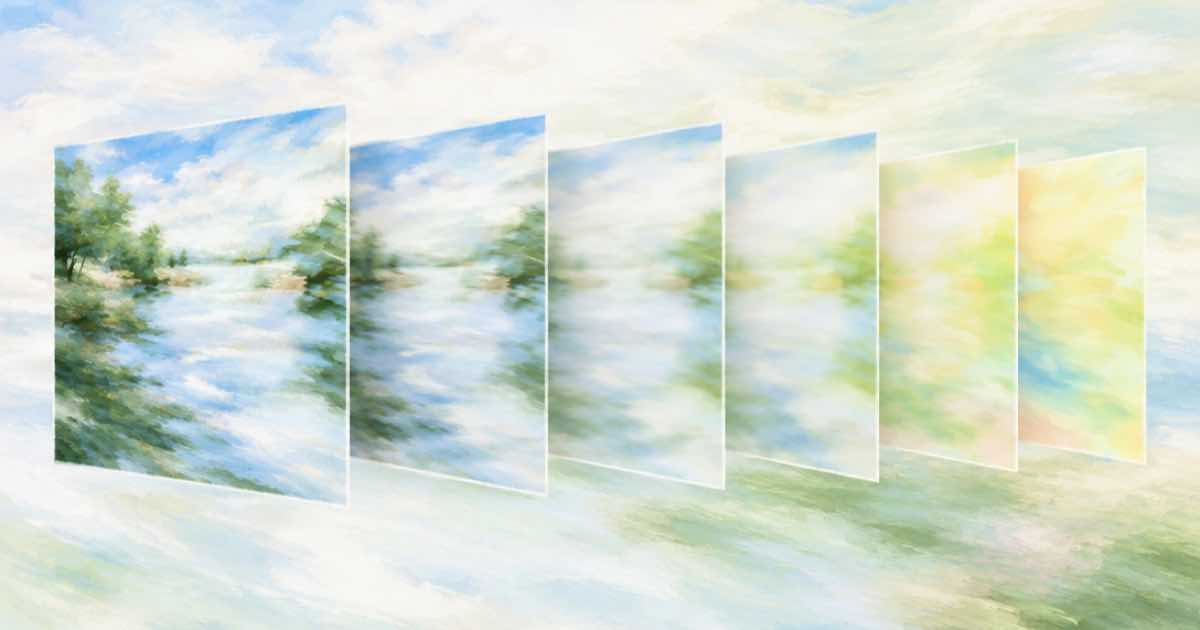
To check whether repeated edits degrade a picture, measure two things on every pass: how sharp the edges are and what colour a patch that should stay white has become. Ideogram's page for 4.5 promises that "the tenth pass looks as clean as the first, with no creeping color shift", and Black Forest Labs says its Flux 3 Image leaves untouched pixels unchanged across steps. Both are vendor claims; the script below gives you your own numbers from your own chain.
What the script measures
Pick a patch that no edit is meant to touch, such as a white wall corner or a grey card. Save every pass as PNG so the measurement is not about JPEG compression.
- Sharpness: the mean of a Pillow
FIND_EDGESfilter over the grayscale image, shown as a ratio to the original. A soft image has fewer strong edges, so the ratio falls. - Colour creep: the mean red, green and blue of a patch you choose over a white or grey area. A drift toward cream or blue shows as the three numbers separating.
The code
Run it as python drift.py original.png pass1.png pass2.png. It needs only Pillow.
import sys
from PIL import Image, ImageFilter, ImageStat

def sharpness(path):
    gray = Image.open(path).convert("L")
    return ImageStat.Stat(gray.filter(ImageFilter.FIND_EDGES)).mean[0]

def patch_rgb(path, box):  # box = (left, top, right, bottom) over a white area
    patch = Image.open(path).convert("RGB").crop(box)
    return tuple(round(v, 1) for v in ImageStat.Stat(patch).mean)

def report(paths, box):
    base = sharpness(paths[0])
    for i, p in enumerate(paths):
        print(f"pass {i}: sharpness {sharpness(p) / base:.3f} of original, "
              f"white patch RGB {patch_rgb(p, box)}")

if __name__ == "__main__":
    # python drift.py original.png pass1.png pass2.png
    report(sys.argv[1:], (10, 10, 60, 60))
Reading the numbers
A ratio near 1.000 across passes means the edit chain holds sharpness. A steady fall, say 0.98, 0.95, 0.91, is the softening that Morphic's page describes as what happens when a model redraws the frame each round. Edge energy also changes when an edit adds an object with edges of its own, so measure a crop that contains no change if you want a clean read.
| Reading | Looks like | What to try |
|---|---|---|
| Sharpness ratio falls each pass | The model redraws the whole frame | Edit a crop and stitch it back |
| White patch RGB values separate | Colour cast building up | Reset from the original; re-run fewer passes |
| Both steady | The chain holds | Keep the model; verify on more photos |
| Jump on one pass only | One bad edit | Re-run that pass, not the chain |
Make it a habit
Plot the sharpness ratio by pass number for each model; three lines on one chart tell the story faster than a table. Keep the numbers in a CSV, one row per model, photo and pass, so a later model can be added without redoing the old ones. Record the prompt text and the date next to each row; a model that is silently updated behind the same id will show up as a change in a row you have not touched.
Run the same script on five photos for each model you are considering, with the same prompts, and keep the outputs. It costs little: five photos through three passes on Ideogram 4.5 is 15 images, $0.5625 at the low tier on Sume at $0.0375 each. For measuring what changed outside the edit area, use the pixel diff recipe; for the file-format side of drift, see saving PNG between passes.
Sources
Related posts
More in Developers
- Migrate a real-time avatar prototype to Sume async jobs: what changes
Moving from a live avatar session to Sume means replacing a stream with submit, poll and fetch. The code changes, the UX changes, and a Node example that runs.
- Model an AI generation job as a state machine in your database
A schema and update rule for tracking Sume jobs: five statuses, sticky terminal states, a separate webhook delivery column, and the idempotency key on the row.
- Move captions on an avatar video: design.placement and anchor_ratio
Inline avatar captions take no design overrides. To lift the caption line off the platform buttons, re-burn with the standalone job. Fields, price, example.
- Music job metadata: stored on the Sume job, not sent to Lyria
The metadata object on a Sume music request is stored on the job and never sent to the provider. Tag takes by scene and brief with it.
Written by Sume