
Instagram for TV timeline: Fire TV test to Google TV, what to do
Reels reached the living-room screen in a US test on Fire TV, then Google TV. The dated facts, what is unknown, and a short checklist for Reel makers.
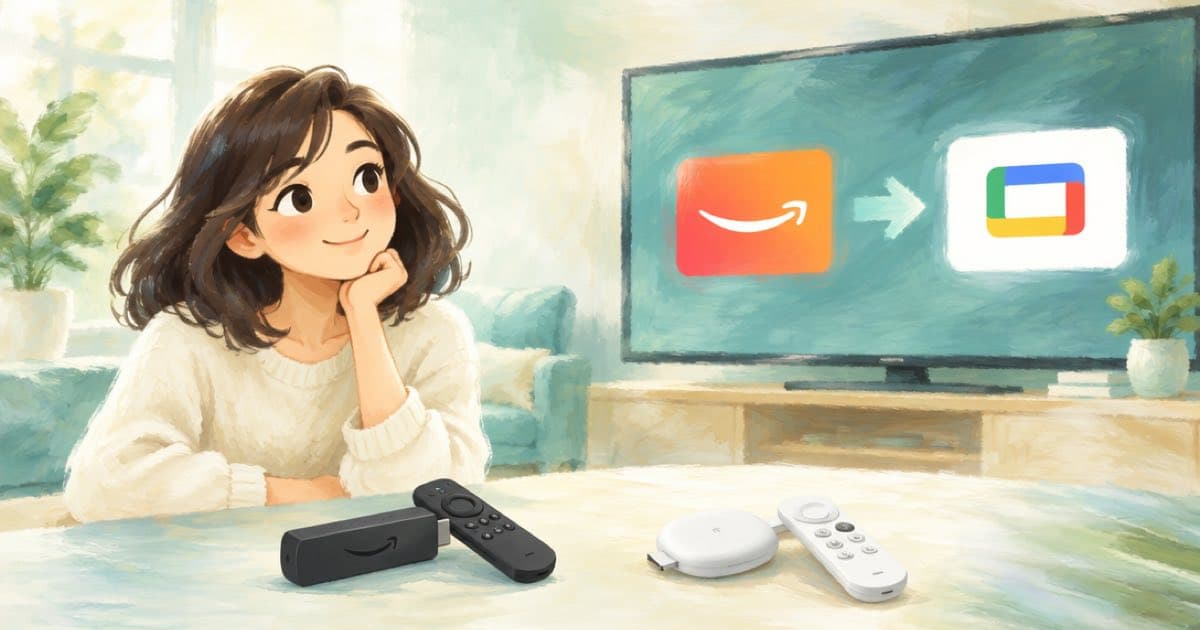
Instagram for TV began as a US test on Amazon Fire TV and reached Google TV devices in the US on 2026-02-24. NapoleonCat expects more devices and countries later. As a Reel maker you do not need a new format yet; you need a clean 9:16 master and a caption look that survives a bigger screen.
The facts below come from Instagram's announcement and NapoleonCat's roundup of 2026 changes. Anything not on those pages is marked unknown.
Dated facts
| Date | Fact | Source |
|---|---|---|
| Early test | Test on Amazon Fire TV devices in the US (start date not given on the page) | Instagram, NapoleonCat |
| 2026-02-24 | App expands to Google TV devices in the US | |
| 2026 | Reels grouped in interest channels, autoplay with sound, up to five accounts per device | Instagram, NapoleonCat |
| Not stated | Countries outside the US, Apple TV or other platforms, creator-side TV controls | Unknown |
What Instagram says it is exploring
The announcement lists ideas under exploration, not shipped features: using your phone as a remote, easier channel surfing, shared feeds with friends, and an easier way to keep up with favourite creators in one place (Instagram, read 2026-10-07). Treat these as direction, not a spec.
A short checklist for Reel makers
- Keep your master at 9:16 and 1080 by 1920. Timeline 1.0's default output is 1080 by 1920 at $0.10 per started output minute.
- Check the opening second and the audio. Run video inspect with
frames: { at: [0] }and readprobe.has_audio. TV plays Reels with sound. - Burn captions with larger type and fewer words per card; see the caption post linked below.
- Do not render a separate 16:9 cut for TV until Instagram publishes a rule for it. A 16:9 test render costs one timeline job if you want to see the result.
What to prepare
Keep a one-page log: which Reels you checked for sound, which captions you enlarged, and the date. When Instagram publishes TV guidance, you will know what to re-run.
Check the Instagram announcement again before you plan work around TV, because the app is still changing.
Why not wait
The tempting move is to wait for Instagram to publish TV rules. The cost of waiting is low, because nothing in the announcement changes the file you upload. The cost of the checklist is also low: a still, a probe and a caption restyle. Doing it now means your next Reels are already clean when guidance arrives.
The part to watch is sound. Reels on TV play with sound by default, so a silent AI clip that is fine on a phone with sound off looks empty in a room. If a clip has no audio track, add a music bed in the timeline before you post.
Sources
Related posts
More in Use cases
- Instagram Reels templates need music and 3 clips: prepare them
Instagram says templates need a reel with music and at least 3 clips. Render one master with Sume Timeline, then cut three clips with video trim at $0.02 each.
- Instagram Series for Reels: prepare AI episodes before it opens
Meta is testing Series, a profile tab that bundles episodic Reels. Render numbered 9:16 episodes now with Sume so a season is ready to group when you get it.
- Interior design mood board to video: up to 10 reference images
Use up to 10 mood-board images and 3 short clips as references for a Gemini Omni Flash 1.1 room video on Sume. An 8 s clip is $1.00 at 720p, $1.50 at 1080p.
- Investor update deck to a 15-second teaser: ten slides into Wan 3.0
Pick the ten slides that carry numbers and charts, send them to wan-3.0 as reference images, and ask for 15 s. $1.88 at 720p. Why charts need a real overlay.
Written by Sume