
iMessage app has no App Store preview: where the video goes
Apple's specification page says app previews are not available for iMessage apps. Keep the demo clip for your site and social, made with the Sume Format API.
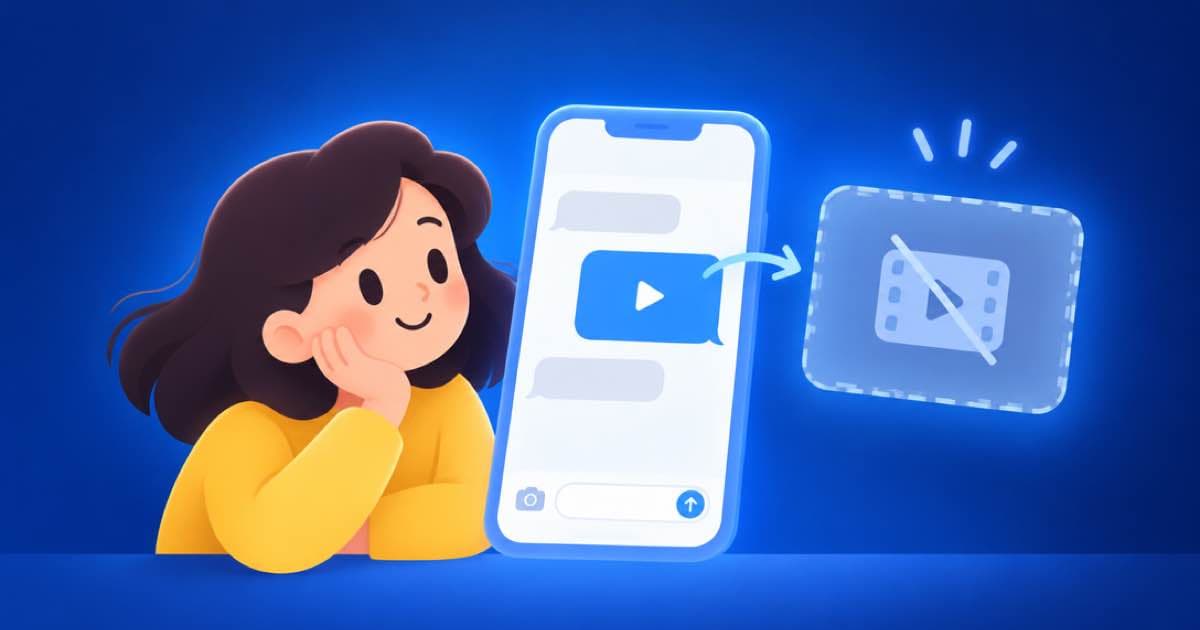
If your product is an iMessage app, you cannot add an app preview video to its App Store page. Apple's specification page states that app previews are not available for iMessage apps. Your demo clip is still useful, but its home is your website, your social channels and your ads. The sume-mobile-app-ugc Format builds that kind of clip around a visible phone and one clear benefit.
What does Apple say?
For an iMessage app, the screenshots are therefore the only visual part of the App Store page. Read Apple's current screenshot specification for the sizes.
| Topic | What the page says |
|---|---|
| iMessage apps | App previews are not available |
| Other platforms | Previews are listed for iPhone, iPad, Mac, Apple TV and Vision Pro |
| Placement | Previews appear before screenshots |
How do I make the clip to use elsewhere?
Call the Format at the sume handle. The catalog lists sume-mobile-app-ugc, whose description is a relatable creator, a visible phone and a clear app benefit. Put your screenshot or screen capture in attachments (up to 30 images) and the benefit in instruction. The run is asynchronous and finishes with a format.run.terminal webhook or a poll.
Ask for the shape you need for each place. A 9:16 version suits social. A 16:9 version suits a website hero. Run them as two separate calls with two Idempotency-Key values.
curl -sS -X POST "https://api.sume.com/v1/formats/sume/sume-mobile-app-ugc/runs" \
  -H "Authorization: Bearer $SUME_API_KEY" \
  -H "Content-Type: application/json" \
  -H "Idempotency-Key: imsg-stickers-9x16-v1" \
  -d '{
    "instruction": "9:16, 15 seconds. The benefit: send a sticker pack in two taps. Show the phone and the Messages screen clearly.",
    "attachments": [{ "type": "input_image", "image_url": "https://cdn.example.com/messages-screen.png" }],
    "generation_spend_cap_usd": 10
  }'
What should I check before it goes out?
Check that the on-screen UI matches your real app. A generated phone screen can invent buttons that do not exist. Pull a few stills with video frames and compare them with your screenshot. If a screen is wrong, say so in a follow-up and use previous_run_id to continue the same run rather than start over.
Where can the clip run instead?
A short demo clip can still carry the launch of an iMessage app. Treat each place as its own cut, since each has its own shape.
- Your website hero, as a 16:9 loop with no sound.
- Social posts and paid social, as a 9:16 cut.
- A launch post or a store-listing page on another site, as a link to a hosted video.
- The first reply in a support thread, as a short how-to clip.
Sources
Related posts
More in Use cases
- Instacart Immersive Feed: 9:16, 5 to 30 s, a recipe clip from a photo
Instacart's Immersive Feed takes 9:16 video of 5 to 30 seconds and is in early pilot. Prepare a recipe-style clip from a product photo with the Sume video API.
- Job opening video with an AI host: 16:9 and 9:16 versions
A 30-second hiring video with a Sume avatar costs $5.52 on Standard or $7.35 on Plus per aspect ratio. A 16:9 and a 9:16 cut on Plus is $14.70.
- Kids story, five 8-second scenes: Omni $5.00 vs H3 $3.00
Five 8-second scenes cost $5.00 on Gemini Omni Flash 1.1 at 720p, $3.00 on MiniMax H3 at 768p and $4.00 on H3 Max, priced on Sume. Plus a reference body.
- Localize One Ad to Korean: Burned-In Captions With Hangul Styles
Add Korean captions to an ad: why Latin styles return a 400, which Hangul style to pick, how a restyle skips a second transcription, and what a job costs.
Written by Sume