
Hermes daily MCP re-auth nudge vs Sume's one-hour access token
Hermes Agent Desktop added a daily MCP re-auth nudge. Sume access tokens last 3600 seconds with no refresh token, so use an API key for scheduled work.
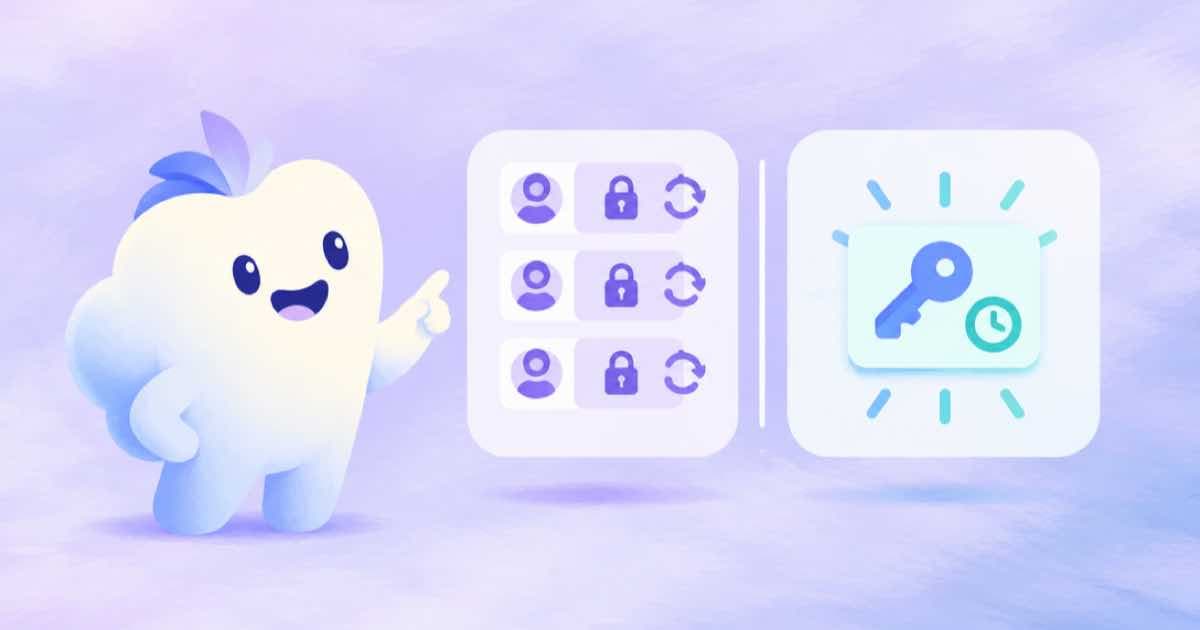
Hermes Agent's September 14, 2026 release added a daily MCP re-auth nudge in Desktop, and its September 11 release fixed an MCP OAuth refresh that erased the refresh token (v2026.9.14 and v2026.9.11, read 2026-10-04). Sume's hosted endpoint issues access tokens that last 3600 seconds and issues no refresh token, so a daily nudge is slower than the token lifetime. For scheduled Hermes jobs that call Sume, use an API key.
What Sume's tokens look like
The authorization code is valid for 600 seconds and the access token for 3600 seconds. The server supports the authorization-code grant with PKCE and does not issue a refresh token, so when the hour ends the client has to send you through consent again (MCP OAuth and API keys).
A client that has a refresh-token bug fixed, such as the Hermes one, has nothing to refresh with against this server. The fix is real for servers that issue refresh tokens, and not a reason to expect longer sessions here.
| Item | Value | Source |
|---|---|---|
| Hermes MCP re-auth nudge | Daily, in Desktop | Hermes v2026.9.14 release notes |
| Sume authorization code lifetime | 600 seconds | Sume code and OAuth docs |
| Sume access token lifetime | 3600 seconds | Sume code and OAuth docs |
| Sume refresh token | Not issued | Sume OAuth docs |
Why this matters for scheduled work
A scheduled Hermes job that calls Sume on OAuth will start failing about an hour after you last signed in, long before a daily nudge fires. Hermes release notes also mention cron fixes, which suggests scheduled jobs are a use case there, but a job on a schedule has nobody to click through consent.
What to use instead
For unattended jobs, send an API key as Authorization: Bearer <key> or x-api-key to the hosted endpoint. The key gets the full tool set and does not expire hourly, so apply the paid gates in the job: idempotency_key on every write, dry_run for previews, and max_spend_usd for a ceiling. Keep OAuth for the interactive sessions where a person is at the keyboard and the one-hour boundary is harmless.
- Interactive: OAuth, read-only by default, re-consent when it lapses.
- Scheduled: API key held in the runner's secret store.
- Either way, call
mcp_healthfirst to confirm which credential the session is using.
A quick test
Sign in with OAuth, run a read tool, wait past the hour and run it again. If the second call fails with an auth error, you have confirmed the token lifetime in your own setup, and you know to switch the scheduled job to a key.
Sources
Related posts
More in Integrations
- Ideogram 4.5 in Runway MCP vs Sume's hosted MCP
Runway's MCP now supports Ideogram 4.5 on paid plans. Sume's hosted MCP exposes generate_image and generate_video, and Ideogram 4.5 is in Sume's image catalog.
- LangGraph interrupt or wait: resume a graph from a Sume webhook
A LangGraph interrupt is for a human decision, not a video render. Pause for approval, then resume the graph from a signed Sume webhook keyed by job_id.
- Make's ChatGPT plugin runs scenarios: return the Sume job id
Make's ChatGPT plugin can run your scenarios. Design the Sume one to return the job id and status URL from a 202, then check it from a second scenario.
- Mastra eager tool execution: dry-run Sume calls first
Mastra 1.71 can start a tool once its own arguments are complete. For paid Sume generation that means a stable idempotency_key and a dry run before any spend.
Written by Sume