
Esports team intro in 21:9: Seedance 2.5 at 720p, 8 s, with cost
Seedance 2.5 on Sume renders 21:9 at 1470 x 630 for 720p. An 8-second stream-banner intro costs $4.65 at 720p, $2.15 at 480p. Rates and limits.
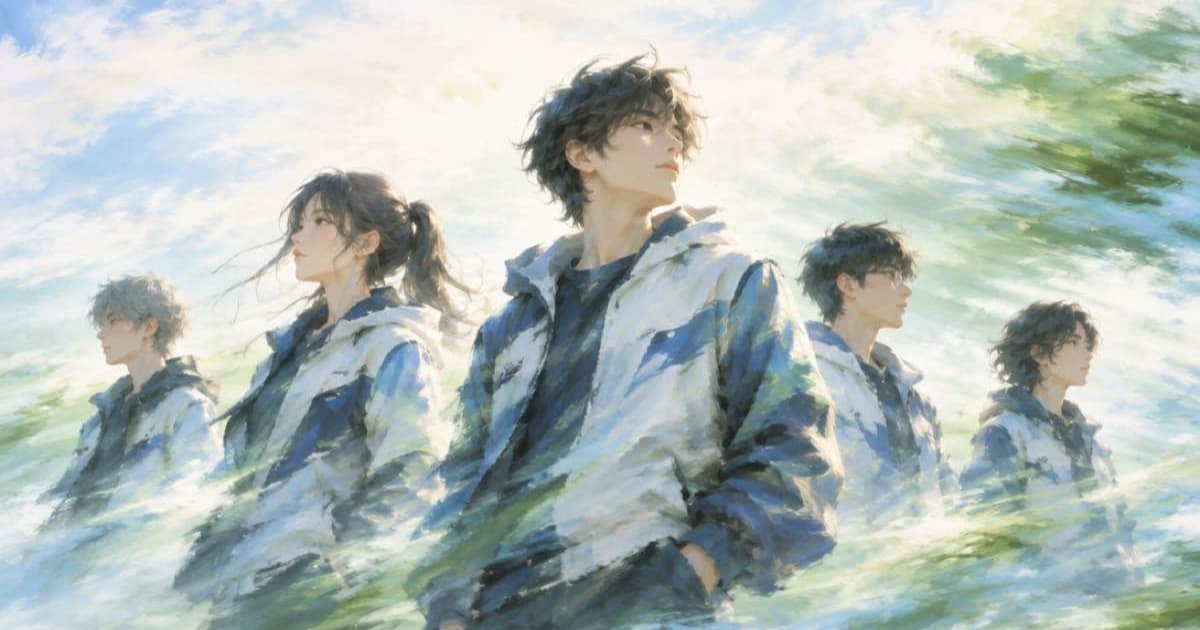
Use Seedance 2.5 with aspect_ratio 21:9. On Sume a 21:9 frame is 1470 x 630 at 720p, and an 8-second intro costs $4.65. At 480p it is $2.15 and at 1080p $11.43. Of the four models in this cluster, Seedance 2.5 is the one that lists 21:9; Kling 3 and Wan 3.0 do not, and MiniMax H3 lists it as well.
Why 21:9 for a team intro
Stream overlays, event screens and web headers are wide. A 16:9 clip cropped to a banner loses the top and bottom, while a native 21:9 render keeps the composition you prompted. fal's Seedance 2.5 explainer, read 2026-10-08, lists six aspect ratios, 21:9 among them. Sume's catalog lists eight values, adding auto and adaptive.
Pricing is token-based: width x height x seconds x 24 / 1024 tokens, at $0.0214 per 1,000 tokens for 480p and 720p and $0.0234 for 1080p, per Sume's pricing code. The 21:9 frame at 720p (1470 x 630, 926,100 pixels) is about the same size as 16:9 at 720p (1280 x 720, 921,600 pixels), so expect nearly the same cost per second as 16:9.
Cost table
Sume bills the provider list price times 1.25, rounded up to the cent per job.
| Resolution | Frame | 8 s job | Per second |
|---|---|---|---|
| 480p | 992 x 432 | $2.15 | about $0.27 |
| 720p | 1470 x 630 | $4.65 | about $0.58 |
| 1080p | 2205 x 945 | $11.43 | about $1.43 |
Putting the roster in
A team intro needs the logo and player look to stay consistent. Seedance 2.5 on Sume takes reference images, so send the logo, jersey art and character renders as references. Reference images and audio do not add the reference-video surcharge; only a reference video does.
- Draft at 480p ($2.15), check the logo placement, then render 720p.
- Send a music stem as an audio reference if you want the cut to hit the beat.
- Put player names and the tournament date in your video editor. Do not prompt for text.
Submit it and read the result
Sume reserves the billable amount from your workspace USD balance when the job is submitted, then returns a polling_url. Change resolution to 720p once the draft is approved. Poll the job until status is completed or failed; a completed job lists its files in unsigned_urls.
import os
import time
import requests

H = {"Authorization": f"Bearer {os.environ['SUME_API_KEY']}"}
body = {
    "model": "seedance-2.5",
    "prompt": "A slow push-in on the scene, soft natural light",
    "duration": 8,
    "resolution": "480p",
    "aspect_ratio": "21:9",
}
r = requests.post("https://api.sume.com/v1/videos", headers=H, json=body, timeout=60)
r.raise_for_status()
url = r.json()["polling_url"]
while True:
    job = requests.get(url, headers=H, timeout=30).json()
    if job["status"] in ("completed", "failed"):
        break
    time.sleep(10)
print(job["status"], job.get("unsigned_urls"))
Limits
Seedance 2.5 runs 4 to 30 seconds on Sume. fal's page lists 480p and 720p only, while Sume's catalog also lists 1080p; the 1080p figure above follows the Sume catalog and I did not test that tier. Check the model list with GET /v1/videos/models if the 1080p row matters to you.
Sources
Related posts
More in Use cases
- Esports team intro sting: 5 seconds with a logo reference
A 5-second team intro for a stream in 16:9: send the logo as a reference image to Omni Flash, $0.625 at 720p on Sume, and fix the text in a short edit.
- Etsy-style listing gallery: 10 images per product, cost by image model
Ten gallery images for one product cost $0.07 to $1.00 on Sume depending on the model; 25 products is 250 images. Table with seedream, flux and gpt-image-2.5.
- Fashion lookbook video: ten looks in 9:16 for $7.50
Ten outfit clips of 6 seconds in 9:16 with Gemini Omni Flash on Sume cost $7.50 at 720p. It takes up to 10 reference images per request. Veo 3.1 takes 3.
- A first-frame still plus a 30-second Wan 3.0 clip: the pair's cost
Generate the opening frame with Higgsfield Soul, Seedream 5 Lite or Nano Banana 2.1, then animate it for 30 seconds on Wan 3.0. Totals at 480p to 1080p.
Written by Sume