
curl and jq: poll a Seedance 2.5 clip from a bash script
A bash script with curl and jq that submits a 30-second Seedance 2.5 job to Sume, polls every 30 seconds and saves the MP4, with costs at three resolutions.
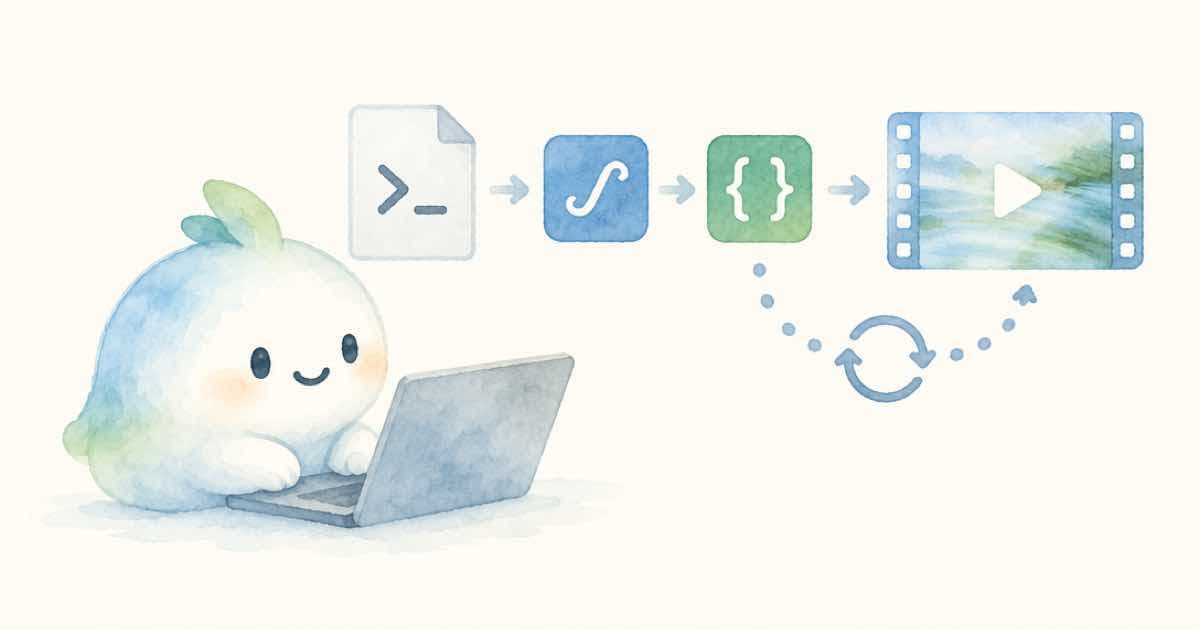
A bash script can render a Seedance 2.5 clip with two tools: curl to talk to the API and jq to read the JSON. Submit with POST /v1/videos, take polling_url from the response, loop with sleep 30 until status is completed, then download the MP4 from unsigned_urls[0].
The script below asks for 30 seconds at 480p, which is $8.07 on Sume (read 2026-10-05). Raise the resolution only after the script works.
The script
It exits if the key is not set, stops on failed or cancelled, and gives up after 40 polls.
#!/usr/bin/env bash
set -euo pipefail
: "${SUME_API_KEY:?SUME_API_KEY is not set}"
AUTH="Authorization: Bearer $SUME_API_KEY"

job=$(curl -sf -X POST https://api.sume.com/v1/videos \
  -H "$AUTH" -H "Content-Type: application/json" \
  -H "Idempotency-Key: bash-demo-001" \
  -d '{"model":"seedance-2.5","prompt":"Slow one-take walk through a bakery","duration":30,"resolution":"480p","aspect_ratio":"16:9"}')
url=$(echo "$job" | jq -r .polling_url)

for i in $(seq 1 40); do
  sleep 30
  s=$(curl -sf -H "$AUTH" "$url")
  status=$(echo "$s" | jq -r .status)
  echo "poll $i: $status"
  case "$status" in
    completed) curl -sf -H "$AUTH" "$(echo "$s" | jq -r '.unsigned_urls[0]')" -o clip.mp4
               echo "saved clip.mp4"; exit 0 ;;
    failed|cancelled) echo "$s" | jq .error; exit 1 ;;
  esac
done
echo "gave up; job may still finish: $url"; exit 2
What each piece does
set -euo pipefail makes the script stop on the first error. The :"${SUME_API_KEY:?...}" line aborts with a message if the key is unset. curl -sf fails on HTTP errors instead of printing an error page, so a 402 on submit stops the script before the loop.
The Idempotency-Key header makes a rerun return the original job instead of creating a second one. That matters for a script you might run twice by mistake: the docs say a replay returns the original job. Change the key when you want a new take.
Price before you raise the resolution
The same 30-second 16:9 request at each resolution, from Sume's price book.
| Resolution | Price |
|---|---|
| 480p | $8.07 |
| 720p | $17.34 |
| 1080p | $42.65 |
Run it and read the output
Save the file as render.sh, run chmod +x render.sh, export SUME_API_KEY, and run ./render.sh. You will see one line per poll, such as poll 1: pending and later poll 6: in_progress, then saved clip.mp4. The script sleeps before the first poll on purpose: a job that was just accepted is almost never finished after a second.
If you only want to submit and come back later, stop after the url= line and print it. The polling URL stays valid, and you can poll it from another shell with the same Authorization header. That split is handy when you start several renders and want to collect them at the end of a meeting.
Change the request without breaking the loop
Only the -d body needs to change for other shapes. For a vertical clip use "aspect_ratio":"9:16"; for a first frame add a frame_images entry with frame_type set to first_frame; for style references add input_references. The poll loop does not care, because every Sume video model returns the same job shape.
Keep the model id in a shell variable if you switch between tiers. seedance-2-mini and seedance-2-fast take 4-15 seconds, so a 30-second duration would be rejected there; only seedance-2.5 accepts up to 30 seconds in the Seedance family.
Edge cases
If the loop ends at 40 polls, the job may still complete. The script prints the polling URL so you can check it later, or use GET /v1/jobs/{id}/status, which the docs say shows the same job. A job that fails returns an error field; read it before you retry, since a bad reference URL or a blocked prompt will fail the same way again.
Do not paste a real key into the script. Export it in the shell instead. The video file is served from Sume, and the sample sends the Authorization header on the download to be safe; the docs' content endpoint example does the same.
For many clips, wrap the script in a function with a per-clip key and run a few at a time.
Sources
Related posts
More in Developers
- Smoke-test a video API key with curl: a $0.11 Omni clip
A 19-line curl and jq script: submit a 3-second 360p Gemini Omni Flash 1.1 job, poll it, save the MP4. At $0.0375 a second the test costs $0.1125.
- curl and jq video step for CI with exit codes 0, 2 and 3
A bash script that submits to Sume POST /v1/videos, polls with jq, and exits 2 on a rejected submit and 3 on a failed render so a CI job can tell them apart.
- curl a 30-second Sume clip: --speed-limit beats a blunt --max-time
A fixed --max-time kills a slow but healthy 30 s video download. Use --speed-limit with --speed-time to abort only stalled transfers, plus --retry.
- Cut a 3-minute Short from a longer render with video trim
YouTube Shorts and Instagram's recommended Reel length both stop at three minutes. Cut 180 seconds from a longer clip with video trim, using start and duration.
Written by Sume