
ChatGPT Images 2.5 Poster and Merch templates as API prompts
ChatGPT Images 2.5 added Poster and Merch templates. The API has no template field, so write the layout into the prompt and call openai/gpt-image-2.5 on Sume.
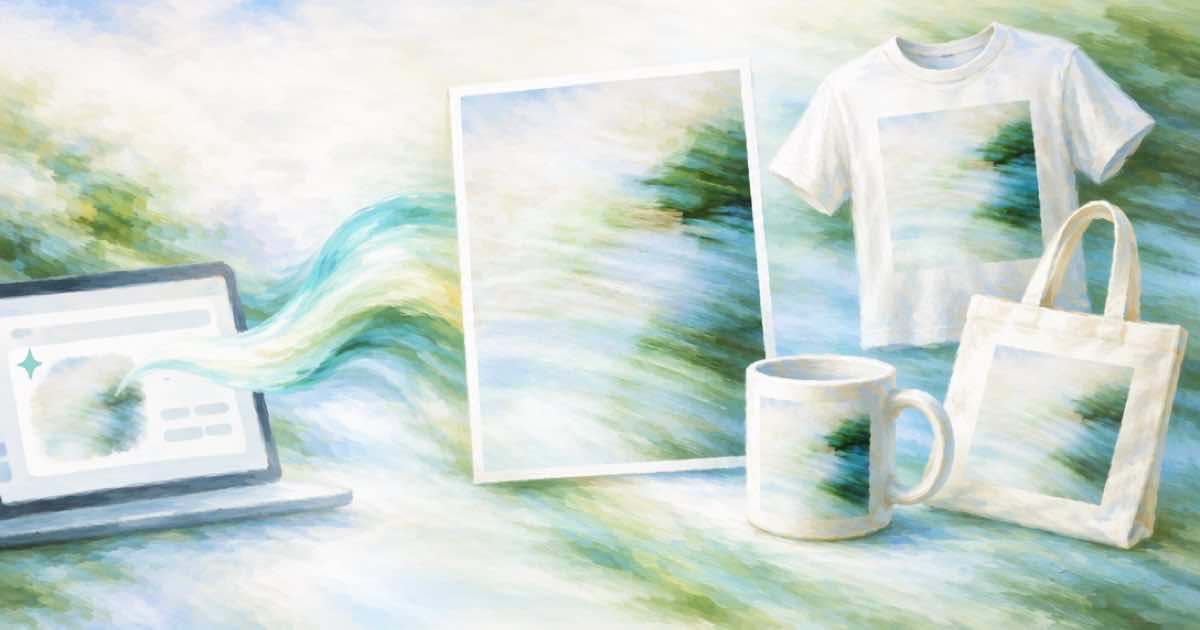
The Poster and Merch templates are part of the ChatGPT app, released with Images 2.5 on 2026-09-08. They are starting points inside the chat UI, and the Sume Image API has no template field. To get the same result on Sume, put the layout rules into the prompt and call openai/gpt-image-2.5 with quality and background set on purpose.
What shipped and where
The launch report lists Sketch, Poster and Merch templates, and up to 50% lower latency than Images 2.0 in ChatGPT. For developers it names two API models, Flare as the default and Sunburst for tighter control over repeated edits. Sume lists both as openai/gpt-image-2.5 and openai/gpt-image-2.5-sunburst.
| ChatGPT Images 2.5 feature | Sume request equivalent |
|---|---|
| Poster template | Prompt with size, headline, margins; pick a portrait ratio |
| Merch template | Prompt for the artwork alone; set background to transparent |
| @Sketch | Send your drawing as an input_references item |
| Comments on an image | No equivalent field; describe the change in a new edit prompt |
A poster prompt that holds a layout
State the canvas, the text, and what stays empty. Name the exact words, because text accuracy depends on you giving the string. Use quality: high for finals and low for layout drafts. Omitting quality defaults to high on this model, which is also the most expensive default, so set it deliberately.
curl -X POST "https://api.sume.com/v1/images" \
  -H "Authorization: Bearer $SUME_API_KEY" \
  -H "Content-Type: application/json" \
  -d '{"model":"openai/gpt-image-2.5","prompt":"Concert poster, portrait. Headline NIGHT MARKET in bold condensed type at the top third, date 14 NOV in the bottom right, 10 percent margin on every edge, lantern illustration centred.","aspect_ratio":"2:3","quality":"high"}'
Merch artwork with a transparent background
For a print-on-demand graphic, ask for the artwork alone and set background: "transparent". Sume's docs say background is live only on ChatGPT Image 2.5. Pair it with output_format: "png", since a transparent background needs a format that carries alpha.
Do not rely on the older advice to use another model for transparent stills; the docs only point to Image 1.0 for models other than GPT Image 2.5.
What Sume does not do
There is no template picker, no inline comments on a generated image and no streaming of partial images: stream: true returns 400 streaming_not_supported. Iterate by sending the previous result as an input reference with a short change request.
Prompt checklist
What a template prompt should always contain:
- Canvas ratio and the margin you want left empty.
- Exact text strings in quotes, with their positions.
- The visual style in one sentence, not five.
- For merch,
background: transparentandoutput_format: png.
Sources
Related posts
More in Use cases
- Livestream service intro: 10 seconds of Wan 3.0, 63 cents to $2.50
A 10-second intro bumper for a livestream or service costs 63 cents at 480p, $1.25 at 720p and $2.50 at 1080p on Sume's wan-3.0. When 1080p pays off.
- Classroom science explainer clips: six 10-second AI shots, priced
Plan six 10-second text-to-video shots for a lesson on Sume: $6.00 on H3 Max, $7.50 on Wan 3.0 or Omni Flash, $34.68 on Seedance 2.5. Accuracy limits too.
- Claymation stop-motion look: a Gemini Omni prompt that holds
Prompt Gemini Omni for a claymation or stop-motion look: material words, a choppy-frame cue, and sound. Includes a 6-second Sume request and the cost per take.
- Coffee roaster iced-coffee ad: GPT Image 2.5 still, then a clip
A coffee roaster can design one hero still with GPT Image 2.5 on Sume, check the bag and glass, then use it as the first frame of a short video. Two steps.
Written by Sume