
Change the name and number on a jersey photo, keep the lettering
Edit the name and number on a jersey or sign photo with Ideogram 4.5 on Sume: the prompt wording, the reference rules and what a low-tier test costs.
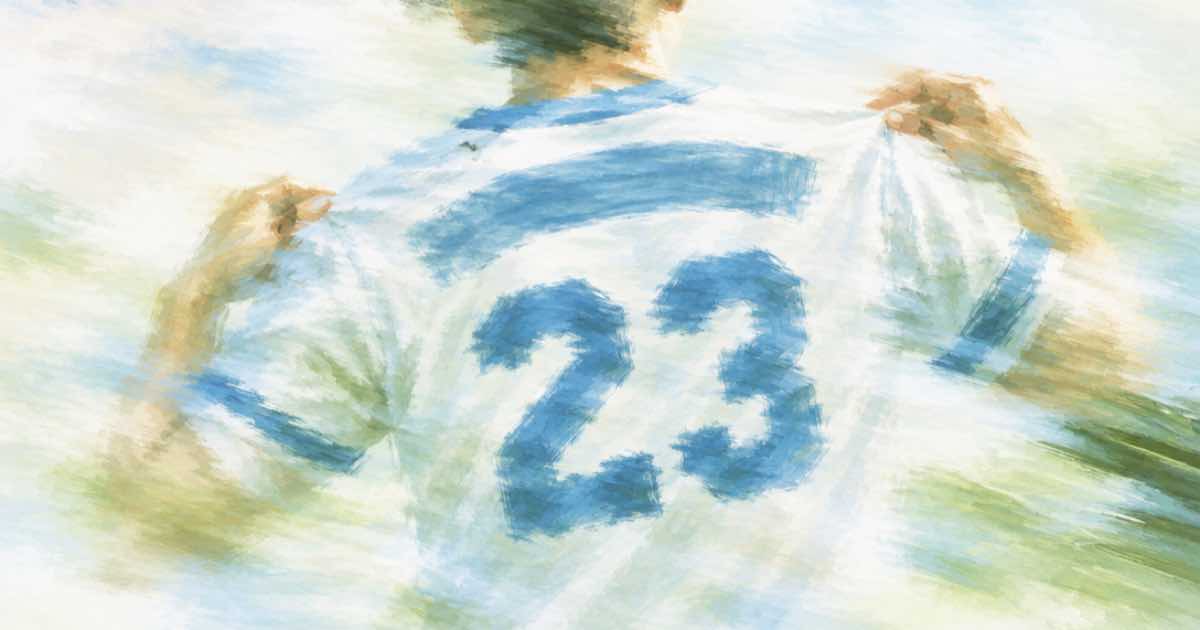
To change a name and number on a jersey photo, send the photo to Ideogram 4.5 as the first reference and write the new text in capitals inside quotation marks, with the instruction to keep the lettering style. Morphic's Ideogram 4.5 page gives this kind of example, "Change the headline to OPEN AIR CONCERTS, same lettering", and says a text edit keeps the original lettering. On Sume the model id is ideogram/ideogram-v4.5.
The request
Per the Image API docs, a request with input_references edits the first image and treats up to four more as references. Leave aspect_ratio out so the edit keeps the photo's shape. Start at quality: "low".
A prompt that has worked as a starting point: "Change the name on the back of the jersey to MORALES and the number to 17. Same font, same colour, same stitching. Keep the player, the pose and the background unchanged." Quote the text exactly, because the model reproduces what you give it, and a typo in the prompt is a typo on the shirt.
Three things that go wrong
Ideogram's page describes the model as designed for edits that keep lettering. Treat that as a reason to try it, not as a guarantee about your photo.
- Number and name get different fonts. Say "same font" for each and check both.
- The new name is longer than the old one and the letters shrink or crowd. Test with the real string, not a placeholder.
- Fabric folds across the letters flatten out. Look at the print where the shirt bends; this is the part vendor examples do not show.
Test cheap, then commit
Photo edits of text fail in predictable ways, so a small grid of tests tells you more than one good-looking result. Vary one thing per run: the wording of the keep clause, the order of name and number in the sentence, or whether you describe the font at all.
Run four prompt variants at low quality before paying for a final. Sume sells Ideogram 4.5 at the provider list times 1.25, so low is $0.0375 per image and high is $0.275. Four low tests are $0.15; one high final adds $0.275.
| Step | Quality | Images | Cost |
|---|---|---|---|
| Prompt tests | low | 4 | $0.15 |
| Pick a wording, re-run | medium | 1 | $0.075 |
| Final | high | 1 | $0.275 |
| Whole run | 6 | $0.50 |
Checking the result
Read the output at full size, not as a thumbnail. Check the characters one by one against your string, then compare the rest of the frame to the original. The pixel diff check shows which areas changed beyond the print. If the lettering is right but a face or a background sign has moved, the mask route on GPT Image 2.5 limits the edit to a region; see the mask guide.
Keep a log of what you sent: the prompt, the quality tier and the output URL for each attempt. When a client asks why the 7 looks different from the real jersey, you can show which of the six runs you picked and why. The same habit applies to signs, posters and packaging, where the text is the point of the picture.
Printed or sold garments carry real names, so confirm you have the right to show the person's name and number before publishing the result.
Sources
Related posts
More in Use cases
- Change the print on a t-shirt in a model photo with a design reference
Swap the graphic on a shirt in a model photo: photo first, new design as a second reference to ideogram/ideogram-v4.5. $0.075 per photo at medium on Sume.
- Charter boat listing video from ten photos: Wan 3.0 vertical and wide
One set of ten boat photos, two Wan 3.0 jobs: 9:16 for stories and 16:9 for the listing page. $3.75 each at 720p for 30 s, $7.50 for both, with a shot order.
- Construction time-lapse from two photos with Omni first/last frame
Turn a site photo from week one and a photo of the finished building into an 8-second progress clip. Request shape, prompt, cost, and what to check.
- Customer onboarding email series with an avatar: 5 clips, cost by tier
Five 20-second onboarding clips from one Sume avatar cost $18.40 on standard, $24.50 on plus and $55.00 on max. How to plan the series and when to re-render.
Written by Sume