
Construction time-lapse from two photos with Omni first/last frame
Turn a site photo from week one and a photo of the finished building into an 8-second progress clip. Request shape, prompt, cost, and what to check.
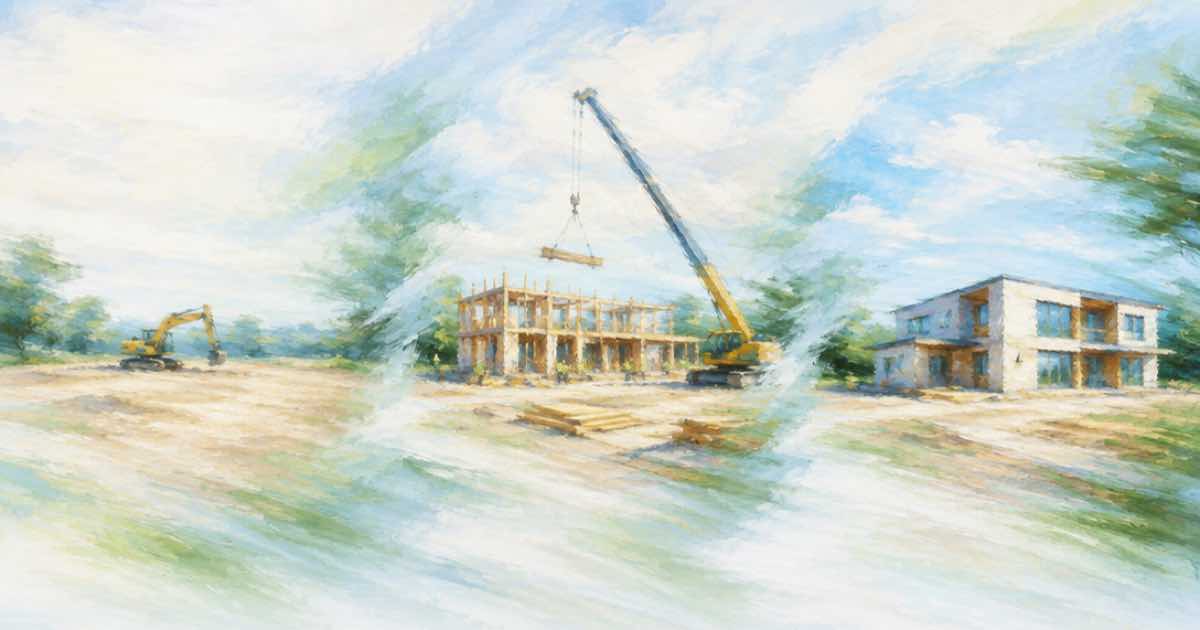
To make a construction progress time-lapse from two photos, send the earliest photo as image_url and the latest as end_image_url to Gemini Omni Flash 1.1, with a prompt that describes the change over time. An 8-second clip at 1080p costs $1.50 on Sume. The model interpolates between the two frames, so the result is an illustration of progress, not a record of it.
Why this model fits
Google's launch post and docs describe first and last frame interpolation: you supply a start image and an end image and the model generates the transition between them. Sume exposes it as image-to-video with image_url and end_image_url. The clip is 3 to 10 seconds, so 8 seconds is a practical length for a progress reel.
Prepare the two photos
Match the viewpoint. Interpolation between a photo from the north corner and a photo from the south corner gives a swirl, not a build. If you have the original camera position, use it; if you do not, pick the pair from your archive with the closest angle and the same aspect ratio.
- Same position and focal length where possible.
- Same orientation, either both landscape or both portrait.
- Similar light, or say in the prompt that the light changes.
- No people in the first photo you do not want in the last.
Prompt
Describe the phases the viewer should see, in order, and fix the camera: "Fixed camera. Time-lapse of a building under construction: the frame rises floor by floor, scaffolding appears and is removed, the facade is clad, the sky moves from day to dusk. No camera movement." Naming the order stops the model from jumping to the finished state in the first second.
curl -X POST https://api.sume.com/v1/video-router/generate \
  -H "Authorization: Bearer $SUME_API_KEY" \
  -H "Content-Type: application/json" \
  -H "Idempotency-Key: progress-001" \
  -d '{
    "model": "gemini-omni-flash-1.1",
    "image_url": "https://example.com/site-week-01.jpg",
    "end_image_url": "https://example.com/site-complete.jpg",
    "prompt": "Fixed camera. Time-lapse of a building under construction: the frame rises floor by floor, the facade is clad, scaffolding is removed. No camera movement.",
    "duration": 8,
    "resolution": "1080p",
    "mode": "async"
  }'
Cost
Run the first pass at 360p. If the photo pair is wrong the failure shows at any size.
| Resolution | Per second | 8 seconds |
|---|---|---|
| 360p | $0.0375 | $0.30 |
| 720p | $0.125 | $1.00 |
| 1080p | $0.1875 | $1.50 |
Camera lock
Say "fixed camera" and mean it. If the camera moves in the prompt while the two photos are from one position, the model has to reconcile a move with two still viewpoints, and buildings can slide. A locked frame also makes the finished clip easy to cut next to the original photos in a project page or a slide deck.
Check the final frame against your end photo. Interpolation should land on it; if the last second drifts, shorten the clip or add "ends exactly on the final image" to the prompt.
Timing the phases
In 8 seconds, each phase gets about 2 seconds. Three phases is a reasonable ceiling; five phases become a blur. If you need a longer reel, split the history into several 8-second clips from consecutive photo pairs: week 1 to week 10, week 10 to week 20, week 20 to complete. Join them with a Timeline render, which bills $0.10 per output minute, and lay a single music track under all of them.
Each clip starts exactly at the photo you gave it, so a pair chain gives you true anchors at every join even though the middle of each clip is generated.
Say what it is
The in-between frames are generated. They will show floors, windows and equipment that never existed in that order. If the clip goes on a project page, label it as an illustrative time-lapse. The listing-photo transition and the day-to-night guide use the same request shape.
Sources
Related posts
More in Use cases
- Customer onboarding email series with an avatar: 5 clips, cost by tier
Five 20-second onboarding clips from one Sume avatar cost $18.40 on standard, $24.50 on plus and $55.00 on max. How to plan the series and when to re-render.
- How do I automate a daily morning briefing audio with a TTS API?
A daily briefing of 2,200 characters is one TTS job: 11 cents a day, $3.30 for 30 days on Sume, plus a 1-cent concat if you add a music sting.
- Driver onboarding videos with an AI avatar: five 30-second clips
Five short avatar clips can cover a driver's first day. What each should say, how to handle a multilingual crew honestly, and the cost by tier.
- Destination film from ten location photos with Wan 3.0 on Sume
Turn ten photos of a town into a 30-second film with wan-3.0 reference images: $3.75 at 720p, $7.50 at 1080p, and a prompt that needs a dawn-to-dusk arc.
Written by Sume