
AI trade show booth mockup: put your graphics on a booth photo
Show your graphics on a booth wall before printing: a booth photo, your artwork as the second reference, and one Sume edit call with a mask for the panels.
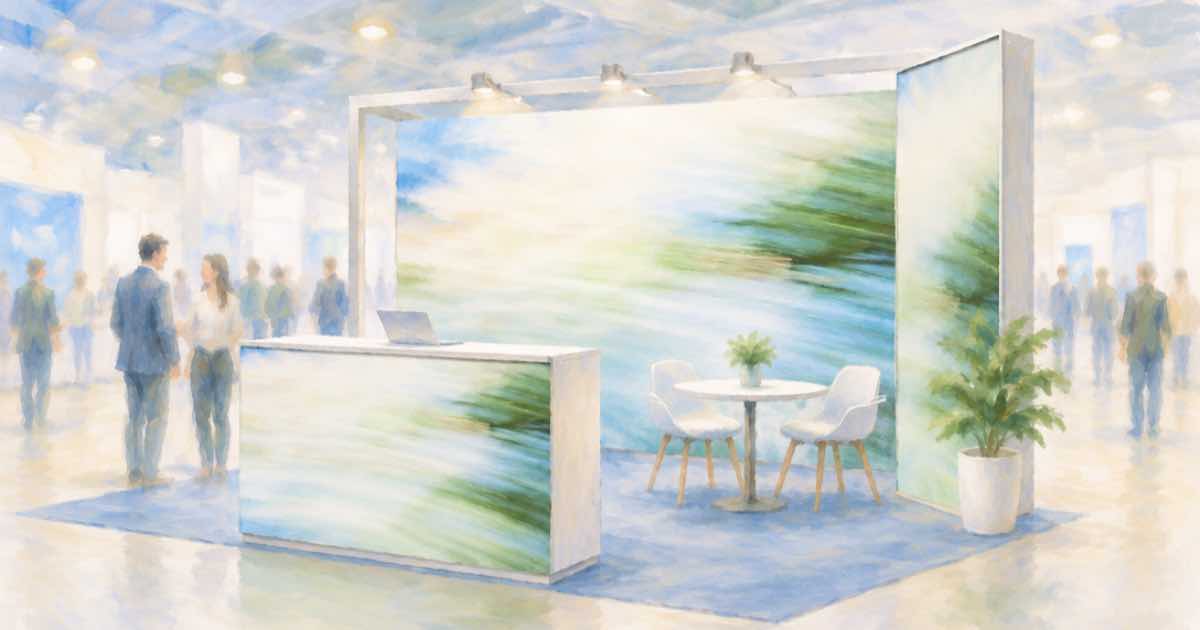
A booth shell and the graphics
Exhibitors approve large-format prints from a mockup. Use a photo of the empty shell or a previous booth as image 1 and the new back-wall artwork as image 2, and ask for the artwork on the back wall only.
Mask the back wall with mask_url if the prompt alone redraws the floor or neighbors. Sume lists the field on ChatGPT Image 2.5 only.
Sume Image API docs list ChatGPT Image 2.5 as openai/gpt-image-2.5 (Flare) and openai/gpt-image-2.5-sunburst. OpenAI's guide says to choose Sunburst where editing precision matters most and Flare for fast everyday generation, so these edits use Sunburst.
Say which wall and what stays
Name the surface: the central back wall, full height, edge to edge. Say the carpet, counter, lights and neighboring booths stay as photographed. If the artwork has a headline, check it character by character afterward.
import os
import requests

REFS = [
    "https://example.com/booth.jpg",
    "https://example.com/backwall.png",
]
resp = requests.post(
    "https://api.sume.com/v1/images",
    headers={"Authorization": f"Bearer {os.environ['SUME_API_KEY']}"},
    json={
        "model": "openai/gpt-image-2.5-sunburst",
        "prompt": "Image 1 is a booth photo, image 2 is back-wall artwork. "
                  "Show image 2 on the central back wall, full height, edge "
                  "to edge, with matching perspective. Keep carpet, counter, "
                  "lights and neighboring booths unchanged.",
        "aspect_ratio": "auto",
        "mask_url": "https://example.com/backwall-mask.png",
        "input_references": [
            {"type": "image_url", "image_url": {"url": u}} for u in REFS
        ],
    },
    timeout=60,
)
print(resp.status_code)
print(resp.json())
What to hand to the printer
The render is a preview. The printer needs the original artwork at the right size.
| Item | Source |
|---|---|
| Layout agreement | The render |
| Artwork of record | Your original file |
| Headline spelling | Checked on the original, not the render |
| Mask | alpha channel, same size and format as the photo |
Proof the copy, not the render
OpenAI's guide says its image model can still struggle with precise text placement and clarity. Treat every word in the render as unproven and proof the real file.
Quality and the first try
On ChatGPT Image 2.5 the quality field takes auto, low, medium, high, xhigh or max, and leaving it out means high. For a first pass at a layout idea, a lower tier is a reasonable way to look at composition before you pay for a final render.
Keep the source photo, the prompt and the response together for each option. That makes it easy to rerun the one you pick at a higher quality tier.
Sync, jobs and the bill
Treat the response code as the switch. 200 means the image body is in the response. 202 means a job was created because the 30-second wait ran out, and the image is read later from GET /v1/jobs/{id}/result.
A completed image is billed in full and a failed or cancelled one is not. The charge shown in usage.cost is provider list price times 1.25, so you can log it per edit and sum a batch from those numbers.
Sources
Related posts
More in Use cases
- AI trading card art: generate at 2:3, then crop to a 5:7 card
Sume has no 5:7 ratio. Ask for 2:3, keep art out of the margins, and crop 6.7 percent off the height. Models, request and crop math.
- AI try-on for sunglasses, bags and scarves from a photo
ChatGPT Try On covers accessories as well as clothes. The same edit on Sume: several photos of the item as references, and what to check on scale and shape.
- AI ultrawide wallpaper and banner API: which Sume models list 21:9
Seven Sume image rows list 21:9, from Flux 2 Pro at $0.0375 to Qwen Image Max at $0.09375. Nano Banana 2 adds 4:1 and 8:1; Ideogram adds 3:1. Request example.
- AI vintage travel poster via API: 3:4 art with the headline in code
Vintage travel poster art at 3:4 from any Sume row, then the place name set in code. From $0.025; Ideogram rows if the model draws the lettering.
Written by Sume