
AI nail art preview from a hand photo: a mask_url edit on one finger
Preview a nail design on a client's hand photo with a mask_url edit on gpt-image-2.5: a mask limited to the nails, a reference for the design, and edge checks.
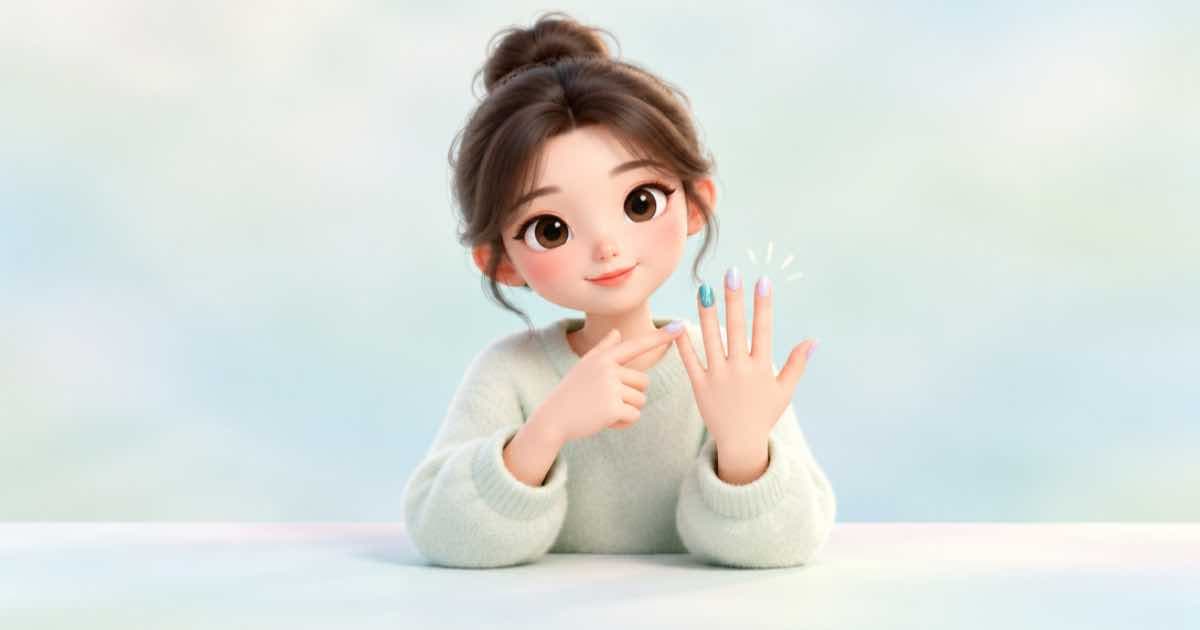
To preview nail art on a hand photo, send the photo and a design swatch as references to openai/gpt-image-2.5, add a mask_url that covers only the nails, and prompt for the colour and finish. The mask tells the model where to edit; check the skin around each nail before you show the result.
Treat the output as a preview. A render cannot promise how a gel finish or a nail shape will look on a real hand.
The mask rules that bite
Sume lists mask_url as an optional public HTTPS URL for ChatGPT Image 2.5 edits. OpenAI's image guide adds that, with several input images, the mask applies to the first image only, that the mask needs an alpha channel, and that it must match the target image's format and dimensions and stay under 50MB. So put the hand photo first in input_references and the swatch second.
{
  "model": "openai/gpt-image-2.5",
  "prompt": "Paint the nails in the masked area with the glossy burgundy chrome finish from the second reference. Keep the skin, rings and background exactly as in the first image.",
  "input_references": [
    {"type": "image_url", "image_url": {"url": "https://example.com/hand.png"}},
    {"type": "image_url", "image_url": {"url": "https://example.com/swatch.png"}}
  ],
  "mask_url": "https://example.com/hand-nails-mask.png",
  "aspect_ratio": "auto"
}
Mask checklist (read 2026-10-04)
| Requirement | Source |
|---|---|
| mask_url is a public HTTPS URL | Sume Image API docs |
| Mask has an alpha channel | OpenAI image generation guide |
| Mask matches the target image's format and dimensions, under 50MB | OpenAI image generation guide |
| With several images, the mask applies to the first image only | OpenAI image generation guide |
| A model that does not list mask_url rejects it with 400 unsupported_parameter | Sume Image API docs |
Check the mask in code first
A mask that is a different size from the photo is the quickest way to get a wasted job. This check runs offline on two files you pass in.
import sys
from PIL import Image

photo = Image.open(sys.argv[1])
mask = Image.open(sys.argv[2])
print("photo", photo.size, photo.format)
print("mask ", mask.size, mask.format, mask.mode)
assert photo.size == mask.size, "mask must match the photo's dimensions"
assert "A" in mask.getbands(), "mask needs an alpha channel"
print("ok")
Edge review
Zoom to 200 percent on each fingertip. Look for colour spilling onto the skin, a cuticle line that moved, and a ring or knuckle that changed. If one nail is wrong, fix it with a second, smaller mask on that nail instead of redoing the whole hand.
Sources
Related posts
More in Use cases
- AI paper doll cutouts: transparent outfits that fit one body, via API
Make paper-doll dress-up pieces: one body pose as the anchor, each outfit as a transparent PNG using the body as a reference, then print them at a shared scale.
- AI pet portrait in a costume: keep the markings with a reference
Put your dog or cat in a regal costume portrait: one pet photo as an input reference, a keep-the-markings prompt, and a retry plan for the coat pattern.
- AI playing card deck art: 54 faces cost $1.62 to $11.88 on Ideogram
A 54-card deck is 54 image calls. On Ideogram 4.5 list prices that is $1.62 at low, $3.24 at medium and $11.88 at high, with the corner indices drawn in code.
- AI Polaroid or VHS photo look on your own photo: an edit call
Give a photo the Polaroid or VHS look with one reference edit instead of a filter, then draw the date stamp or caption in code so the digits are exact.
Written by Sume