
AI pet portrait in a costume: keep the markings with a reference
Put your dog or cat in a regal costume portrait: one pet photo as an input reference, a keep-the-markings prompt, and a retry plan for the coat pattern.
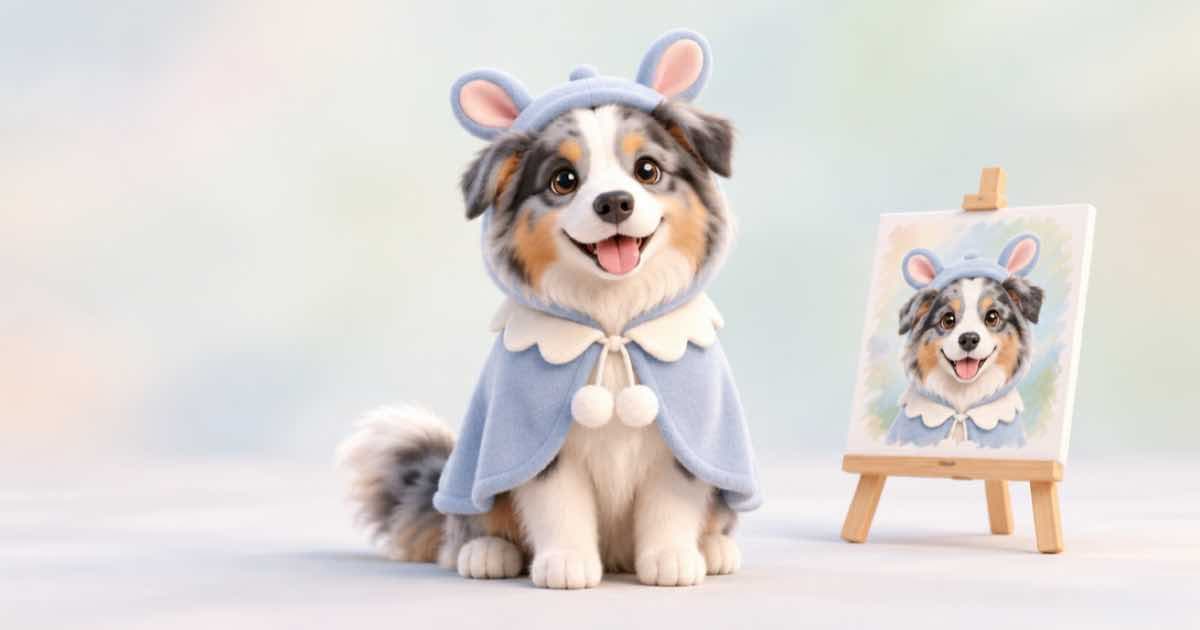
For an AI pet portrait in a costume, send one clear photo of the pet as an input reference to openai/gpt-image-2.5, name the coat markings in the prompt as things to keep, and describe the costume and the painting style separately. Pets are easy to get roughly right and hard to get exactly right, so plan for four takes and one retry.
The photo must be a public HTTPS URL; Sume rejects localhost, private-network and non-HTTPS reference URLs before the job is submitted.
Write the keep list first
The failure you will see most is a plausible animal that is not yours: the white blaze moves, an ear changes colour. Counter it by writing the markings as a list in the prompt (white chest patch, one dark ear, amber eyes) and by sending a second reference photo from a different angle. gpt-image-2.5 takes up to 16 references, so a front and a side photo cost you nothing in the request shape.
{
  "model": "openai/gpt-image-2.5",
  "prompt": "Oil-painting portrait of the dog in the references wearing a velvet admiral coat with gold buttons. Keep the white chest patch, the dark left ear and the amber eyes exactly as in the references. Warm studio lighting, plain dark background.",
  "input_references": [
    {"type": "image_url", "image_url": {"url": "https://example.com/dog-front.jpg"}},
    {"type": "image_url", "image_url": {"url": "https://example.com/dog-side.jpg"}}
  ],
  "aspect_ratio": "auto",
  "n": 4
}
Request checklist
| Check | Rule from the docs |
|---|---|
| Reference URLs | Public HTTPS only |
| Reference count | Up to 16 on openai/gpt-image-2.5 |
| Edit shape | Prefer aspect_ratio auto to match the reference |
| Takes per call | Read the n range descriptor; 10 is the ceiling |
| Failed generation | Not billed; failed requests return 502 |
When a take is close but wrong
Do not run the same request again and hope. Pick the closest take, host it, and use it as the first reference with a one-line correction ("restore the white chest patch"). Repeat the keep list on every pass, because each edit pass can drift from the original.
If a request returns 400, Sume's errors page says to fix the input rather than retry; a 429 or queue_full means wait and retry with the same idempotency key.
Check before you print
Lay the original photo and the portrait side by side and compare the markings: the patches, the ear shape and the eye colour. Regenerate with a tighter prompt if one moved; a failed generation is not billed, but a completed one is.
Sources
Related posts
More in Use cases
- AI playing card deck art: 54 faces cost $1.62 to $11.88 on Ideogram
A 54-card deck is 54 image calls. On Ideogram 4.5 list prices that is $1.62 at low, $3.24 at medium and $11.88 at high, with the corner indices drawn in code.
- AI Polaroid or VHS photo look on your own photo: an edit call
Give a photo the Polaroid or VHS look with one reference edit instead of a filter, then draw the date stamp or caption in code so the digits are exact.
- AI postcard via API: 3:2 front art, address side drawn in code
Make a postcard front at 3:2 with GPT Image 2.5 custom pixels, then draw the back with message, address lines and a stamp box in Pillow. Code runs as written.
- AI shopping referrals up 693%: a Sume output schema for listing copy
Adobe data in KTVZ has AI referrals to US retail up 693.4% in Nov-Dec 2025. Bind a headline, hero image and alt-text schema so each video returns typed JSON.
Written by Sume