
AI car color preview: try a wrap or paint color on your car photo
Try a satin wrap or a new paint color on a photo of your car with a Sume image edit: mask the body panels, keep glass and wheels, and compare three colors.
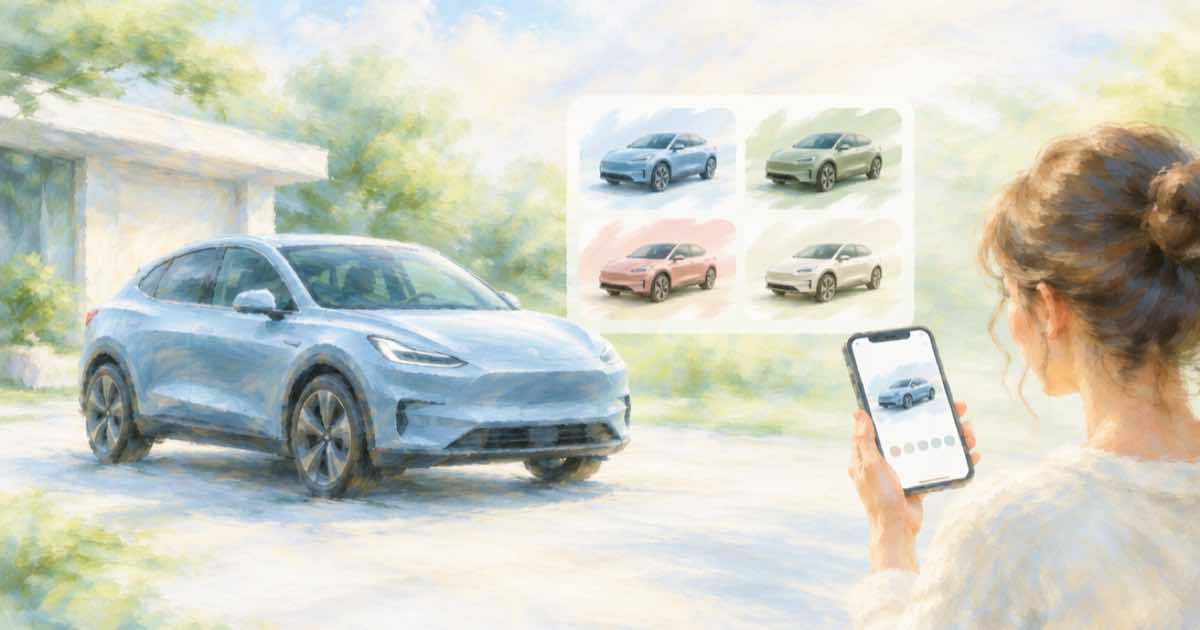
Mask the body, keep the glass and wheels
A wrap shop or an owner deciding between colors wants to see the real car in the new color. The car photo is the reference; a mask over the body panels tells the edit where to work, and the prompt names the color and finish.
Use mask_url with ChatGPT Image 2.5, since Sume documents the field on that model only. Without a mask the prompt alone has to hold back the edit, and wheels, glass and badges are the first things to drift.
Sume Image API docs list ChatGPT Image 2.5 as openai/gpt-image-2.5 (Flare) and openai/gpt-image-2.5-sunburst. OpenAI's guide says to choose Sunburst where editing precision matters most and Flare for fast everyday generation, so these edits use Sunburst.
Name the finish and the parts to keep
Say gloss, satin or matte, because finish changes how the body reads. List what must stay exactly as photographed: windows, wheels, tires, lights, badges, number plate and the background. If the plate or badges carry text, check them at full size.
import os
import requests

REFS = [
    "https://example.com/car.jpg",
]
resp = requests.post(
    "https://api.sume.com/v1/images",
    headers={"Authorization": f"Bearer {os.environ['SUME_API_KEY']}"},
    json={
        "model": "openai/gpt-image-2.5-sunburst",
        "prompt": "Recolor the body panels satin dark green. Keep windows, "
                  "wheels, tires, lights, badges, number plate and the "
                  "background unchanged.",
        "aspect_ratio": "auto",
        "mask_url": "https://example.com/car-body-mask.png",
        "input_references": [
            {"type": "image_url", "image_url": {"url": u}} for u in REFS
        ],
    },
    timeout=60,
)
print(resp.status_code)
print(resp.json())
Compare finishes in separate calls
Run one call per color and finish with the same photo and mask. The mask rules from OpenAI's guide apply: alpha channel, same size and format as the photo, under 50 MB.
| Option | Color | Finish |
|---|---|---|
| A | Dark green | Satin |
| B | Nardo grey | Matte |
| C | Deep blue | Gloss |
Do not treat it as a wrap proof
A wrap installer works from a film sample on the actual panel. Use the render to narrow the list to one or two colors, then ask for a physical sample in daylight.
Quality and the first try
On ChatGPT Image 2.5 the quality field takes auto, low, medium, high, xhigh or max, and leaving it out means high. For a first pass at a layout idea, a lower tier is a reasonable way to look at composition before you pay for a final render.
Keep the source photo, the prompt and the response together for each option. That makes it easy to rerun the one you pick at a higher quality tier.
Sync, jobs and the bill
Treat the response code as the switch. 200 means the image body is in the response. 202 means a job was created because the 30-second wait ran out, and the image is read later from GET /v1/jobs/{id}/result.
A completed image is billed in full and a failed or cancelled one is not. The charge shown in usage.cost is provider list price times 1.25, so you can log it per edit and sum a batch from those numbers.
Sources
Related posts
More in Use cases
- AI caricature from a photo via API: reference edit on Sume
Turn your own photo into a caricature with a reference edit: which Sume rows take a photo, what a call costs from $0.025, and why n=4 helps. Python example.
- AI certificate background via API: text-free art, names added in code
Generate a landscape certificate border at 4:3 or 3:2, with no text, then print names and dates with code so nothing is misspelled. Sume rows and cost.
- AI character series on Shorts: avoid the same situation each time
YouTube's inauthentic content policy flags characters in identical situations with the same outcomes. How to keep an AI character and vary the story in Sume.
- AI children's book illustrations with the same character on every page
Make storybook pages where the hero stays recognisable: draw one anchor image, pass it as a reference on every page call, and keep the style words fixed.
Written by Sume