
AI baby announcement card via API: art from the model, name from code
Make a baby announcement card: generate illustrated art at 3:4, crop to 5x7, and set the name, date and weight in code. Plus a privacy check on photo URLs.
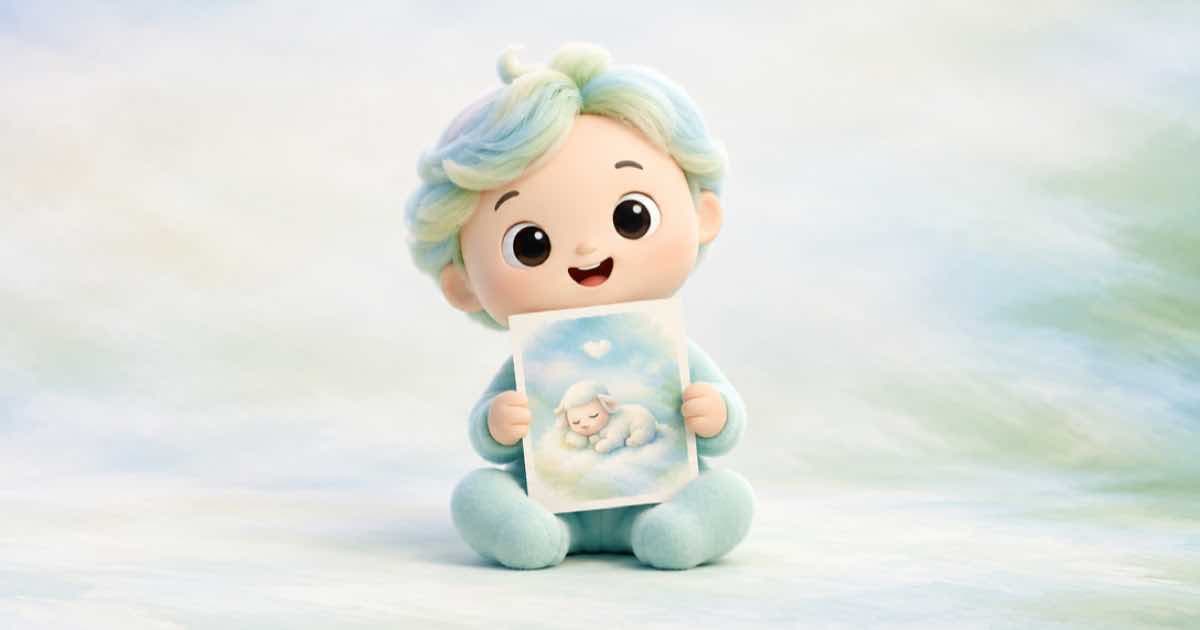
For a baby announcement card, generate illustrated art with an empty panel for the text, then set the baby's name, birth date and weight in code. Illustration needs no photo of the child, which also sidesteps the fact that a reference photo has to be sent as a public HTTPS URL.
Sume's Image API takes 3:4 and 2:3 ratios but no 5:7. Generate at 3:4 and crop to 5x7 in code.
Think before you upload a photo
Sume's docs say reference images must be public HTTPS URLs; localhost, private-network and signed or private URLs are rejected. That means any photo you pass as a reference is reachable by anyone who has the link while the job runs. For a newborn's photo, use a link you can delete straight afterwards, or skip the photo and use illustration only.
Cropping 3:4 to 5x7
A 5x7 portrait card is a 5:7 ratio, narrower than 3:4. Cropping the width of a 3:4 image to 5:7 keeps the full height and trims the sides.
On a 2448x3264 image (the largest legal 3:4 size for gpt-image-2.5 in Sume's documented rule) the 5:7 crop is 2331 pixels wide, so about 117 pixels come off the sides, split between left and right. Keep the subject in the middle and the empty text panel inside the crop.
| Step | Value |
|---|---|
| Generate | 3:4 art, such as 2448x3264 (7,990,272 pixels) |
| Crop to 5:7 | about 2331 x 3264 |
| Pixels per inch on 5 x 7 | about 466 across, 466 down |
Request and text layer
Ask for several takes, choose one, then draw the card text on top.
{
  "model": "openai/gpt-image-2.5",
  "prompt": "Soft watercolour of a sleeping fox cub curled in a nest of leaves, pastel sage and peach, empty cream space in the lower third. No lettering.",
  "aspect_ratio": "3:4",
  "n": 4
}
Set the wording in code
This runs as is on a placeholder canvas; open the chosen art in its place.
from PIL import Image, ImageDraw, ImageFont

card = Image.new("RGB", (2331, 3264), (250, 244, 232))  # replace with the cropped art
draw = ImageDraw.Draw(card)
font = ImageFont.load_default()
for y, line in [(2500, "Welcome, Alex"), (2580, "Born October 1"), (2660, "3.4 kg")]:
    draw.text((card.width // 2, y), line, fill=(70, 70, 60), font=font, anchor="mm")
card.save("announcement.png")
print(card.size)
Sources
Related posts
More in Use cases
- AI background music for a one-minute video: brief and cost
Generate a one-minute bed with the Music Router at $0.125 and render it under the video at $0.10 per output minute: about $0.225 in total.
- AI bingo cards: 24 pictures once, unique cards shuffled in code
Generate 24 picture squares with the image API one time, then produce as many unique bingo cards as you need by shuffling in Pillow. Code and a cost check.
- AI blog featured image at 16:9: 1536x864 passes, 1920x1080 does not
For a 16:9 blog featured image, gpt-image-2.5 accepts 1536x864 and 2048x1152 but not 1920x1080, because 1080 is not a multiple of 16. Checked in a table.
- AI board game tokens: transparent PNG art, circle-cropped at 300 dpi
Make board game character tokens: one anchor style, a transparent PNG per character from gpt-image-2.5, then crop to a circle in Pillow at token size.
Written by Sume